Tech articles love jargon. Mbps, CPU, GPU, RAM, SSD, AI, IoT, VPN, cloud, 4K... If you've ever felt lost in a tech conversation, you're not alone. The good news: most tech jargon is simpler than it sounds — and once you know the basics, everything else clicks into place.
This glossary explains the most common tech terms in plain English, so you can navigate tech articles, specs and conversations with confidence.
What we'll cover
Hardware terms Software & internet terms AI & security terms Display & device termsHardware terms
These are the terms you'll see in computer and phone specs:
| Term | What it means |
|---|---|
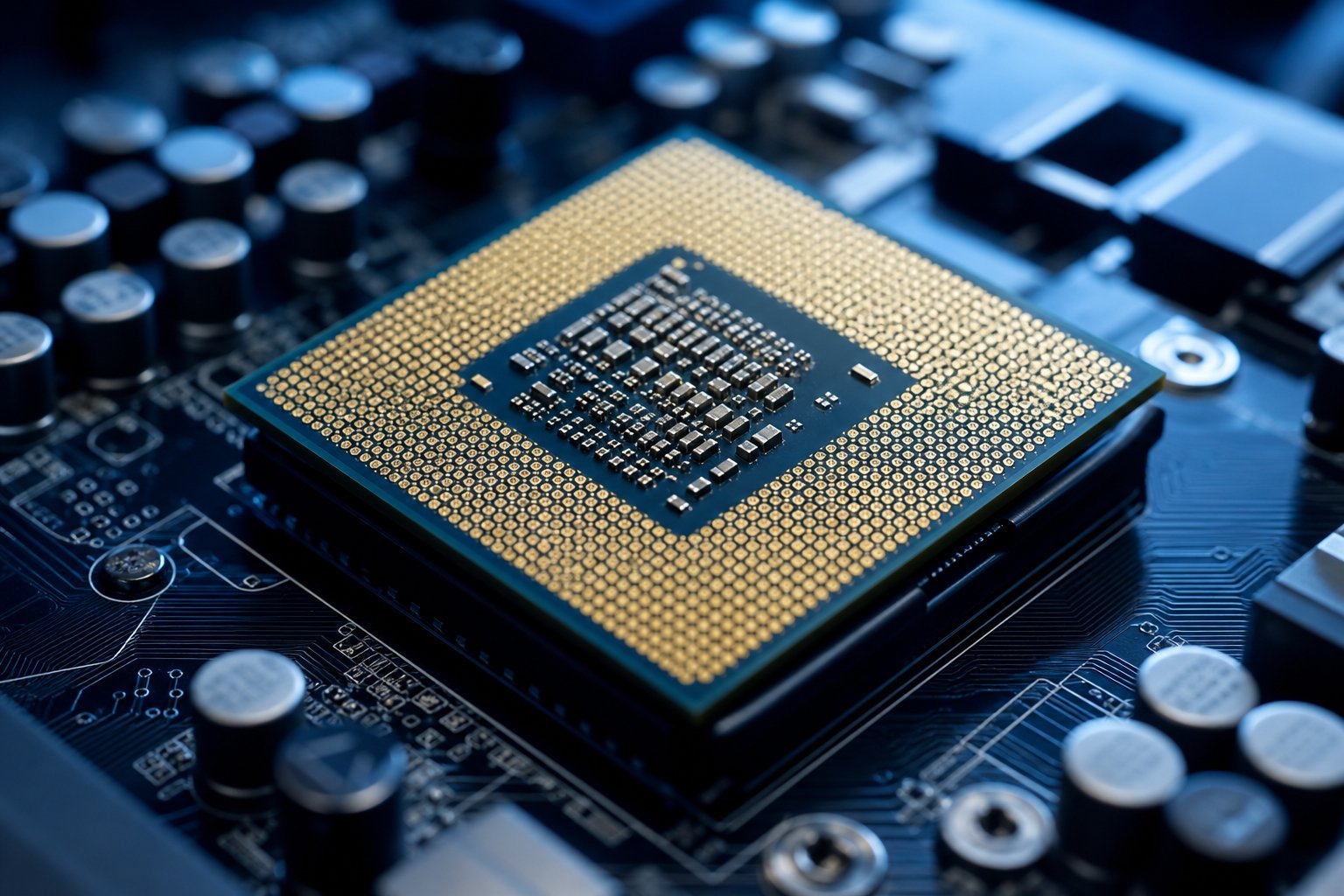
| CPU | The processor — your device's brain (see our guide) |
| GPU | Graphics card — renders images, important for gaming/editing |
| RAM | Short-term working memory (see our guide) |
| SSD / HDD | Storage — SSD is fast (no moving parts), HDD is slow (see our guide) |
| Motherboard | The main circuit board connecting all components |
Hardware terms describe the physical parts. Understanding the main ones — CPU, GPU, RAM, storage — covers most spec sheets.
Software & internet terms
These terms appear when talking about programs and the internet:
| Term | What it means |
|---|---|
| Operating system (OS) | The base software (Windows, macOS, iOS, Android) that runs your device |
| App | A program or application you use |
| Cloud | Files/services on remote servers over the internet (see our guide) |
| Browser | The app you use to view websites (see our guide) |
| Mbps | Internet speed — megabits per second (see our guide) |
| Wi-Fi / Router | Wireless internet; the device that broadcasts it (see our guide) |
Software and internet terms describe how programs work and how you connect. Knowing the core ones makes most articles readable.
AI & security terms
These terms are increasingly common:
| Term | What it means |
|---|---|
| AI | Artificial intelligence — machines doing human-like tasks (see our guide) |
| Machine learning | AI that learns from data (see our guide) |
| VPN | Encrypts your connection & hides your IP (see our guide) |
| 2FA | Two-factor authentication — extra login security (see our guide) |
| Phishing | Scam messages tricking you into revealing info (see our guide) |
| Malware | Malicious software — viruses, ransomware, etc. |
AI and security terms describe intelligence systems and online protection. Understanding them helps you stay safe and informed.
Display & device terms
These terms describe screens and devices:
| Term | What it means |
|---|---|
| Resolution | How many pixels a screen has — 1080p, 1440p, 4K (see our guide) |
| Refresh rate | How often a screen updates per second — Hz (see our guide) |
| HDR | High dynamic range — wider brightness/color range |
| IoT | Internet of Things — smart connected devices (see our guide) |
| Bluetooth | Wireless tech for connecting nearby devices |
Display and device terms describe what you see and the devices you use. Knowing resolution, refresh rate and a few others demystifies TV and monitor shopping.
💡 The jargon mindset
The secret to tech jargon: most terms are just labels for simple ideas. Don't memorize every acronym — learn the core concepts, and the labels become easy. Every guide on this site explains the jargon as it goes, so you can look up what you need when you need it.
📌 Bottom line
Tech jargon is mostly simple ideas with technical labels. Know the core hardware terms (CPU, GPU, RAM, storage), software/internet terms (OS, app, cloud, browser, Mbps), AI/security terms (AI, VPN, 2FA, phishing), and display terms (resolution, refresh rate, HDR, IoT). Each connects to a plain-English concept — and a guide on this site explains it in detail. Learn the concepts, and the jargon stops intimidating you.