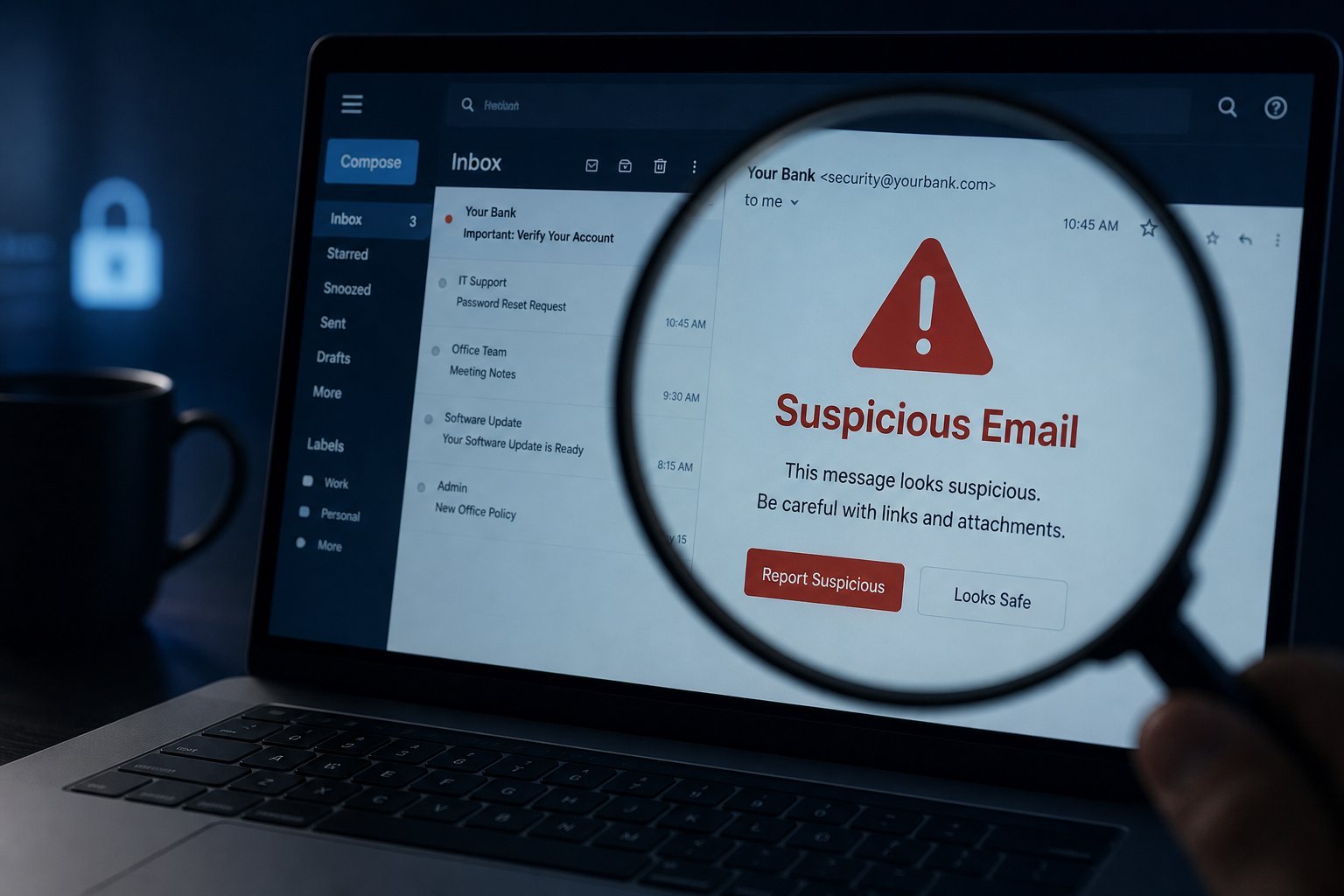
You've probably received one: an email claiming your bank account is "suspended," your package "couldn't be delivered," or your password "must be updated immediately." It looks official — the logo, the formatting, the urgent tone. And that's exactly the trap.
This is phishing, the most common cybercrime in the world, and it succeeds not because hackers are clever with code, but because they're clever with psychology. They create urgency, fear and familiarity to get you to act before you think. The good news: once you know what to look for, phishing becomes easy to spot — and you can protect yourself and your family.
What we'll cover
What phishing is The red flags to look for Common types: email, SMS, phone, fake sites Check before you click What to do if you've been tricked How to defend against itWhat phishing is
Phishing is a scam where criminals pretend to be a trusted person or organization to trick you into revealing sensitive information — passwords, credit card numbers, bank details — or into installing malicious software.
The word comes from "fishing": they cast a hook (a fake message) and wait for a bite. The hook is designed to look like something you'd expect: a message from your bank, a delivery notice, a social media alert, or a message "from" a colleague.
Here's the crucial insight that makes it click: phishing doesn't hack your computer — it hacks your judgment. It creates a situation where a normal person, in a moment of panic or distraction, makes a decision they normally wouldn't. That's why technical security software can't fully stop it, and why you are the real defense.
The red flags to look for
Most phishing messages share common warning signs. Learn to spot these and you'll catch the vast majority:
- A sense of urgency or fear. "Your account will be closed in 24 hours!" "Unauthorized login detected!" Scammers rush you so you don't think.
- Requests for personal info. Legitimate companies almost never email asking for your password, PIN or card number. Treat any such request as suspicious.
- Too-good-to-be-true offers. "You've won a prize!" "Free gift card!" If it seems too good to be true, it is.
- Unexpected attachments or links. Especially if the message is from someone you don't normally hear from.
- Generic greetings. "Dear Customer" instead of your name — real companies know your name.
- Spelling and grammar errors. Legitimate messages from major companies are usually proofread. Odd phrasing and typos are a clue.
- A mismatched or odd email address. Check the sender — "support@amaz0n.com" or "amazon.support@gmail.com" is a red flag.
💡 The golden rule
Be suspicious of any message that creates urgency, asks for personal information, or comes unexpectedly — no matter how official it looks. When in doubt, don't click. Contact the organization through a known, official channel instead.
Common types: email, SMS, phone, fake sites
Phishing comes in several forms, and recognizing them is half the battle:
- Email phishing (most common): mass emails pretending to be from banks, delivery companies, PayPal, Netflix, etc. Often includes a link to a fake login page.
- Spear phishing: targeted at a specific person (like you, at work), using details scammers gathered about you to look convincing.
- Smishing (SMS phishing): text messages — often claiming a package issue or a "suspicious login" — with a link. Mobile users are increasingly targeted this way.
- Vishing (voice phishing): phone calls from fake "support agents" or "bank security," sometimes using spoofed caller IDs to look official.
- Fake websites: look-alike sites that imitate real ones to steal your login. The address is usually slightly different (e.g., "paypa1.com").
- QR code phishing ("quishing"): fake QR codes that lead to malicious sites — common on printed "ads" or even at some locations.
Notice a pattern: in every form, the scammer is trying to get you to click, call, or enter details. The specific medium changes; the psychology doesn't.
Check before you click
Before you click a link or enter any information, run through this quick mental check:
This "pause and check" habit takes seconds but defeats almost every phishing attempt. The scam relies on you acting fast; not acting fast is your superpower.
✨ Verify through a separate channel
If you get an alarming email from your "bank," don't click any link in it. Open your banking app or type the bank's official website yourself, and check there. Legitimate alerts will show up there too — and the fake link never touches your information.
What to do if you've been tricked
If you realize you've clicked a phishing link or entered your details on a fake site, don't panic — act quickly:
Acting within the first hour dramatically limits the damage. If money or sensitive data is involved, don't delay contacting the relevant institution.
How to defend against it
Prevention is better than reaction. Build these defenses so phishing rarely reaches you — and when it does, you're ready:
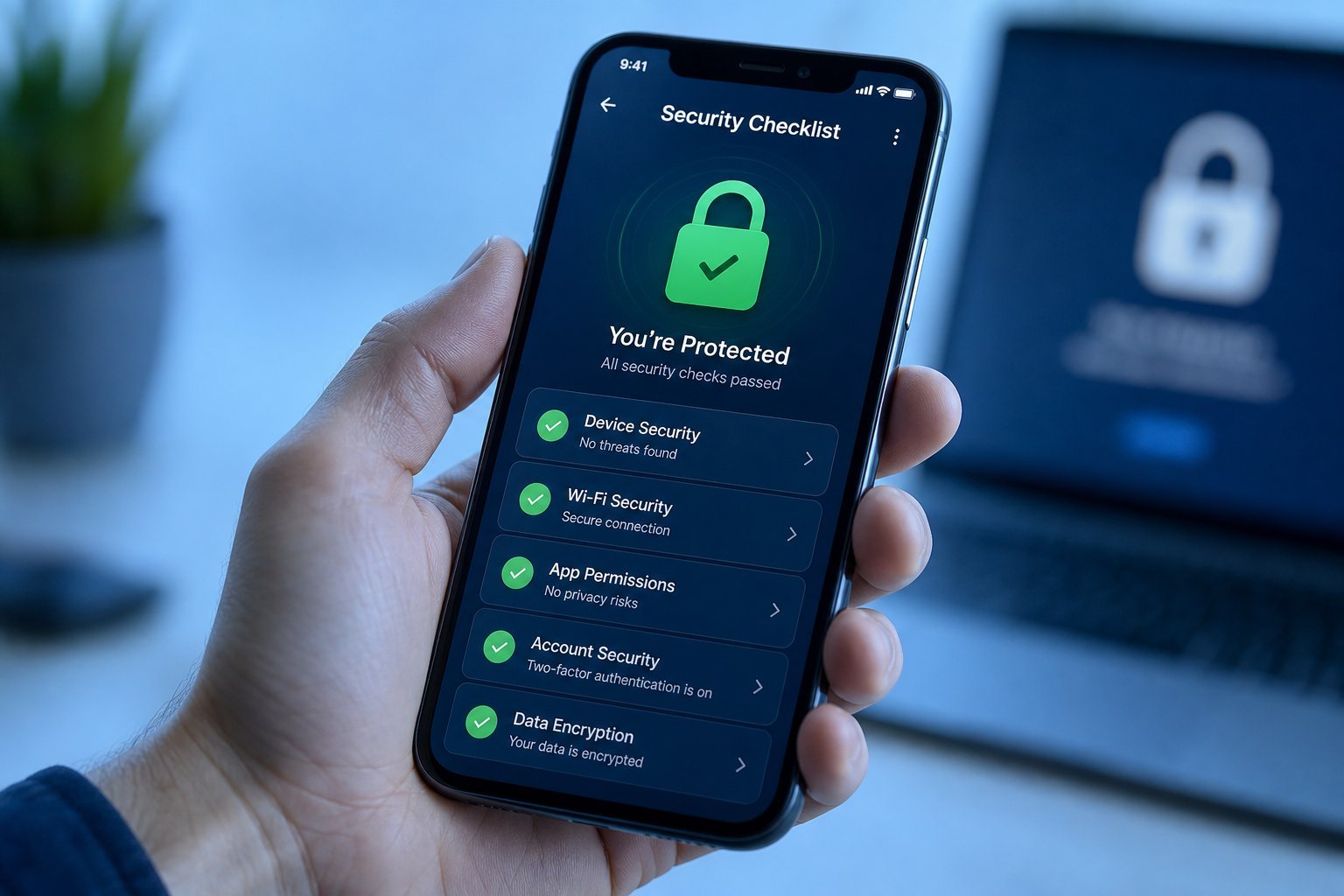
- Enable two-factor authentication everywhere important. Even if a scammer gets your password, they still can't get in. (See our safety checklist.)
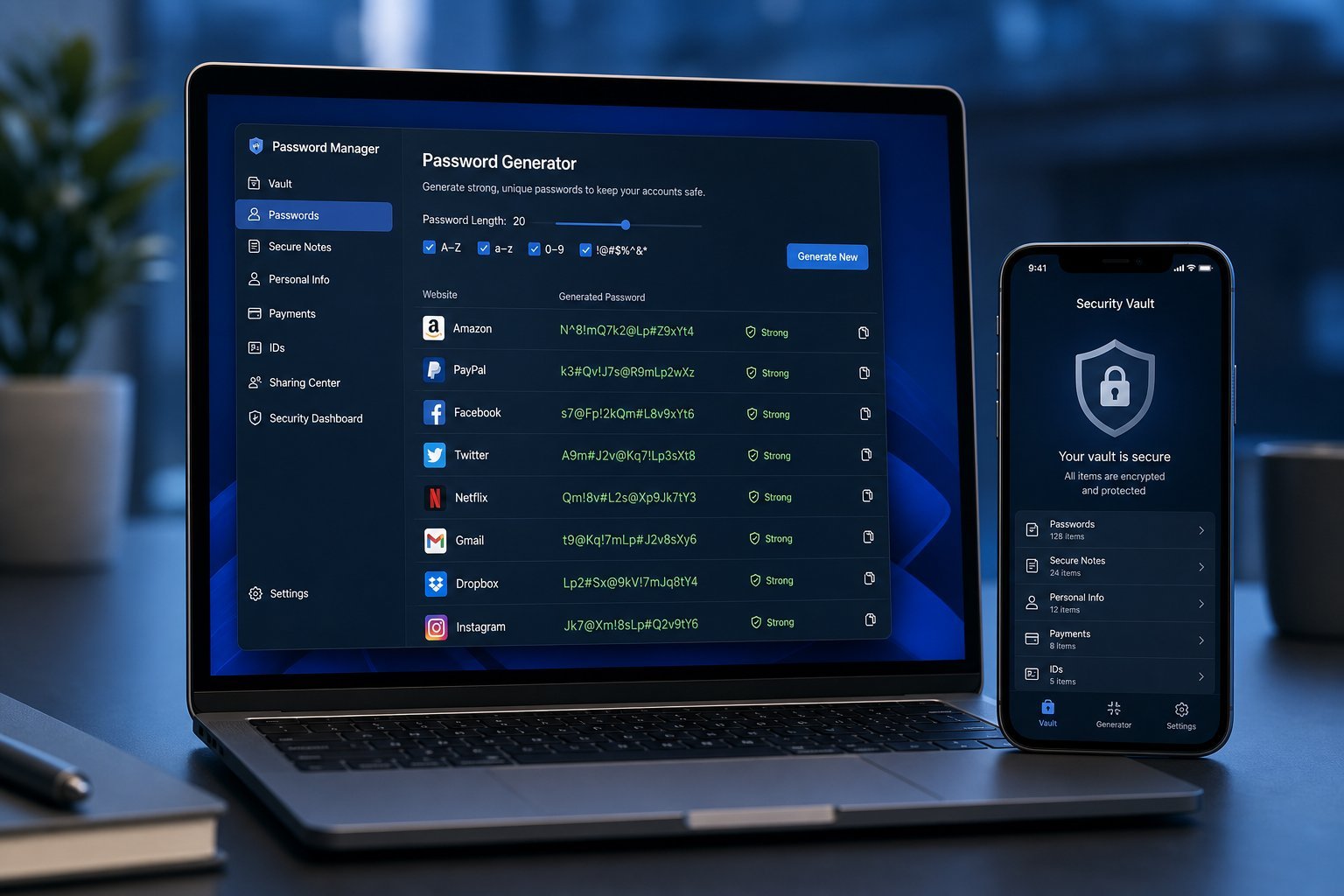
- Use a password manager. It won't autofill on a fake site that doesn't match the real address — an excellent automatic defense.
- Keep software updated. Updates patch vulnerabilities that phishing can exploit.
- Report and delete. Mark phishing emails as spam so the provider learns to block them.
- Talk to family — especially older relatives. They're frequently targeted and less aware of the signs. Share this guide with them.
- Use antivirus/built-in protection (see our antivirus guide) as a safety net.
📌 Bottom line
Phishing scams you through psychology, not hacking — urgency, fear and familiarity. Spot the red flags (urgency, requests for info, mismatched senders, typos), pause before you click, and verify through a separate channel. Enable two-factor authentication and a password manager, and you make phishing far less effective. When in doubt, don't click — the extra five seconds is all it takes to stay safe.