We've covered how to choose a laptop and what a CPU does — but there's another spec that quietly causes more confusion (and more buying mistakes) than almost any other: RAM. Is 8 GB enough? Do you need 16 or 32? What even is RAM, and why does it matter?
Here's the encouraging news: RAM is actually one of the simplest specs to understand once you know the core idea. And getting it right matters more than most other specs, because it's one of the few things you often can't easily upgrade later. This guide explains RAM in plain terms and helps you choose the right amount.
What we'll cover
What RAM actually does How to think about RAM How much you need (a simple chart) Can you add more RAM later? How to choose the right amountWhat RAM actually does
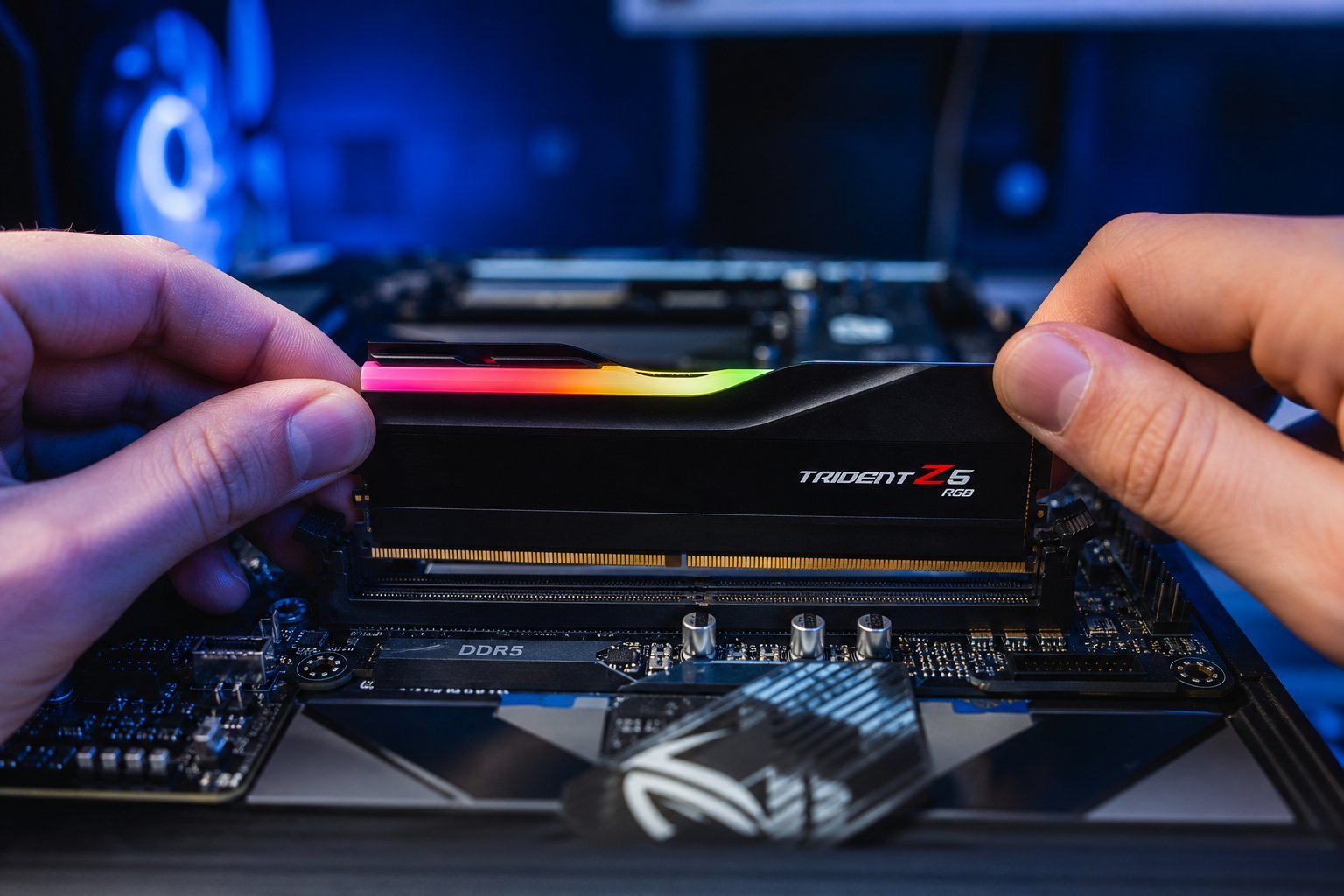
RAM stands for Random Access Memory, but the name doesn't matter — the function does. RAM is your computer's short-term working memory. It's where your computer keeps the apps and files it's actively using right now, so they can be accessed instantly.
Here's the key distinction: RAM is different from storage. Storage (your hard drive or SSD) is where files live permanently. RAM is the fast, temporary workspace where programs run. When you open a browser, that browser loads into RAM. When you close it, that space frees up.
A useful analogy: think of your computer as a desk. RAM is the desk surface — the space where you spread out your work. Storage is the filing cabinet behind you. The bigger the desk, the more you can have open and within reach at once. When the desk gets full, you have to put things away (in the slow filing cabinet) to make room.
How to think about RAM
With the desk analogy in mind, here's what you need to understand about RAM:
- More RAM = handle more at once. If you like having many browser tabs, apps and programs open simultaneously, more RAM keeps everything smooth.
- Not enough RAM = lag and slowdown. When RAM is full, your computer starts using storage as a temporary overflow (called "swap" or "paging"). Storage is much slower than RAM, so everything crawls.
- RAM doesn't make your computer smarter — it makes it better at multitasking. It's not about processing power (that's the CPU); it's about how much you can juggle at once.
The frustrating symptom of too little RAM is familiar: you open more tabs, and suddenly everything freezes, spins, or takes forever. That's your computer running out of desk space and frantically shuffling things into the filing cabinet.
How much you need (a simple chart)
Here's the practical guide most people are looking for. These are current recommendations for typical use:
| Amount | Best for |
|---|---|
| 8 GB | Basic browsing, email, documents, light streaming. Fine but tight for heavy multitasking. |
| 16 GB | The sweet spot for most people — multitasking, Office, browsing, light editing. Recommended. |
| 32 GB | Heavy multitaskers, video editors, programmers, creative pros. |
| 64 GB+ | Specialist work — large video/3D projects, heavy virtual machines. |
💡 The recommendation
For the vast majority of people, 16 GB is the right amount. It comfortably handles everyday multitasking and light creative work, and it future-proofs you better than 8 GB. Go up to 32 GB only if you do heavy creative or professional work.
Can you add more RAM later?
This is a crucial point that affects your buying decision. It depends on the device:
- Desktops: Almost always upgradeable. Adding more RAM is one of the simplest hardware upgrades.
- Some laptops: Have accessible RAM slots you can upgrade. Check before buying.
- Many modern laptops (and all recent Macs): RAM is soldered in and cannot be upgraded. What you buy is what you have forever.
Here's the practical implication: if your laptop's RAM can't be upgraded, buy enough now. Choosing 16 GB instead of 8 GB on a non-upgradeable laptop is a small cost that prevents a slow, frustrating machine a couple of years down the line.
⚠️ Check before you buy
Before choosing a laptop, find out whether its RAM is upgradeable. If it's soldered in (non-upgradeable), you must buy enough at purchase time — 16 GB is the safe choice for most people.
How to choose the right amount
Here's a simple way to decide how much RAM you need:
✨ The "one size up" trick
If the budget allows, choose one step up from the minimum you think you need. Going from 8 GB to 16 GB is a small price that saves you from the most common cause of a slow-feeling computer: running out of RAM.
📌 Bottom line
RAM is your computer's short-term working memory — the desk where you spread out your tasks. More RAM means smoother multitasking; too little causes lag. For most people, 16 GB is the sweet spot. If your laptop's RAM can't be upgraded, buy enough now. Understand the difference between RAM and storage, match RAM to how much you juggle at once, and you'll avoid the single most common cause of a sluggish computer.