If you're serious about gaming, your monitor matters as much as your graphics card. It's what you actually look at, and the right gaming monitor can make games look smoother and feel more responsive. But the specs are intimidating: refresh rate, response time, resolution, G-Sync, FreeSync, 1440p vs 4K. It's a lot.
This guide explains the gaming monitor specs that actually matter, so you can choose one that fits your hardware and your games.
What we'll cover
Refresh rate: the big one Response time Resolution Adaptive sync (G-Sync/FreeSync) How to chooseRefresh rate: the big one
For gaming, refresh rate is the most important monitor spec. It's how many times per second the screen updates, measured in Hz.
- 60Hz — standard; fine for casual gaming.
- 144Hz — the sweet spot for most gamers. Games look dramatically smoother and feel more responsive.
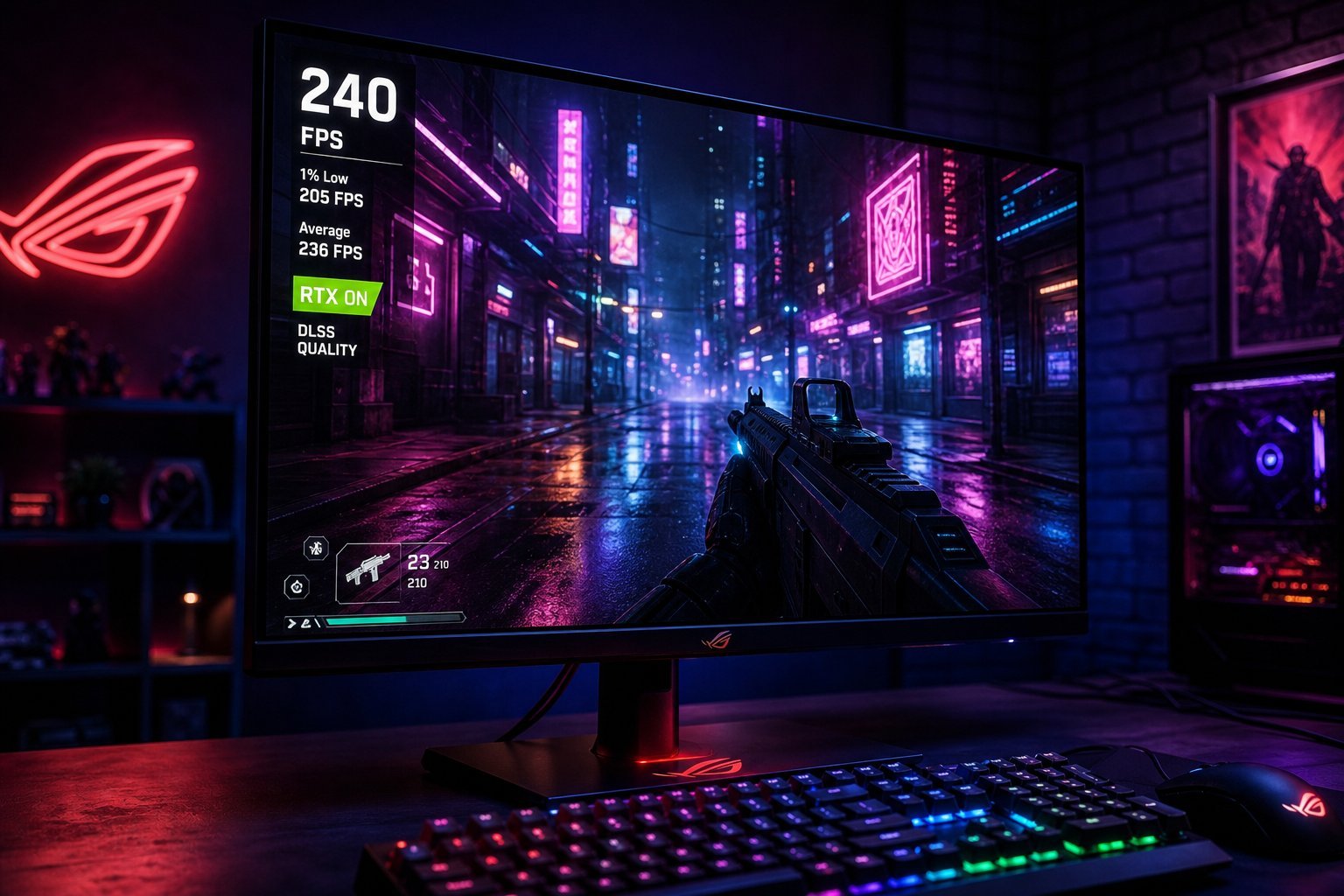
- 240Hz+ — for competitive esports, where every frame and millisecond matter.
💡 The refresh rate rule
A higher refresh rate makes games look smoother and feel more responsive. 144Hz is the sweet spot for most gamers — a huge improvement over 60Hz without the premium price of 240Hz+. It's the spec that matters most for gaming.
Response time
Response time is how fast a pixel can change color, measured in milliseconds (ms). Lower is better:
- Lower response time = less motion blur. Fast-moving scenes look sharper.
- Look for 1–5 ms response times on gaming monitors.
- Don't obsess over the marketing number. Real-world response differs from specs, but lower is generally better.
Response time matters most in fast, competitive games. A lower response time reduces the smearing you see in quick motion.
Resolution
Resolution affects sharpness and performance. For gaming, the choice is a balance:
- 1080p (Full HD). Easiest to run — great for high frame rates on budget/mid-range hardware.
- 1440p (QHD). The sweet spot for many gamers — noticeably sharper than 1080p while still achievable on mid-range hardware.
- 4K. The sharpest, but very demanding — you need a powerful GPU to run games well at 4K.
✨ Match resolution to your GPU
Don't buy a 4K monitor if your graphics card can't run games at 4K smoothly. Choose a resolution your GPU can actually push at a good frame rate. For most gamers, 1440p at 144Hz is an excellent balance of sharpness and performance.
Adaptive sync (G-Sync/FreeSync)
Adaptive sync eliminates screen tearing (when the screen shows parts of different frames). It syncs the monitor's refresh rate to your graphics card's output:
- FreeSync — works with AMD graphics cards.
- G-Sync — works with NVIDIA graphics cards (though many G-Sync monitors also support FreeSync).
- Benefits. Smooth, tear-free gameplay with less stutter.
Adaptive sync is a nice-to-have that genuinely improves the gaming experience. Just match it to your graphics card brand for the best result.
How to choose
Here's how to choose a gaming monitor:
📌 Bottom line
A gaming monitor is worth choosing well — it's what you look at and it shapes how games feel. Prioritize refresh rate (144Hz is the sweet spot), a low response time, and a resolution your GPU can actually run (1440p is the balance for most). Consider adaptive sync (FreeSync/G-Sync) matched to your graphics card. Match the monitor to your hardware and games, set a budget, and you'll get a smoother, more responsive gaming experience.