Walk into a friend's house and say "turn off the lights" to the air, and the lights obediently go out. It's impressive — and more than a little intimidating if you're thinking about setting up your own smart home. Where do you even start? Do you need to rewire your house? Is it expensive?
Here's the reassuring truth: a smart home doesn't need to be fancy, expensive, or technical. You can start small — with a single smart speaker — and grow from there, one gadget at a time. This guide shows you how to build a connected home that's genuinely useful, on a sensible budget, without getting overwhelmed.
What we'll cover
What a "smart home" really is Start small: your first smart device The brain: pick your ecosystem Great starter devices Setting up step by step Privacy & security for smart homes Budget tipsWhat a "smart home" really is
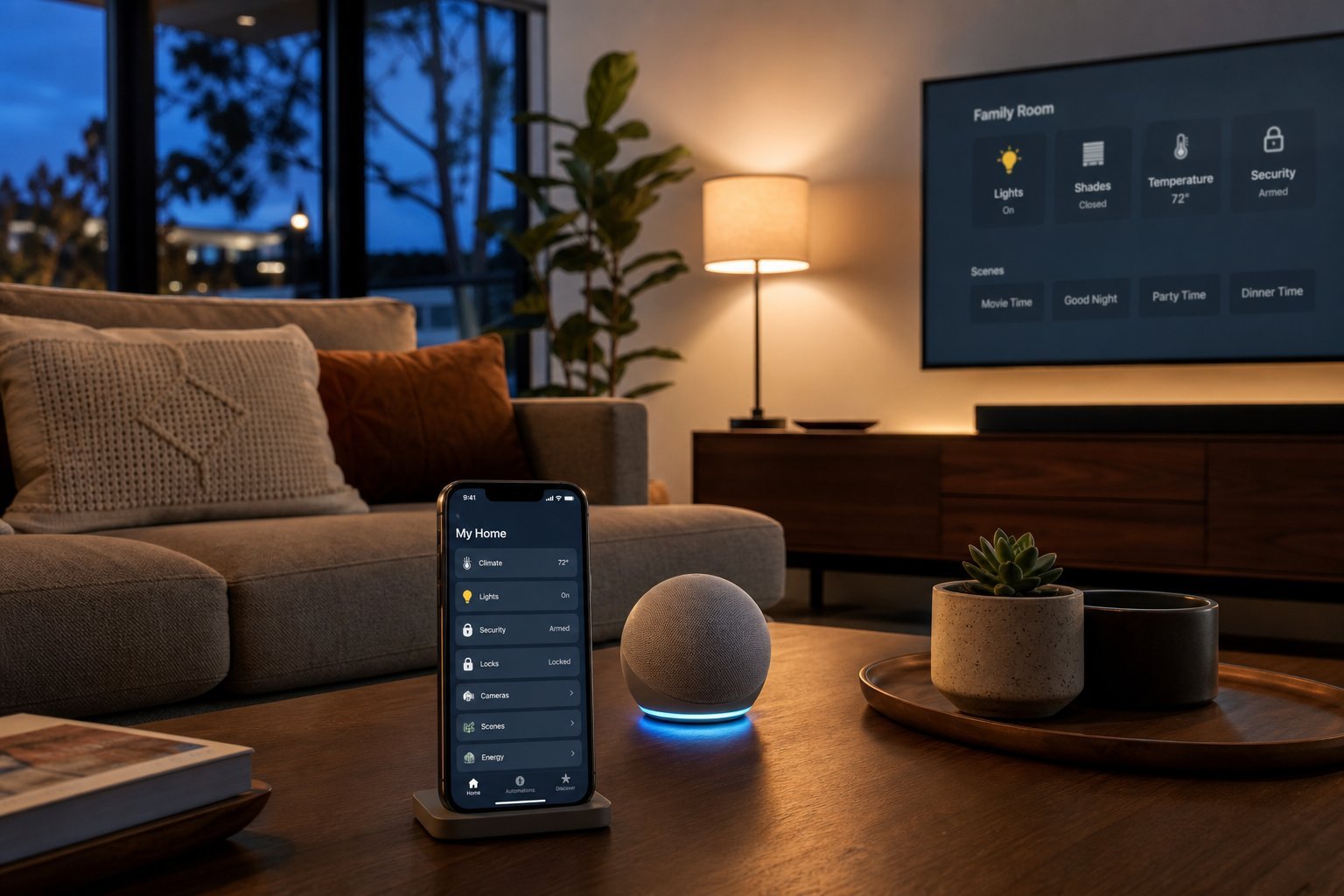
Let's demystify the term. A smart home is simply a home where everyday devices can be controlled automatically or remotely, usually through your phone or a voice assistant. The light bulbs, plugs, speakers, cameras and thermostats are connected to your Wi-Fi, and they follow your instructions.
The appeal is convenience and comfort:
- Turn off lights you forgot without getting out of bed.
- Set a schedule so lights come on before you get home.
- Control your thermostat from your phone.
- Ask your speaker to play music, set timers, or answer questions.
- Check a camera to see who's at the door.
None of this requires rewiring or special skills. Most smart devices are "plug in, connect to the app, and go." You don't build a smart home all at once — you add one useful device at a time.
Start small: your first smart device
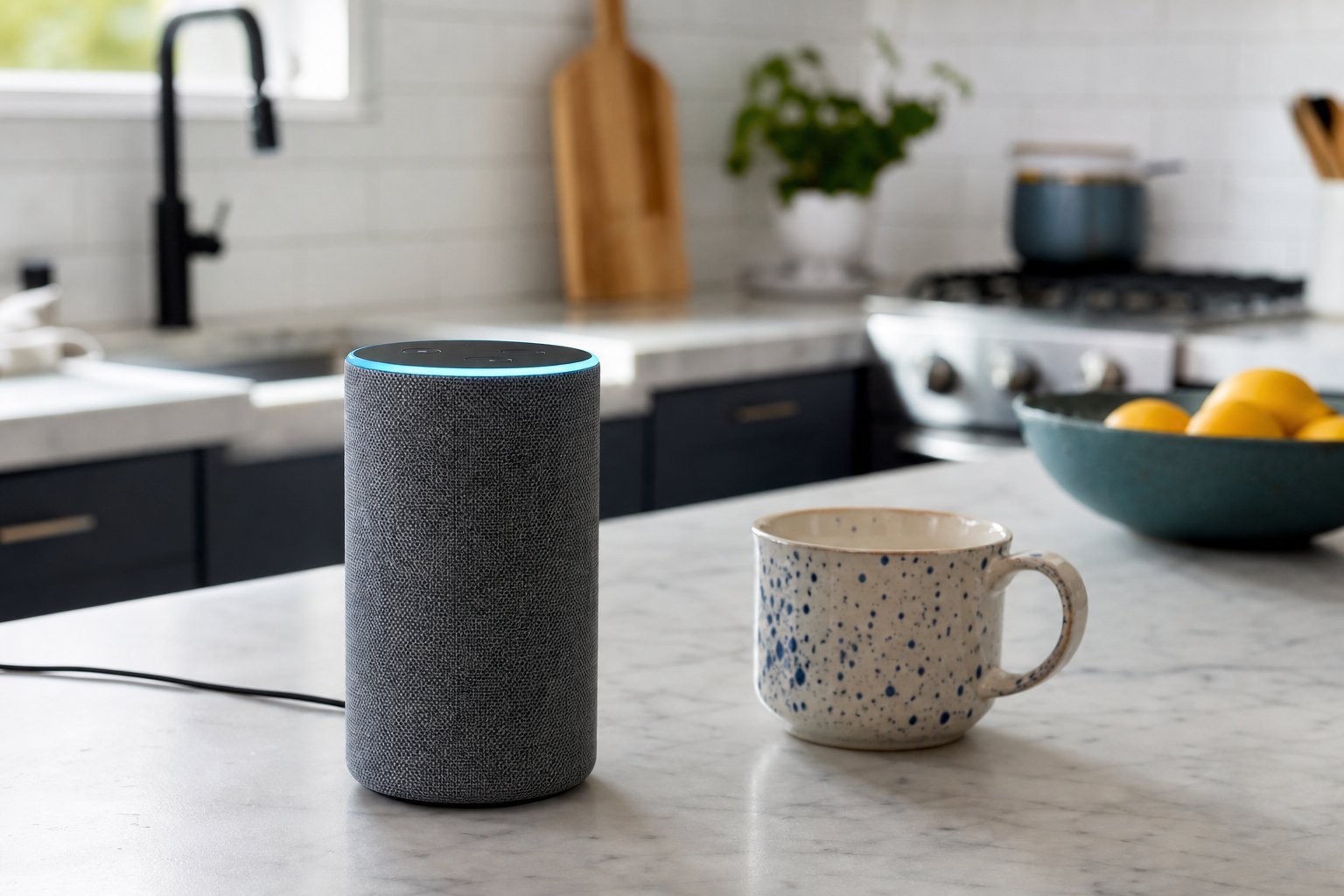
The very best starting point for most people is a smart speaker — a voice assistant like the Amazon Echo (Alexa), Google Nest (Google Assistant), or Apple HomePod (Siri). Here's why:
If you'd rather start even smaller, a smart plug is the cheapest entry point. You plug it into a wall socket, then plug a lamp or appliance into it, and you can control that device from your phone or by voice. It's a perfect, low-cost way to test whether you actually enjoy the smart home lifestyle.
✨ The smart plug test
Get a smart plug and connect a lamp or a small fan to it. For a few weeks, see how often you actually use the phone app or voice commands. If you use it regularly, a smart home is for you. If not, you've spent very little to learn that.
The brain: pick your ecosystem
As you add more devices, you'll want them to work together. That's where the "ecosystem" comes in. The three main ones are built around the big tech companies:
| Ecosystem | Assistant | Best if you use… |
|---|---|---|
| Amazon | Alexa | A wide range of compatible devices |
| Google Assistant | Android & Google services | |
| Apple | Siri / HomeKit | iPhones & Apple devices |
Here's the practical advice: don't overthink it, and don't buy into one ecosystem so deeply you can't switch. For a beginner, start with whichever assistant is easiest for you — if you use an iPhone, Apple's HomeKit or an Alexa/Google speaker both work; if you're on Android, Google Assistant is a natural fit.
The modern standard Matter is making devices more cross-compatible, which is good news for everyone — it means your devices are less likely to be locked into one brand. For now, just pick one assistant to start and add devices that work with it.
Great starter devices
Once you have a brain (a smart speaker) and maybe a smart plug, here are the most popular and genuinely useful additions, roughly in order of value:
- Smart bulbs — screw in like normal bulbs, control brightness and color from your phone or voice. Great for bedrooms and living rooms.
- Smart plugs — control lamps, fans, and appliances; also great for setting schedules.
- Video doorbells / smart cameras — see who's at the door, get alerts, check in from anywhere. Popular for security and peace of mind.
- Smart thermostats — adjust your heating/cooling from your phone, learn your schedule, and potentially save on energy.
- Smart locks — lock and unlock with your phone, give temporary codes to guests, and never worry about losing a key.
- Smart displays — like a smart speaker with a screen, useful for video calls, recipes and viewing cameras.
Start with the device that solves a real annoyance in your life. Do you hate getting up to turn off lights? Start with bulbs. Worried about package theft? Start with a doorbell camera. The best smart home is one that fixes problems you actually have — not a showroom of gadgets.
Setting up step by step
When you're ready, setting up most smart devices follows the same simple pattern:
Each device takes about 5–10 minutes. Take it one at a time, and don't try to automate everything on the first day. Get comfortable with one device before adding another.
Privacy & security for smart homes
Because smart home devices connect to the internet and some have microphones or cameras, privacy is a legitimate concern. Here's how to enjoy the convenience responsibly:
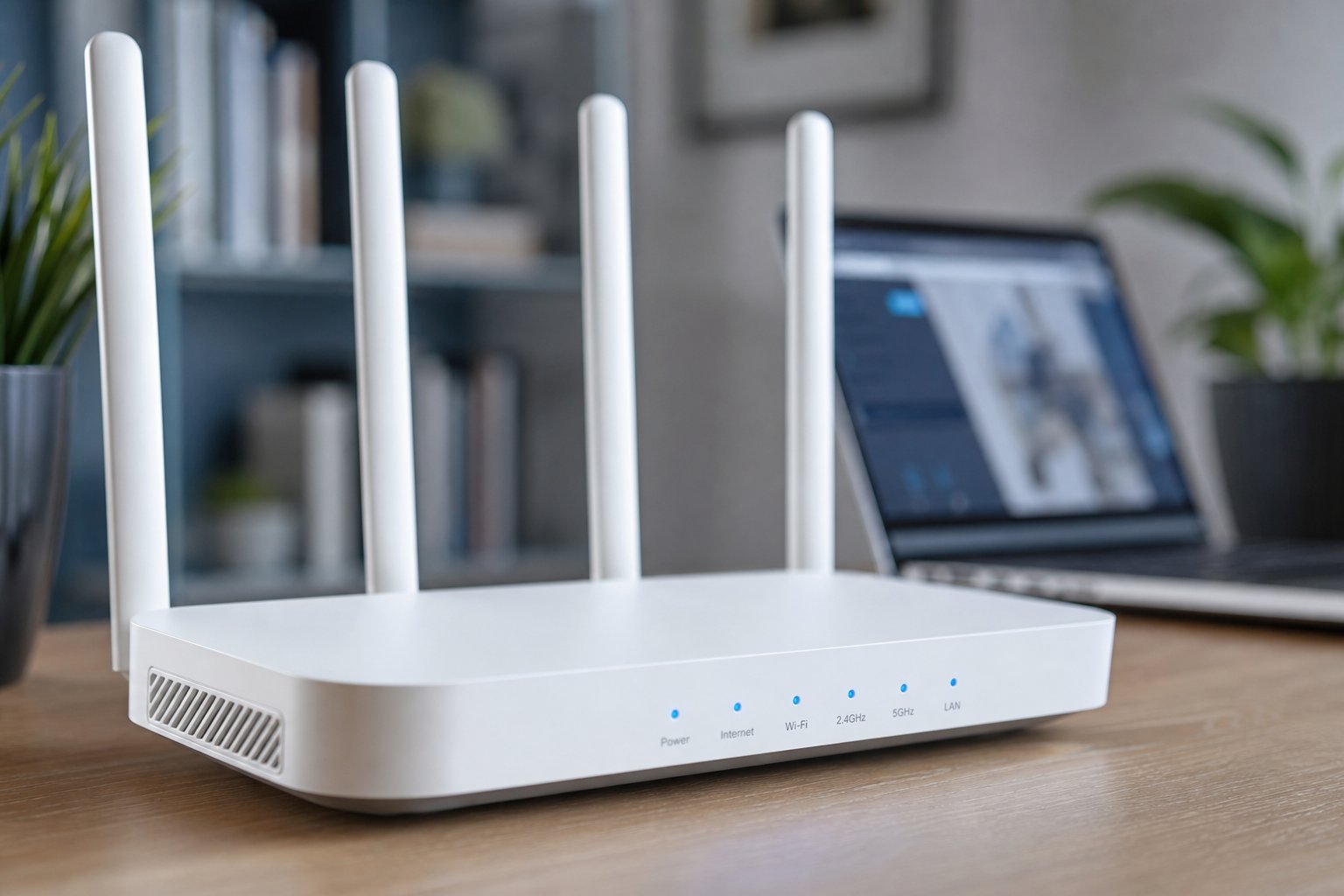
- Secure your Wi-Fi. A strong password and encryption protect all your devices. (See our router guide.)
- Use unique passwords for each smart device's app or account, ideally via a password manager.
- Enable two-factor authentication on your main smart home account.
- Mute the mic when you want privacy. Most speakers have a physical mic-off button.
- Review what each device records. Cameras and voice recordings can usually be reviewed and deleted in the app.
- Place cameras thoughtfully. Avoid pointing indoor cameras at private areas.
- Keep devices updated. Updates patch security holes.
⚠️ Know what your devices see
Read what a smart device records and how it's stored before you buy it. You're welcoming a microphone or camera into your home — understand the terms, and use the mute buttons and privacy settings they offer.
Budget tips
You don't need to spend a fortune. Smart home gear is more affordable than ever:
- Start with budget brands. There are excellent budget smart plugs and bulbs that work with Alexa and Google for just a few dollars each.
- Buy during sales. Smart home gear frequently goes on sale during big shopping events.
- Grow gradually. Add one or two devices a month rather than buying everything at once.
- Prioritize usefulness. Spend on devices that fix real problems, not on gadgets you'll forget about in a week.
📌 Bottom line
A smart home is just connected devices you control by phone or voice — and you build it one step at a time. Start with a smart speaker or a cheap smart plug, pick an ecosystem (Alexa, Google or Apple), and add devices that solve real problems. Secure your network, manage privacy sensibly, and grow on a budget. You don't need a smart mansion — you need a few devices that genuinely make your day better.