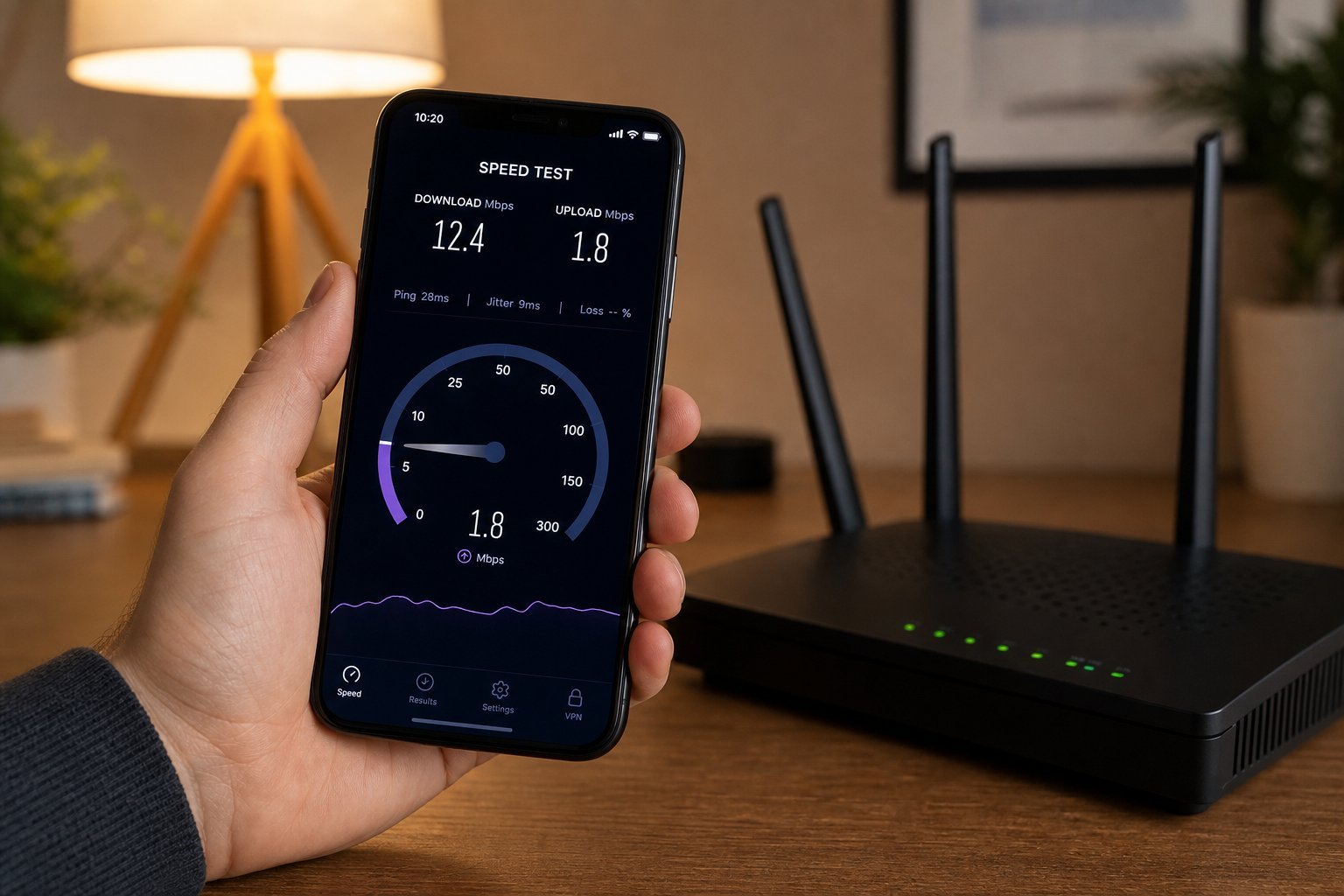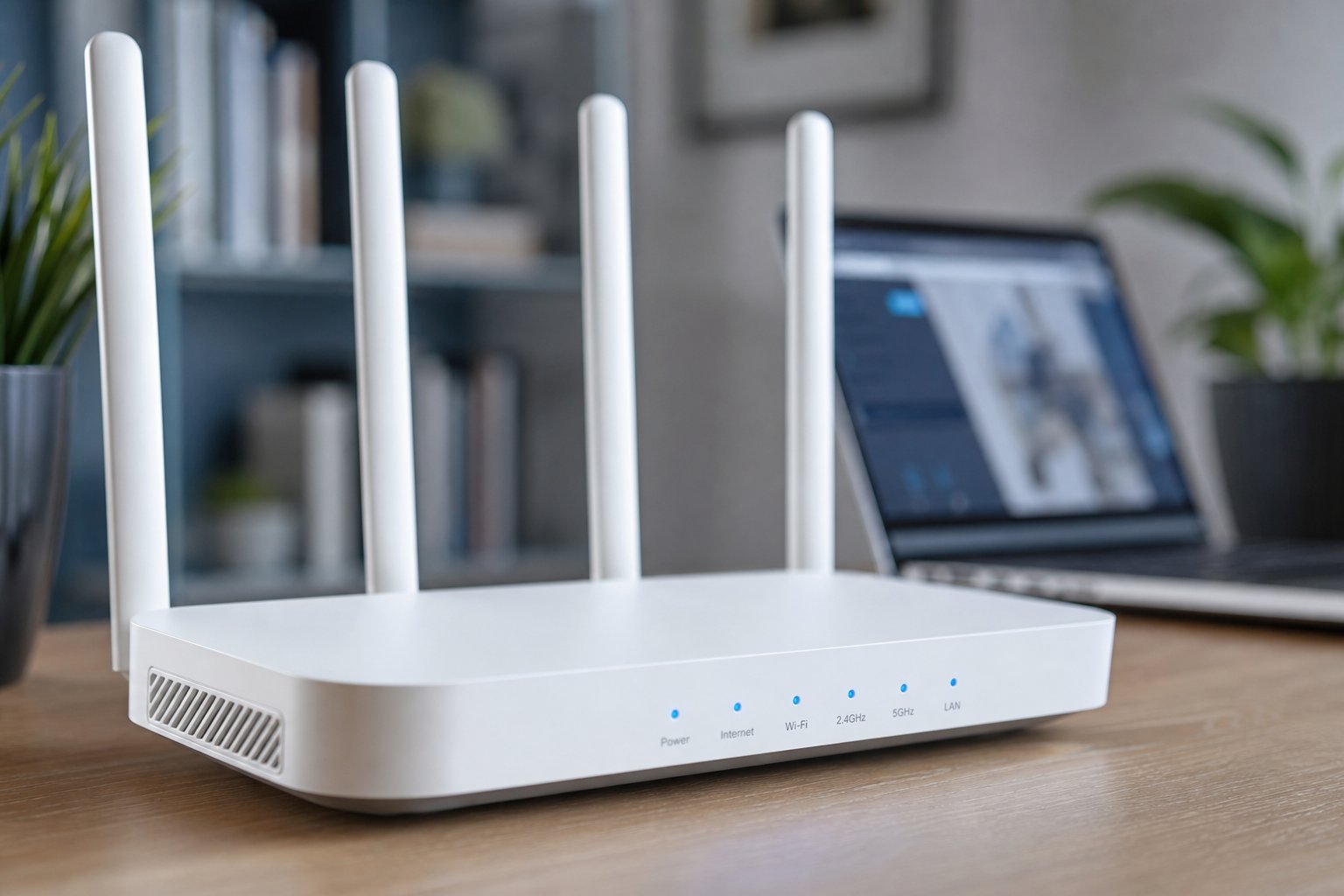
Your router is the unsung hero of your digital life — or the silent culprit behind your slow internet, dead zones and dropped calls. Yet most people pick a router the way they pick a light bulb: whatever's on sale, plugged in, and forgotten. And that's exactly why so many homes have bad Wi-Fi.
Here's the good news: choosing a good router doesn't require an engineering degree. You just need to match the router to your home, your internet plan, and how you use the internet. This guide makes it simple — no jargon overload, just what you actually need to know before you buy.
What we'll cover
What a router does (quickly) Signs you need a new router Wi-Fi bands: what the numbers mean The specs that actually matter Router type for your home size Price & budget guidanceWhat a router does (quickly)
Let's clarify the two boxes people often confuse. The modem connects your home to your internet provider's network — it's the bridge to the outside world. The router creates your home's Wi-Fi network, letting your devices connect and talk to each other and the internet. Many homes have a combined "modem/router" box from their provider, but a separate, good router is usually better for performance and coverage.
If you're buying a router, you're buying the device that makes your Wi-Fi. It's responsible for speed, range, and how many devices can connect comfortably.
Signs you need a new router
Before you spend money, check whether your current router is actually the problem. Common signs it's time to upgrade:
- It's more than 4–5 years old. Router technology advances quickly, and old routers often lack modern speed and security standards.
- Dead zones. Areas of your home where Wi-Fi is weak or nonexistent.
- Frequent disconnections or dropped video calls.
- Slow speeds even when you're near the router.
- Too many devices. Older routers choke when a household has many phones, laptops, TVs and smart devices connected at once.
If several of these sound familiar, a new router is likely worth the investment. (First, though, try the fixes in our slow internet guide — they're free.)
Wi-Fi bands: what the numbers mean
You'll see routers described as "dual-band" or "tri-band," and as Wi-Fi 5, Wi-Fi 6, or Wi-Fi 7. Here's what that means in plain terms:
- Bands are the frequencies a router broadcasts on. Most modern routers are dual-band: a 2.4 GHz band (better range, slower) and a 5 GHz band (faster, shorter range). Tri-band adds a second 5 GHz band, useful in busy homes.
- Wi-Fi generations (Wi-Fi 5/6/7) are technical standards. Wi-Fi 6 is the sweet spot right now — it's faster, handles many devices better, and is widely available. Wi-Fi 7 is the newest but pricier and not yet necessary for most homes.
💡 The practical takeaway
For most people, a dual-band Wi-Fi 6 router is the right choice. It covers the speed and multi-device needs of a typical home without paying a premium for the newest tech.
The specs that actually matter
Router boxes are covered in numbers, but only a few matter for most homes:
- Wi-Fi standard (Wi-Fi 6): matters, as discussed — Wi-Fi 6 handles modern households well.
- Number of devices supported: A router's specs list how many devices it can handle. For a typical home, aim for a router that comfortably supports all your devices (many modern ones handle 30+).
- Ethernet ports: If you'll plug in a PC, console or TV, make sure it has enough wired ports (usually 4).
- MU-MIMO and OFDMA: technical features that let the router talk to multiple devices efficiently. Most Wi-Fi 6 routers have them — you don't need to research this, but it's why Wi-Fi 6 handles many devices better.
Ignore the marketing numbers like "AX5400" or "AC1900" — those are theoretical maximums you'll rarely reach. Focus on the Wi-Fi generation, device support and your home size.
Router type for your home size
Your home's size and layout determine whether you need a single router, a mesh system, or a range extender:
| Home situation | Best choice |
|---|---|
| Small apartment / single room | A single standard router |
| Medium home (2–3 bedrooms) | A good single router, placed centrally |
| Large or multi-story home | A mesh Wi-Fi system |
| One weak area | A Wi-Fi range extender (or mesh) |
Mesh systems are the modern answer to large or multi-story homes. Instead of one router broadcasting from a corner, a mesh uses a main router plus satellite nodes placed around the home, all sharing one network name. This provides consistent, strong coverage everywhere. If your home is big or has dead zones, a mesh is worth the investment.
For smaller spaces, a single quality router placed centrally (per the placement tips in our slow internet guide) is usually plenty.
✨ Place it centrally
Whichever router you buy, place it centrally, up high, and away from walls, metal and appliances. Router placement matters as much as the router itself.
Price & budget guidance
Router prices range from budget to premium. Here's a realistic guide:
- Budget (under ~$60): entry-level routers that cover small spaces with basic needs. Fine for apartments and light use, but limited for many devices.
- Mid-range (~$60–$150): the sweet spot — good Wi-Fi 6 dual-band routers that cover typical homes well. Most people should look here.
- Premium ($150+): higher-end Wi-Fi 6/6E routers and mesh systems, great for large homes, heavy streaming, gaming and many devices.
- Mesh systems: often $150–$400 depending on the number of nodes and features.
The guidance is the same as for laptops: most people don't need the most expensive option. A mid-range Wi-Fi 6 router is more than enough for a typical home. Spend more only if you have a large home, many devices, or specific needs like high-end gaming.
📌 Bottom line
A good router is matched to your home, not chosen by price. Look for a dual-band Wi-Fi 6 router from a reputable brand, match it to your home size (single router for small/medium homes, mesh for large ones), and place it centrally. Ignore the marketing speed numbers and focus on what matters: the Wi-Fi generation, device support and coverage. Get that right, and your Wi-Fi will just work — for years.