Open any laptop or computer spec sheet and you'll be hit with a barrage of processor names: "Intel Core i5," "Ryzen 7," "Apple M3," "2.4 GHz," "8 cores." It's a wall of jargon that makes choosing a computer feel like decoding a secret language.
Here's the good news: you don't need to memorize model numbers. You just need to understand what a processor (CPU) does and how to compare two of them at a glance. This guide gives you that knowledge in plain terms, so spec sheets stop intimidating you.
What we'll cover
What a CPU actually does Cores & threads: the simple analogy Clock speed: why it's not the whole story Intel vs AMD vs Apple: the players How to choose a CPU (without the jargon)What a CPU actually does
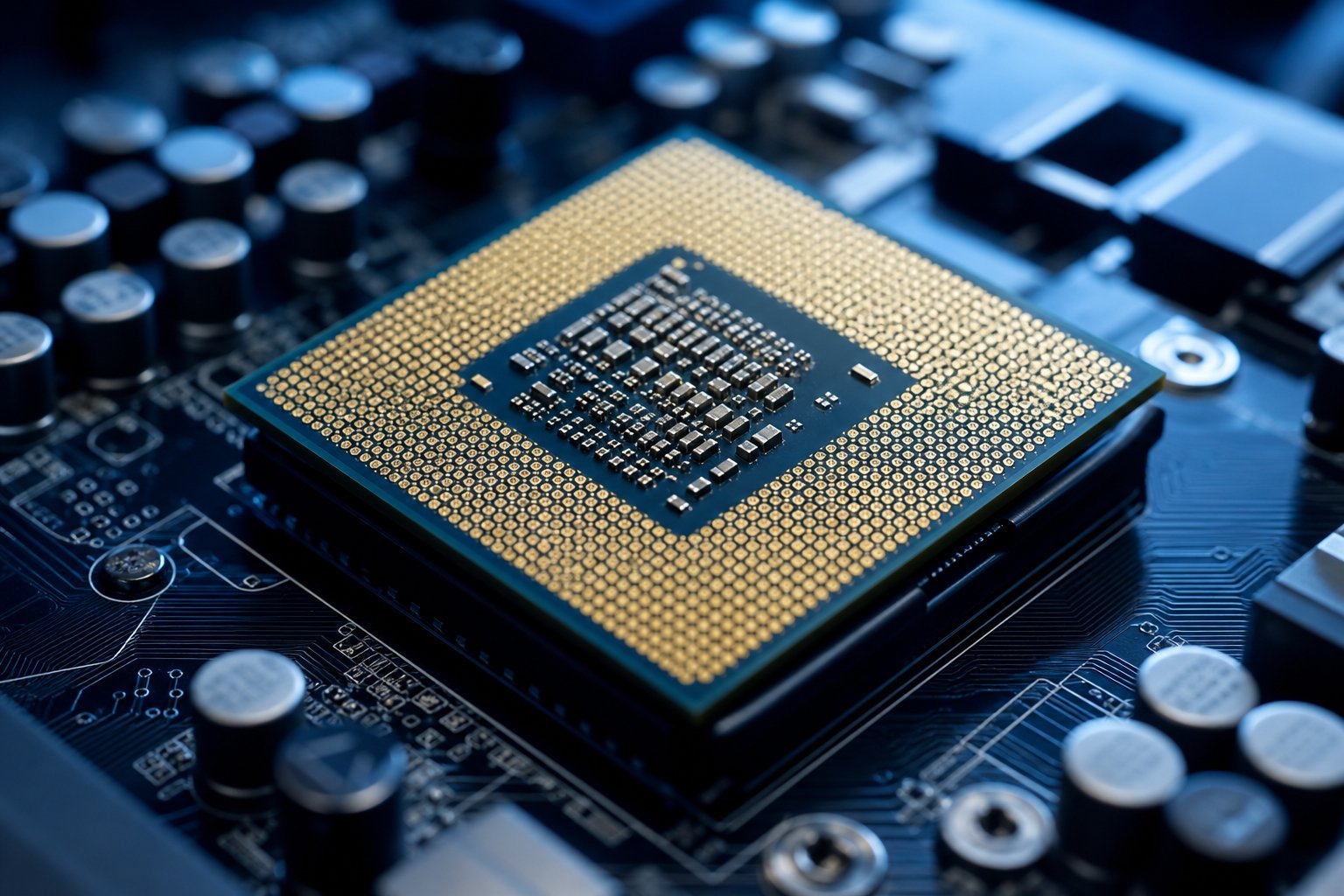
The CPU — central processing unit — is the "brain" of your computer. It carries out the instructions of every program you run: calculations, logic, data processing. When your computer "thinks," it's the CPU doing the thinking.
A useful way to picture it: the CPU is like a chef in a busy kitchen. The chef takes orders (your programs), performs the steps (calculations), and coordinates with the rest of the kitchen (memory, storage, graphics). A better chef processes orders faster and handles more at once.
The CPU isn't the only thing that matters for speed — memory, storage and graphics all play a role — but the processor is the foundation. Everything else supports it.
Cores & threads: the simple analogy
Two of the most important CPU specs are cores and threads. Here's how to think about them:
- Cores: Think of each core as a separate chef. A dual-core CPU has two chefs; an 8-core CPU has eight. More cores mean the CPU can work on multiple tasks at the same time.
- Threads: Each core can often handle more than one line of work at once. Threads are essentially the number of simultaneous tasks the CPU can juggle. Two threads per core is common.
The general rule: more cores and threads = better multitasking. If you run many programs at once, do video editing, or play modern games, more cores help. For simple tasks like browsing and email, you barely notice the difference.
💡 Cores in plain terms
Imagine cores as chefs in a kitchen. One chef (single-core) handles one dish at a time. Eight chefs (8-core) can prepare several dishes simultaneously. For heavy multi-tasking or demanding software, more "chefs" means less waiting.
Clock speed: why it's not the whole story
You'll see CPUs advertised with a speed like "2.4 GHz" or "up to 5.0 GHz." This is the clock speed — essentially how many operations the processor can do per second. It sounds like the higher, the better, and that's roughly true within the same family of CPUs.
But here's the catch: you can't compare clock speeds across different processor generations or brands. A newer CPU running at 3.0 GHz can easily outperform an older one at 4.0 GHz, because the newer design does more work per "tick." It's like comparing a modern electric car to an old petrol car by engine size — the number alone doesn't tell the story.
So don't obsess over clock speed. Treat it as a minor detail and focus on the processor's generation and tier instead.
Intel vs AMD vs Apple: the players
Most consumer CPUs come from three players, and understanding them removes a lot of confusion:
- Intel — the classic name. Chips like Core i3, i5, i7, i9. Broad compatibility, widely used.
- AMD — Intel's main rival. Chips like Ryzen 3, 5, 7, 9. Known for great value and strong multi-core performance, especially in recent years.
- Apple — Apple's M-series chips (M1, M2, M3, M4) power Macs. They're remarkably fast and efficient, with excellent battery life.
Within each brand, the pattern is the same: bigger number = more powerful (i3 → i5 → i7 → i9, or Ryzen 3 → 5 → 7 → 9). You don't need to know every model — just that higher tiers are faster and more expensive.
How to choose a CPU (without the jargon)
Here's how to choose a CPU based on what you'll actually do — no model numbers required:
✨ The sweet spot
For the majority of users — browsing, streaming, Office, light creative work — a current mid-tier processor (Core i5 or Ryzen 5) is the sweet spot: plenty fast now and for years, without paying a premium for power you won't use.
📌 Bottom line
The CPU is your computer's brain — it processes everything. Cores and threads tell you how much it can do at once; clock speed is a minor detail you can't compare across brands; and Intel, AMD and Apple are the main players. The practical way to choose: match the CPU to your tasks, use the tier as a guide, prefer newer generations, and don't overpay. Understand those basics, and spec sheets lose their power to confuse you.