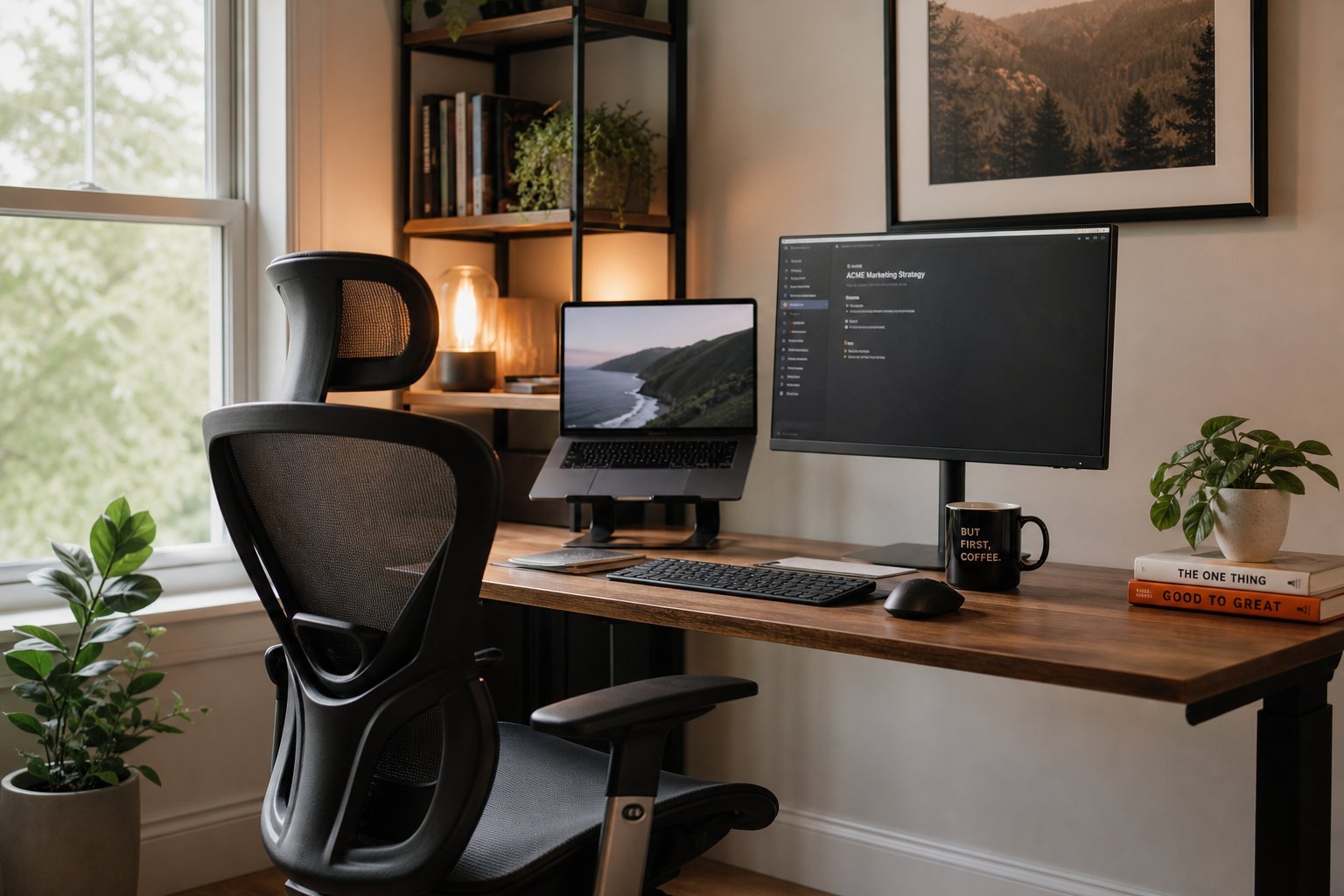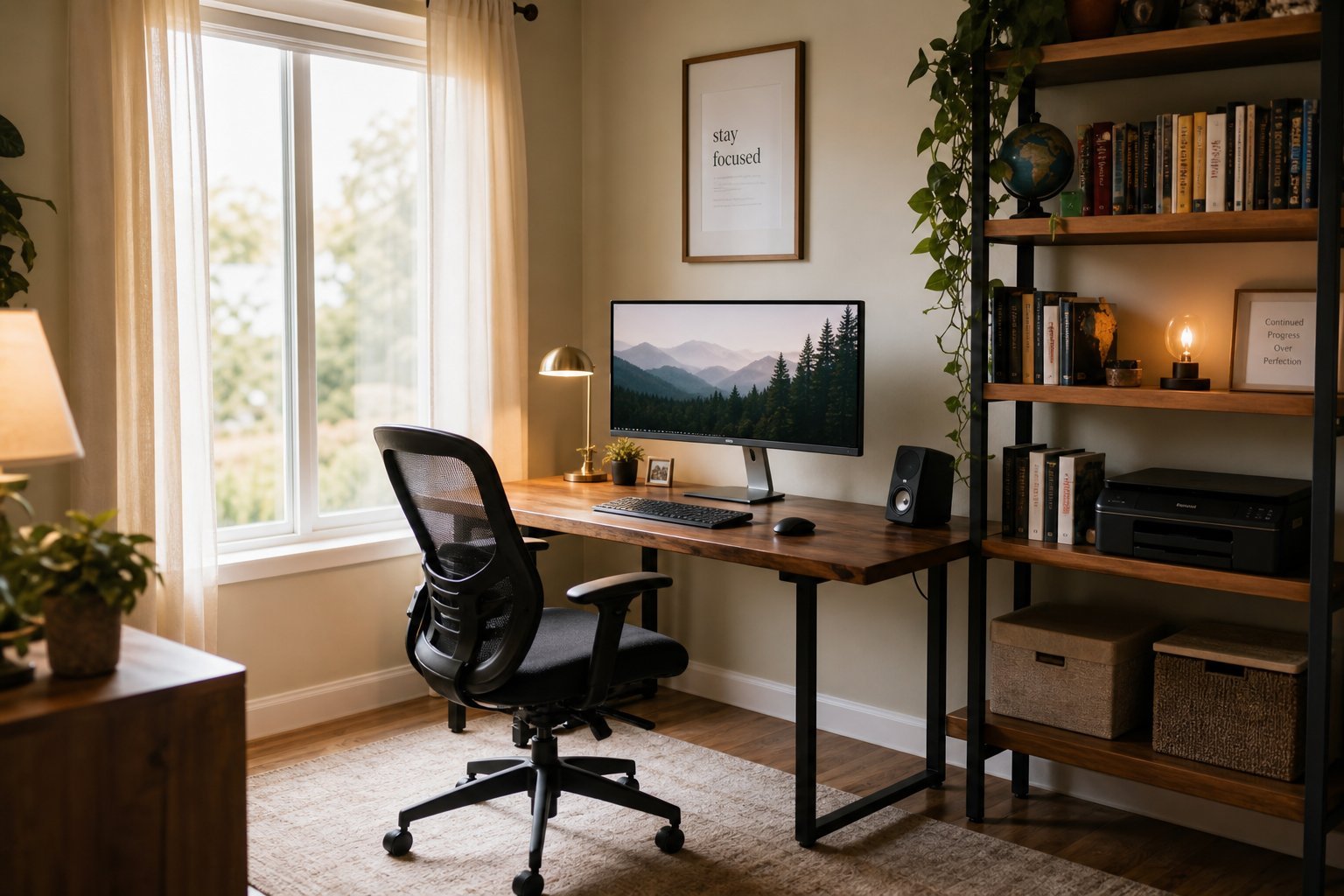
Whether you work from home full-time or occasionally, a good home office makes a huge difference to your comfort, focus and productivity. We've covered the essential setup; this guide takes a bigger-picture view of setting up a dedicated home office space — the room, furniture and technology that make working from home enjoyable.
This guide walks you through setting up a home office, from choosing the space to outfitting it well.
What we'll cover
Choose & set up the space Furniture & ergonomics The technology Make it work for youChoose & set up the space
Start by choosing a good space for your home office:
A quiet, well-lit, dedicated space helps you focus and signals "work mode." Even a small, well-defined corner works.
Furniture & ergonomics
Comfortable furniture prevents the aches of long desk work:
Invest in a good chair and desk, and set up ergonomically. Comfort is what lets you work productively all day (see our health guide).
The technology
Your home office needs reliable technology:
Reliable technology — a good computer, monitor, internet, headset and backups — is the backbone of a productive home office.
Make it work for you
Finally, make the space pleasant and functional:
✨ The "work mode" ritual
Create a small ritual that signals "I'm working now" — making coffee, tidying the desk, or putting on your headset. It helps your brain shift into work mode in your home office. And a ritual to end work (closing your laptop, tidying up) helps you switch off afterward. These small rituals make a home office more effective.
📌 Bottom line
Set up a home office by choosing a quiet, well-lit dedicated space, furnishing it comfortably (a good chair and desk, ergonomic setup), and equipping it with reliable technology (computer, monitor, internet, headset, backup). Make it work for you by keeping it organized, personalizing it and taking breaks. A dedicated, comfortable, well-equipped home office makes working from home productive and enjoyable.