Where's that important document? You know you saved it somewhere — but you can't find it. Sound familiar? A disorganized digital life causes constant small frustrations: lost files, duplicate versions, and stress every time you need to find something. The good news: organizing your files is straightforward and saves you time forever.
This guide shows you how to organize your digital files with a simple, sustainable system.
What we'll cover
Design a simple folder system Name files consistently Declutter & consolidate Maintain the systemDesign a simple folder system
The foundation of file organization is a clear folder structure. Keep it simple:
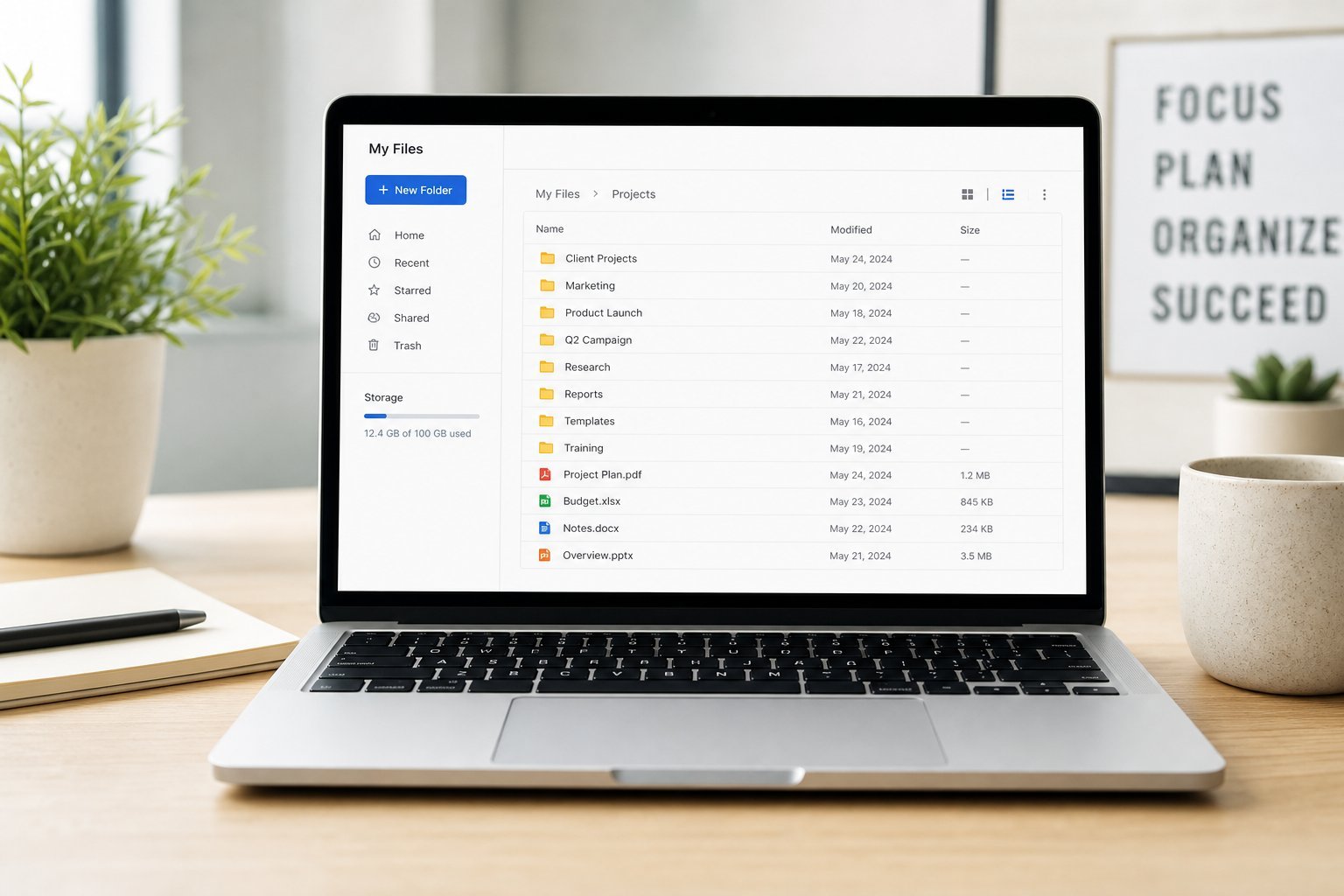
A simple, consistent folder structure is the single most important step. Broad categories, shallow depth and one main location.
Name files consistently
File names are how you find things. Consistent naming makes files instantly identifiable:
✨ The date-first trick
Start important file names with the date in YYYY-MM-DD format (like "2026-01-15_Report"). Files then sort in date order automatically, and you can always find the latest version. It's a small habit with a big payoff.
Declutter & consolidate
Once you have a system, clean up what's there:
Decluttering takes time once, but it pays off immediately. Afterward, you'll actually be able to find things.
Maintain the system
Organization isn't a one-time event — it's a habit. Here's how to keep it going:
💡 The "save to the right place" habit
The single best habit is to save files into the right folder when you create them, rather than saving to "desktop" or "downloads" and planning to organize later. "Later" rarely comes. Save right the first time, and your system stays organized automatically.
📌 Bottom line
Organize your digital files with a simple, sustainable system. Use a small number of broad top-level folders, keep it shallow, and store everything in one main location. Name files consistently — descriptive, with dates where useful. Declutter once by gathering files, deleting what you don't need and consolidating duplicates. Then maintain it by saving to the right place, doing a monthly tidy and using search. A little organization saves you endless time and frustration.