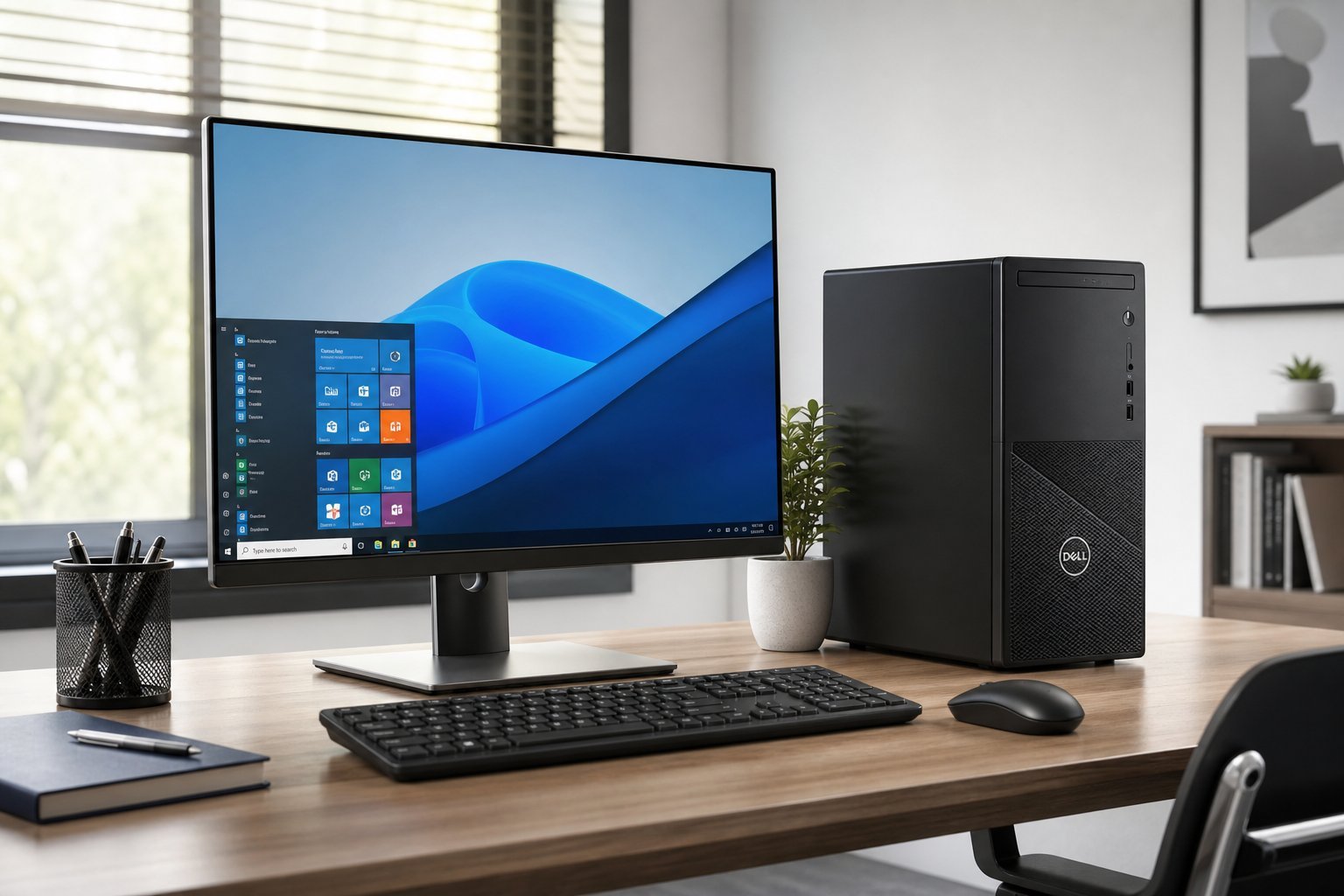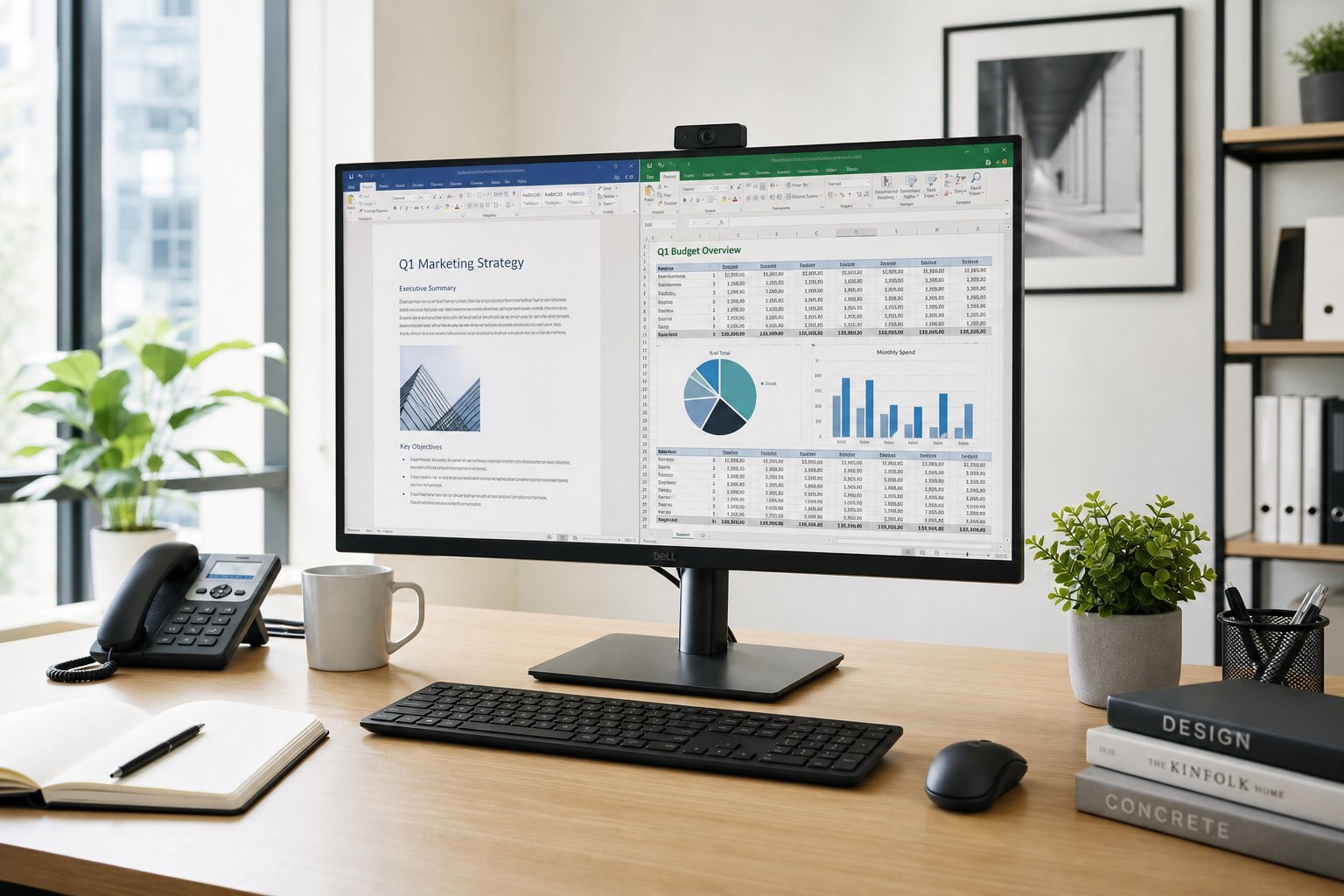
If you need a computer for office work — documents, spreadsheets, email, browsing, video calls — you don't need a gaming machine or a high-end workstation. You need a dependable, comfortable machine that handles office tasks smoothly. And you might not need to spend much to get it.
This guide covers what to look for in a computer for office work, and how to choose one that's reliable and cost-effective.
What office work needs
Office work — documents, spreadsheets, email, web, video calls — is not demanding. The good news: you don't need high-end hardware. Here's what matters:
Office work needs a responsive, reliable, comfortable machine — not the most powerful one. You can meet these needs affordably.
The specs that matter
For office work, these specs matter most:
For office work, prioritize 16 GB RAM, an SSD and a good screen. You don't need a powerful GPU — office apps don't use it much.
Desktop vs laptop
Should your office computer be a desktop or laptop?
✅ Desktop for office
- More power per dollar
- Comfortable full-size monitor & keyboard
- Upgradeable, long-lasting
✅ Laptop for office
- Portable — work anywhere
- All-in-one convenience
- Good for meetings & travel
If you work at one desk, a desktop (or a desktop plus a laptop) is cost-effective and comfortable. If you need portability or work in different places, a laptop is the fit (see our desktop guide and laptop vs desktop guide).
How to choose
Here's a practical way to choose an office computer:
💡 The office computer formula
For office work, prioritize 16 GB RAM, an SSD and a good screen. You don't need a powerful GPU. Choose a desktop for comfort and value at a fixed desk, or a laptop for portability. A reliable brand with good support matters. You can get a capable office machine affordably — don't overpay for power you won't use.
✨ Comfort beats power for office
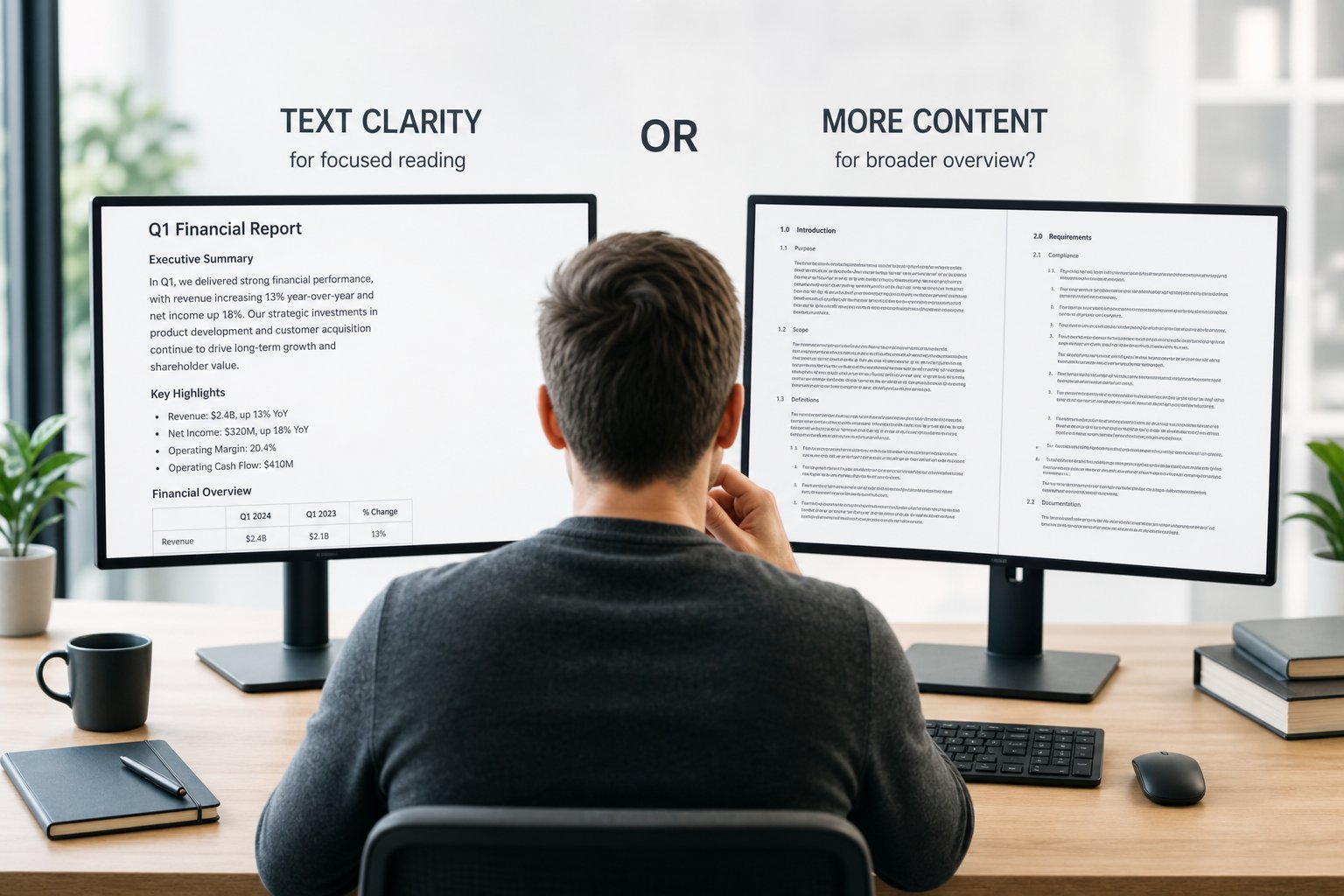
For office work, invest in comfort — a good monitor, comfortable keyboard and mouse, and an adjustable setup (see our setup guide). You'll feel the comfort every day, far more than you'd notice a slightly faster processor. Prioritize ergonomics and reliability over raw power.
📌 Bottom line
Office work doesn't need high-end hardware — it needs a responsive, reliable, comfortable machine. Prioritize 16 GB RAM, an SSD and a good screen; you don't need a powerful GPU. Choose a desktop for value and comfort at a fixed desk, or a laptop for portability. Consider reliability and support, set a sensible budget, and invest in ergonomics. Get these right, and you'll have a dependable office computer that serves you well for years.