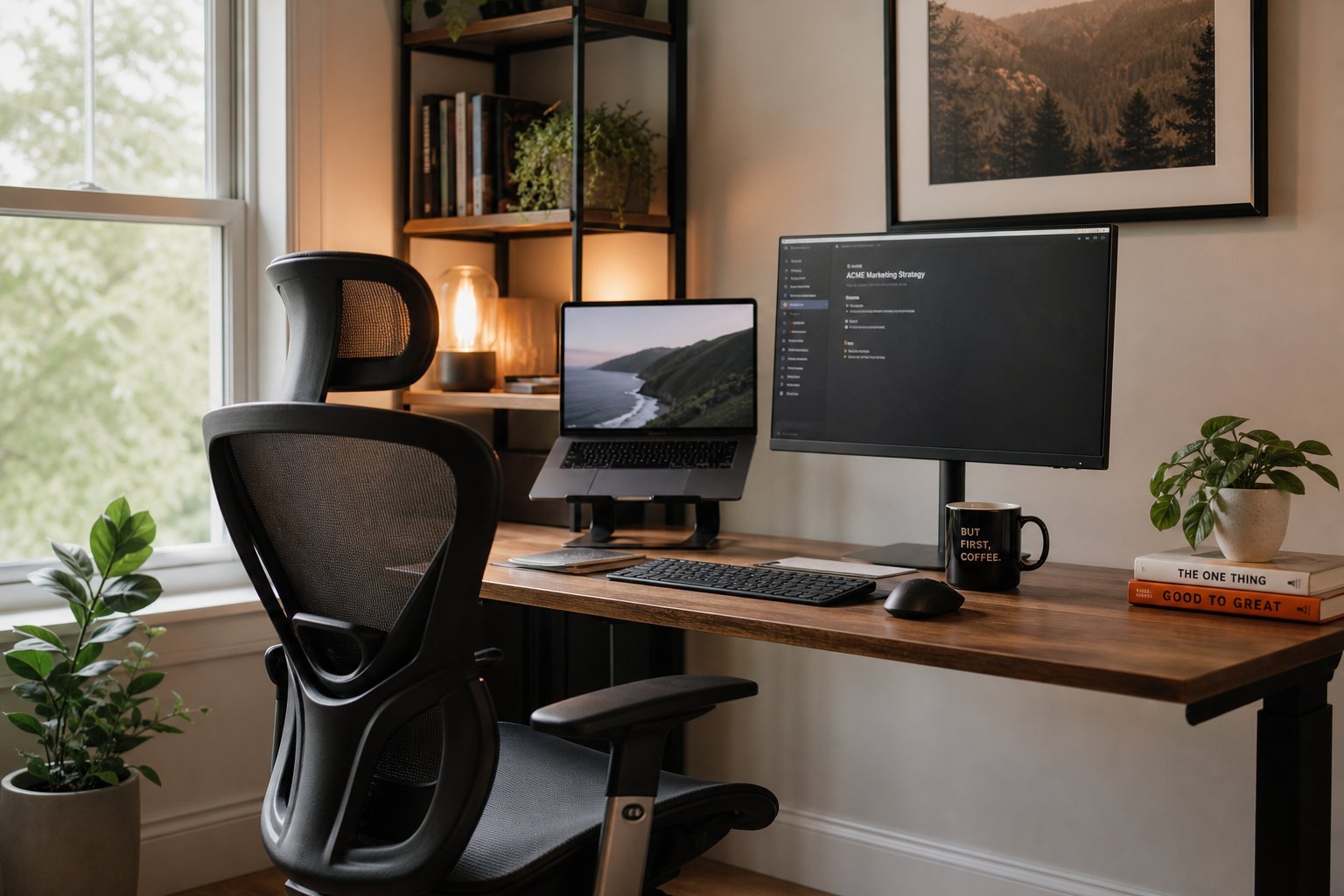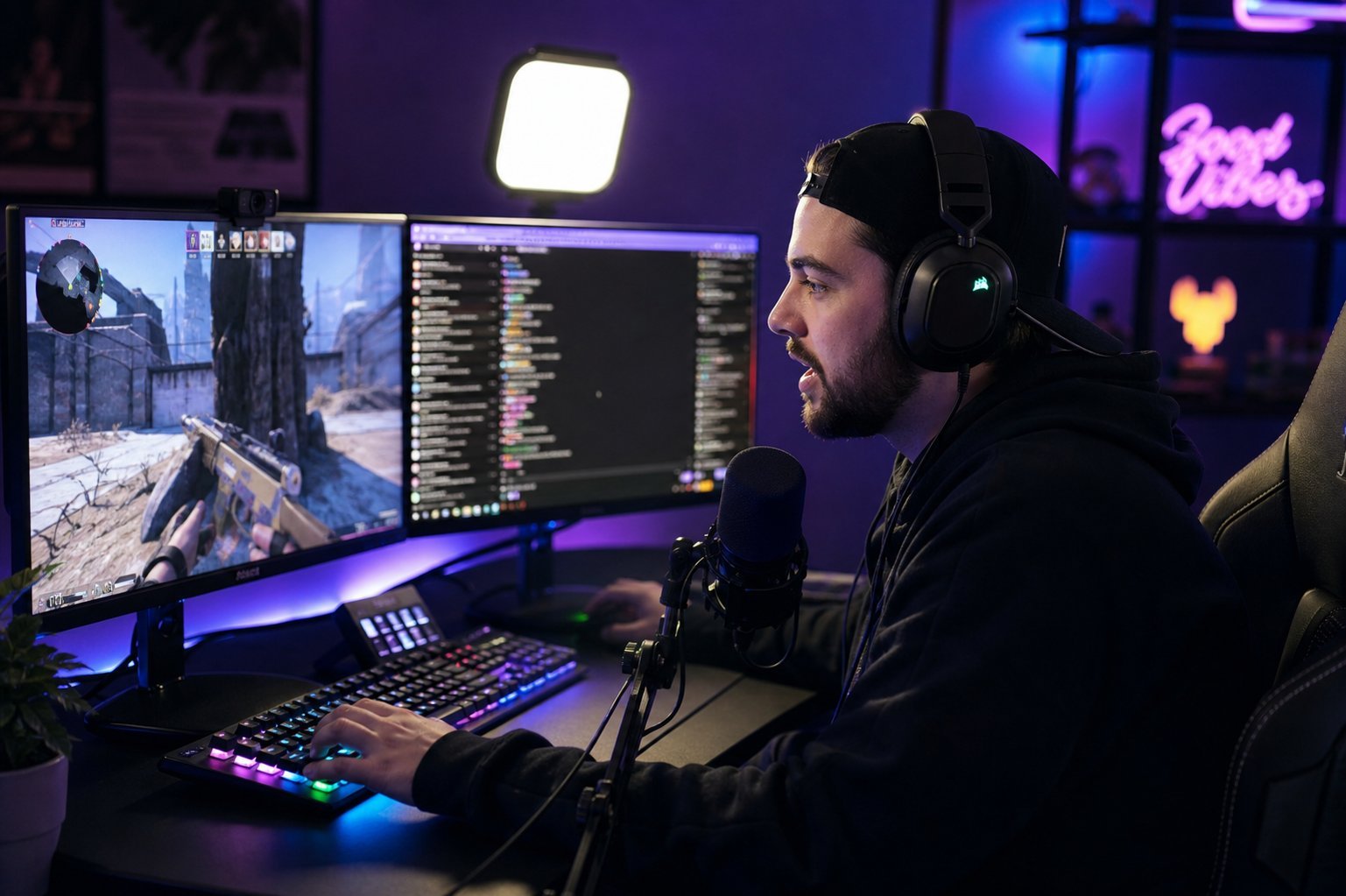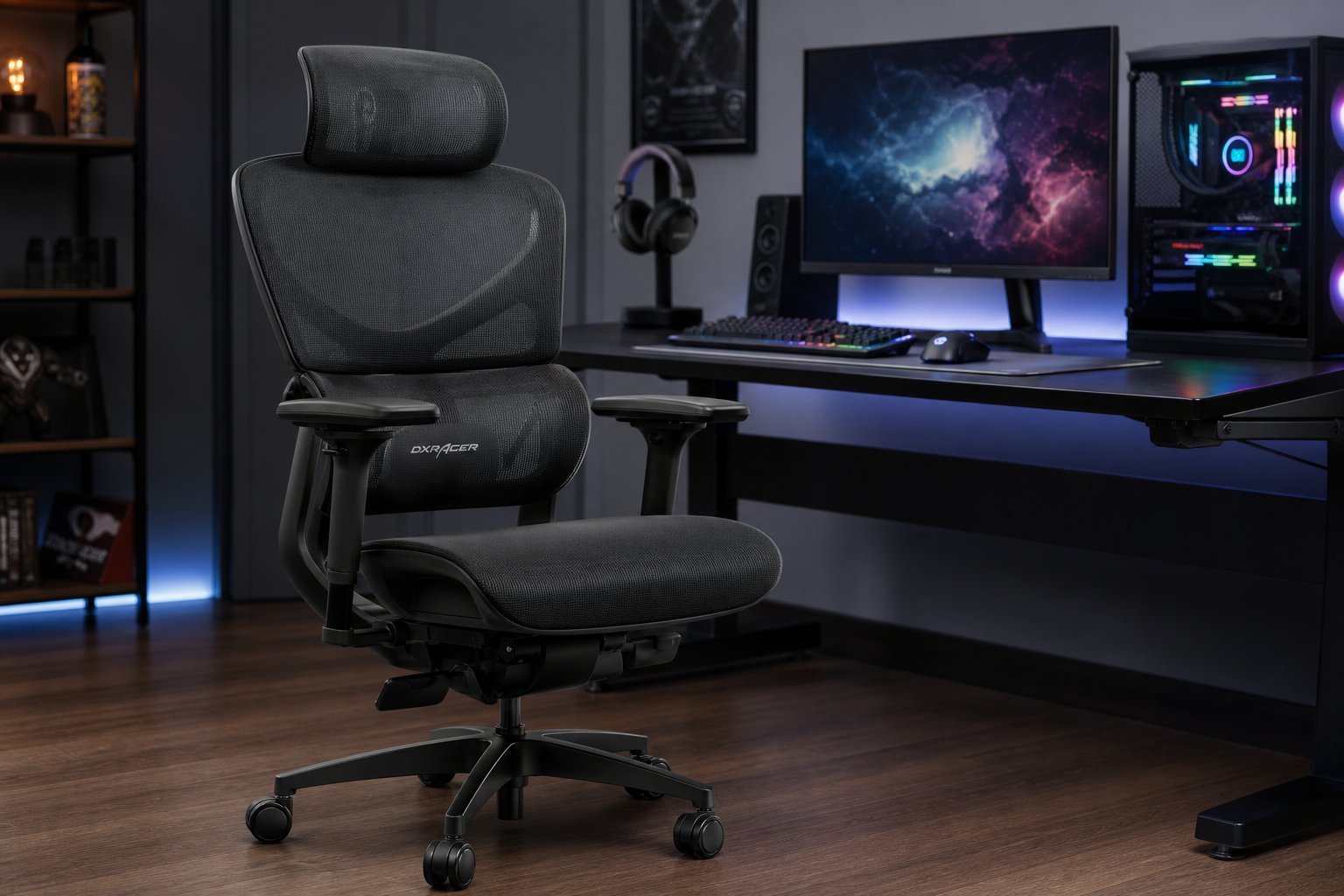
You've built the gaming PC, picked the monitor and grabbed the mouse. But there's one piece of the setup that affects every session — and it's the one people cheap out on: your chair. Hours in a bad chair leads to a sore back, stiff neck and a gaming session you can't fully enjoy.
Here's the honest truth: you don't need an expensive "gaming chair." You need a chair that fits you and supports your posture. This guide explains what actually matters in a gaming/office chair, and how to set it up for comfort.
What we'll cover
What actually matters in a chair Gaming chairs vs office chairs Setting up your chair right Posture habits that prevent painWhat actually matters in a chair
When choosing a chair, focus on these features — they determine comfort more than brand or looks:
Prioritize these over flashy looks. A comfortable, well-adjusting chair beats a stylish one that doesn't fit you.
Gaming chairs vs office chairs
There's a long-running debate, and here's the honest answer: a good ergonomic office chair is usually better than a cheap "gaming" chair.
- Gaming chairs look aggressive and are often styled like racing seats. Higher-end ones are comfortable, but budget "gaming" chairs sometimes skimp on the ergonomics that matter.
- Ergonomic office chairs focus on support and adjustability. A quality office chair is often more comfortable for long sessions than an equivalent-priced gaming chair.
The best choice isn't about the label — it's about the features above. Whether it's marketed as a gaming chair or an office chair, choose the one that adjusts well and supports your posture. Read reviews and prioritize ergonomics over looks.
Setting up your chair right
Even a great chair won't help if it's set up wrong. Here's how to configure yours for good posture:
Take a few minutes to adjust your chair properly. It's the difference between a comfortable session and a sore back.
Posture habits that prevent pain
Beyond the chair itself, a few habits prevent the aches that plague gamers and desk workers:
- Screen at eye level. Don't look down at your monitor (see our setup guide).
- Take regular breaks. Stand, stretch and look away from the screen every 30–60 minutes.
- Don't sit stiff. Shift positions occasionally — staying perfectly still is worse than moving.
- Keep your keyboard and mouse close. Reaching forward strains your shoulders.
- Listen to your body. If something hurts, adjust — don't push through it.
✨ The 20-20-20 rule
Every 20 minutes, look at something about 20 feet away for 20 seconds. It rests your eyes and breaks up long sitting sessions. A cheap timer or reminder app helps you remember.
📌 Bottom line
Your chair affects every gaming or work session, so it's worth getting right. Focus on what actually matters — adjustable height, lumbar support, seat depth, armrests and recline — rather than the "gaming" label. A good ergonomic office chair often beats a budget gaming chair. Set your chair up properly (feet flat, back supported, armrests at elbow height) and build posture habits like taking breaks and keeping your screen at eye level. Comfort isn't a luxury — it's part of a good setup.