Setting up internet in a new home — or fixing a poorly performing one — comes with decisions: which provider, what speed, how to set up the router, where to put it. Get it right and you have fast, reliable internet for years. Get it wrong and you're stuck with slow, frustrating connections.
This guide walks you through setting up your home internet the right way, from choosing a plan to placing your router.
What we'll cover
Choose the right plan Set up the equipment Place the router well Optimize your networkChoose the right plan
Start by choosing the right internet plan:
Choosing a plan that matches your needs and budget sets the foundation. Don't overpay for speeds you don't need.
Set up the equipment
Once you have service, set up the equipment:
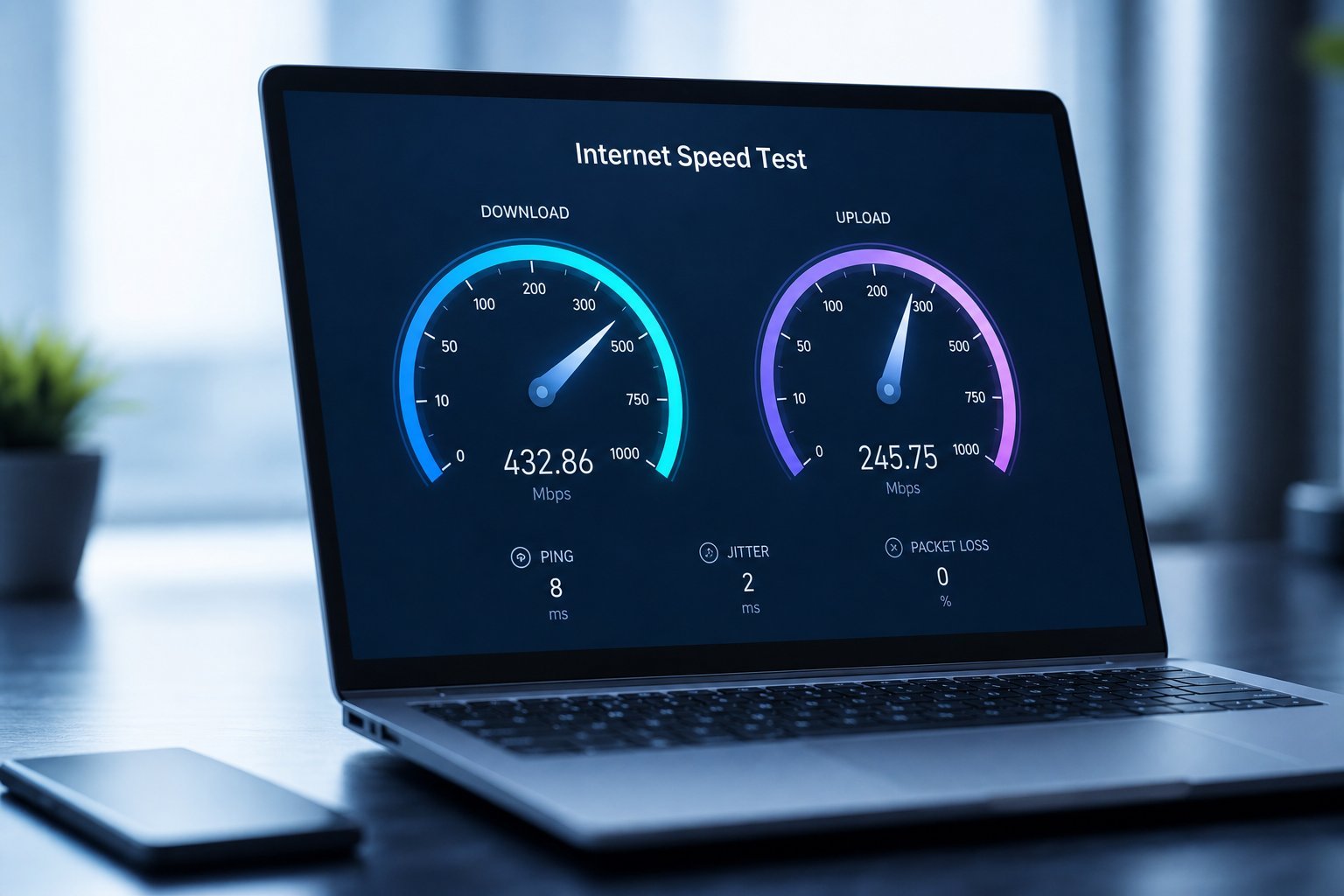
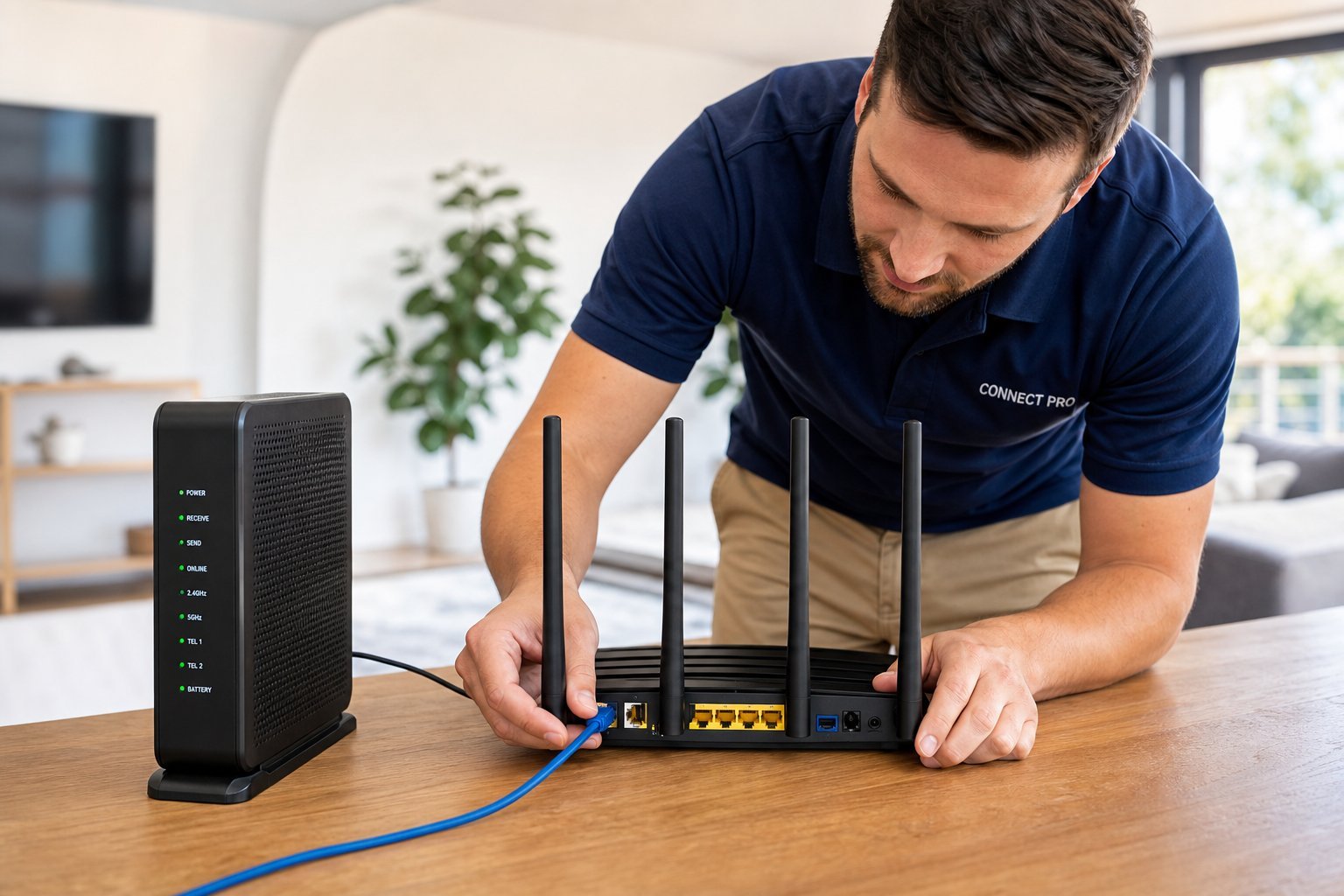
Set up the modem and router, get them booted, and configure a strong Wi-Fi name and password. Test your connection to confirm it works.
Place the router well
Router placement dramatically affects your Wi-Fi:
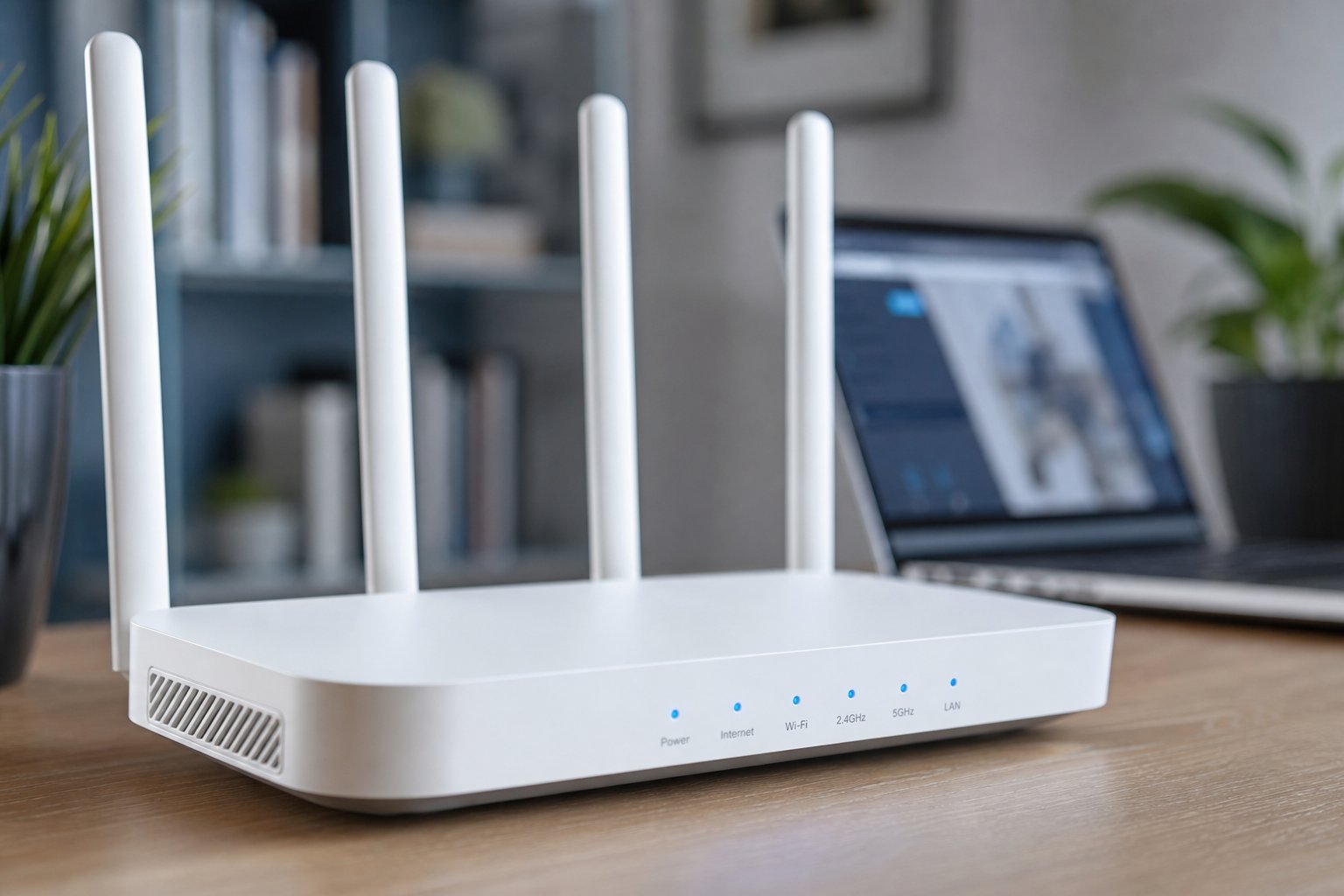
A well-placed router means better Wi-Fi everywhere. Position it centrally, up high and away from interference for the best coverage.
Optimize your network
Once set up, optimize your network for the best performance:
✨ Do the setup right the first time
When setting up a new home internet, take an extra few minutes to place the router centrally, set a strong password, secure the network and update the firmware. Doing these right at setup prevents slow, insecure or frustrating Wi-Fi later. A little effort now saves months of problems.
📌 Bottom line
Set up your home internet right by choosing a plan that matches your needs, setting up the modem and router properly, placing the router centrally and clear of interference, and optimizing the network with updates, a strong password and a guest network. Wire important devices and restart the router if performance drops. Get the plan, setup, placement and optimization right, and you'll enjoy fast, reliable internet for years.