๐Ÿ HighTechBee โ€” practical tech help, in plain English.
โœ๏ธ Write for us ๐Ÿ“ฉ Contact โ˜€๏ธ โ— Updated daily

Working From Home Security: Protect Devices, Network & Data

PS
Priya SharmaSecurity researcher ยท HighTechBee Editorial
Working From Home Security: Protect Devices, Network & Data

Working from home (or hybrid) means your home setup now handles sensitive work data โ€” and that brings security responsibilities. A data breach through a home setup can have serious consequences. The good news: securing your work-from-home setup is mostly about good habits and a few tools.

We've covered setting up a home office; this guide focuses on the security of working from home.

Secure your devices

Start with your work devices:

  • Lock your devices. A strong PIN or biometrics โ€” especially if you work in shared spaces (see our checklist).
  • Keep them updated. Updates patch vulnerabilities (see our updates guide).
  • Use strong passwords and 2FA on work accounts (see our 2FA guide).
  • Use a password manager. For unique passwords (see our guide).
  • Enable find-my-device. Locate or wipe a lost device.
  • Locked, updated, password-protected devices are the foundation of work-from-home security. Secure your devices before worrying about anything else.

    Secure your network

    Your home network carries your work data โ€” secure it:

  • Secure your Wi-Fi. Strong password and WPA2/WPA3 encryption (see our Wi-Fi guide).
  • Update your router. Firmware updates patch vulnerabilities (see our updates guide).
  • Use a VPN. Especially on public Wi-Fi or if required by your employer (see our VPN guide).
  • Separate your networks. Consider a guest network for visitors and smart devices (see our smart home guide).
  • Be careful on public Wi-Fi. Use a VPN and avoid sensitive work on public networks (see our guide).
  • A secure home network protects your work data. Secure your Wi-Fi, update the router, use a VPN, and separate networks where possible.

    Protect work data

    Protect the work data you handle:

  • Follow your employer's policy. Know the rules for handling work data at home.
  • Use company tools. Use the VPN, cloud and apps your employer provides.
  • Be careful with sensitive data. Don't send work files through personal, unsecured channels.
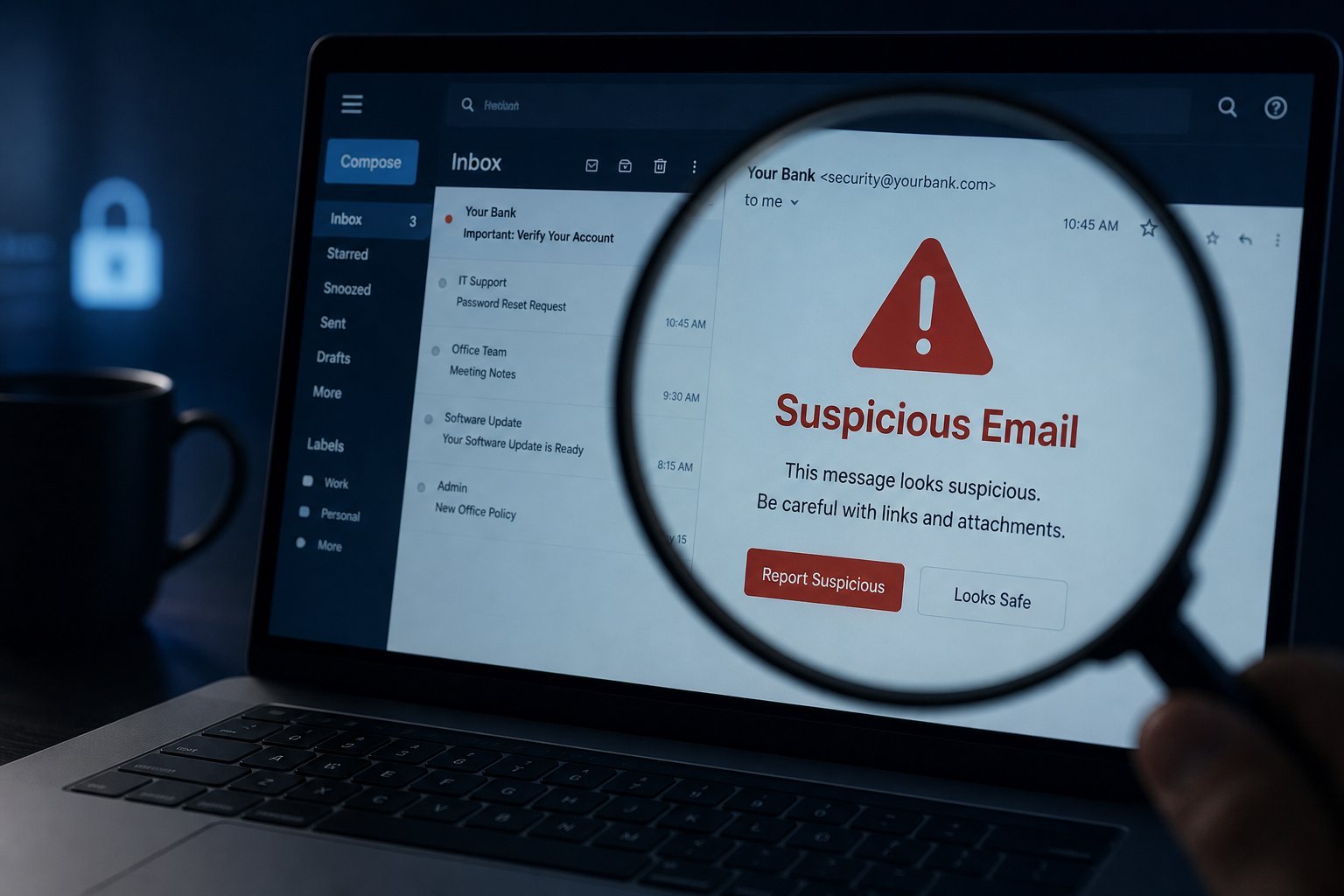
  • Beware of phishing. Working from home, be extra careful about suspicious emails and links (see our phishing guide).
  • Back up work data where appropriate (see our backup guide).
  • Secure printed documents. Don't leave sensitive paperwork lying around.
  • โœจ The "think before you click" rule at home

    Working from home, you're more exposed โ€” no corporate IT watching your inbox. Be extra careful with suspicious emails, links and attachments (see our phishing guide). When in doubt, don't click โ€” verify through a known channel. This one habit prevents most work-from-home data breaches.

    ๐Ÿ’ก The work-from-home security basics

    Secure your work-from-home setup by protecting your devices (locks, updates, passwords, 2FA), your network (strong Wi-Fi, updated router, VPN), and the work data you handle (follow policy, use company tools, avoid phishing, back up). Follow your employer's guidance and be extra cautious online. These habits keep your home setup secure.

    ๐Ÿ“Œ Bottom line

    Working from home brings security responsibilities. Secure your devices (locks, updates, strong passwords, 2FA), your network (strong Wi-Fi, updated router, VPN), and your work data (follow policy, use company tools, avoid phishing, back up). Be extra cautious online since you don't have corporate IT watching. These habits โ€” locks, updates, passwords, 2FA, a secure network and caution โ€” keep your work-from-home setup safe.

    #work-from-home#security#vpn#phishing#data
    PS

    Priya Sharma

    Security researcher

    Part of the HighTechBee editorial team. Priya Sharma writes practical, beginner-friendly tech guides that solve real everyday problems.