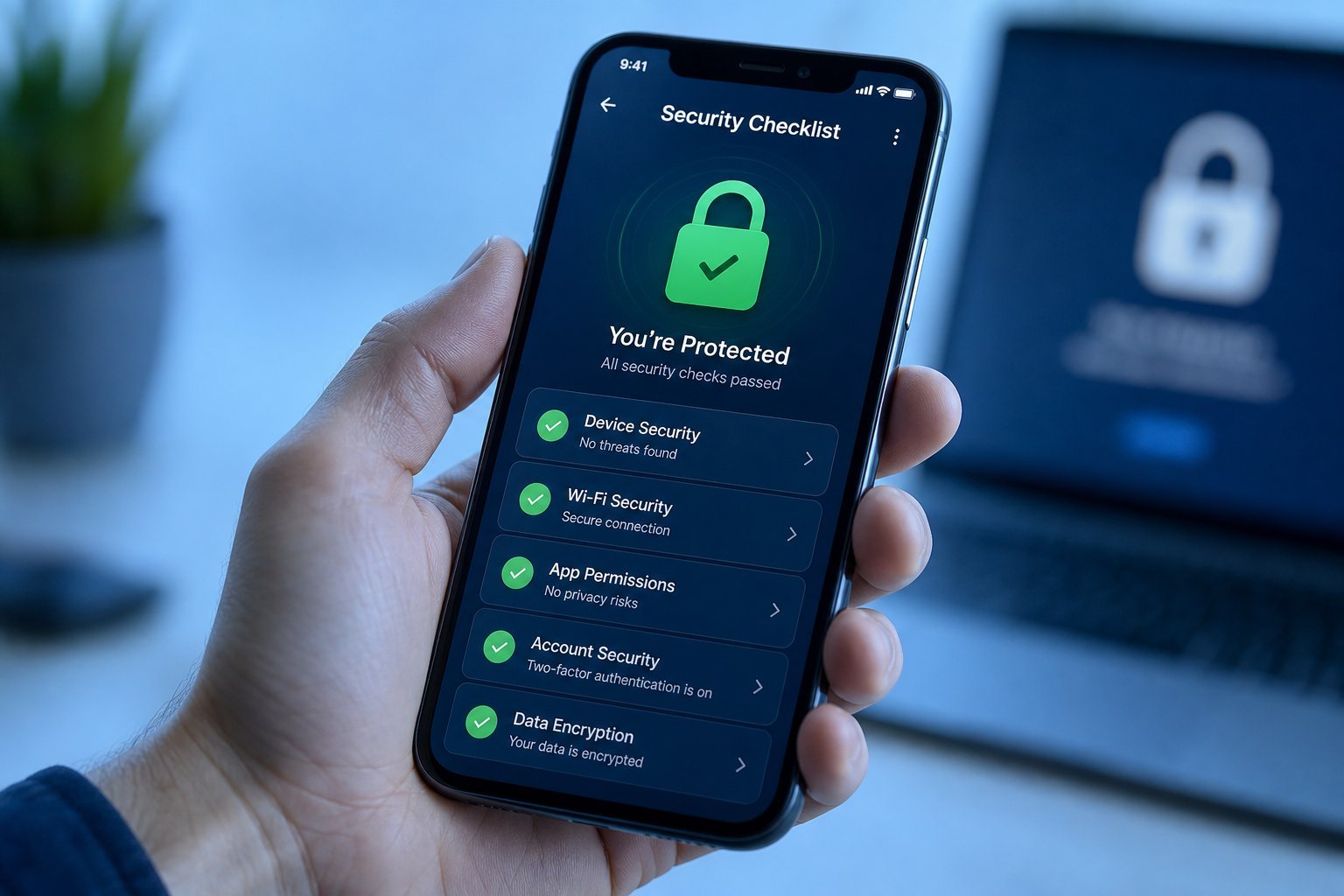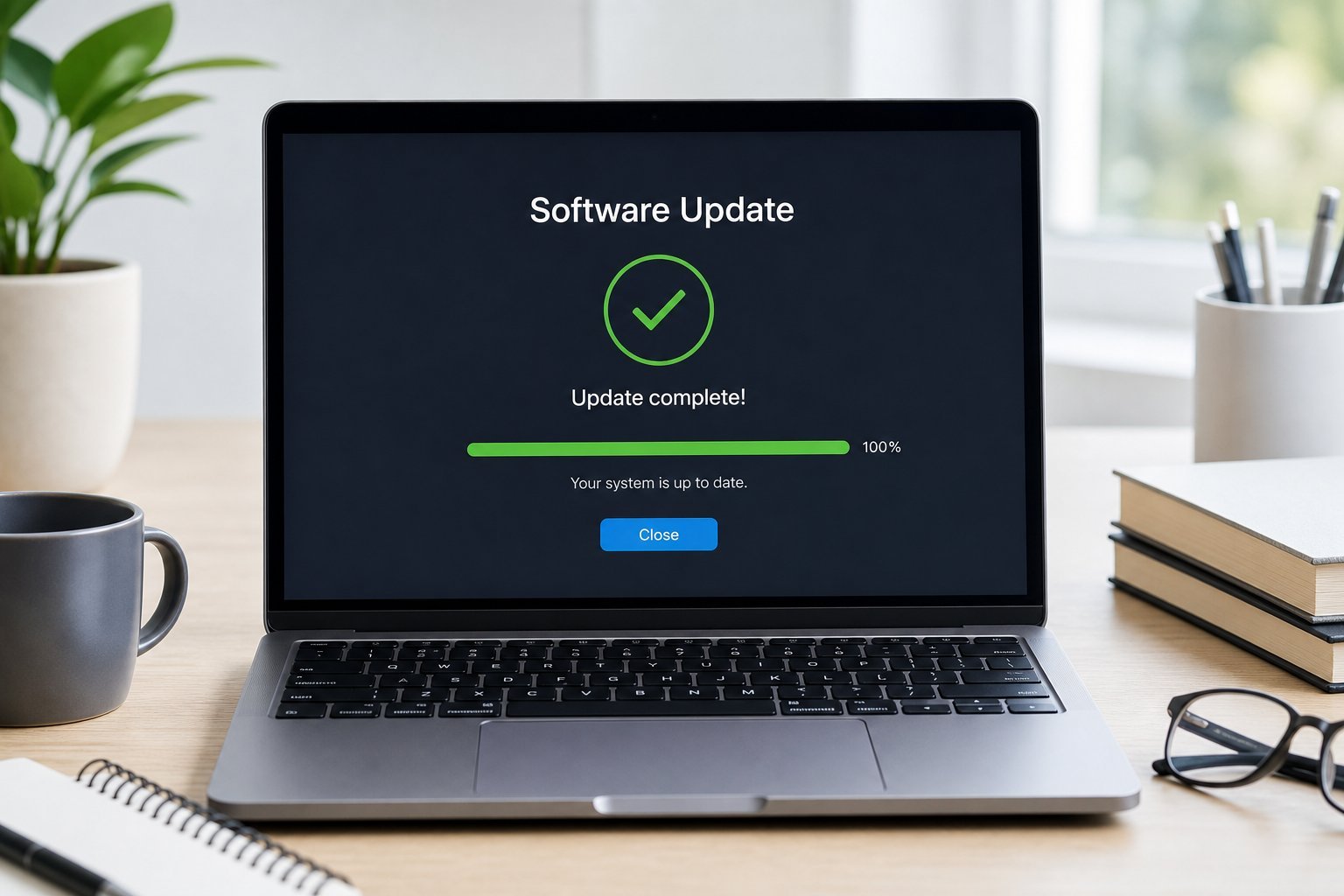
You know that little notification: "Restart to finish updating." And the temptation to click "later" — forever. Software updates are annoying, they interrupt your flow, and they take time. But here's the thing: those updates are one of the most important things you can do to stay secure and keep your devices running well.
This guide explains why updates matter so much, the risks of skipping them, and how to make them painless.
Why updates matter
Updates do more than add features — they're mostly security patches. Here's what you're actually getting when you update:
The key insight: every update you skip is a known vulnerability you're leaving open. When a security hole is found and patched, attackers rush to exploit unpatched systems. The devices most likely to be hacked are the ones that aren't updated.
The risk of skipping them
Here's the uncomfortable truth about not updating:
- You're an easier target. Attackers actively scan for unpatched devices with known vulnerabilities. Skipping updates leaves you exposed.
- It compounds. The longer you skip, the more known holes pile up, and the more outdated your software becomes.
- Your device can slow down or break. Outdated software conflicts with newer apps and becomes buggy (see our slow laptop guide).
- It's not just your computer. Your phone, router, smart devices and apps all need updates too.
⚠️ Outdated = vulnerable
When a security update is released, it publicly reveals the vulnerability it fixes. From that moment, attackers know the hole exists and target unpatched devices. Skipping updates isn't a neutral choice — it actively leaves you exposed. Updating is one of the simplest, most effective security habits there is.
How to make updates painless
Updates are easier when they're automatic. Here's how to set it and forget it:
✨ The 10-minute setup
Spend 10 minutes today enabling automatic updates on all your devices (computer, phone, browser, router). Once they're set, updates happen in the background and you never have to think about them again. It's one of the highest-value security habits you can build.
By making updates automatic, you get the security and performance benefits without the "I'll do it later" problem. A little upfront setup removes both the risk and the annoyance.
📌 Bottom line
Software updates are mostly security patches — the single most important reason to install them. Every update you skip leaves a known vulnerability open that attackers exploit. Outdated software is also buggy and slow. The fix: turn on automatic updates for your operating system, apps, phone and router, set active hours, and restart when asked. Ten minutes of setup makes updates painless and keeps you secure without thinking about it.