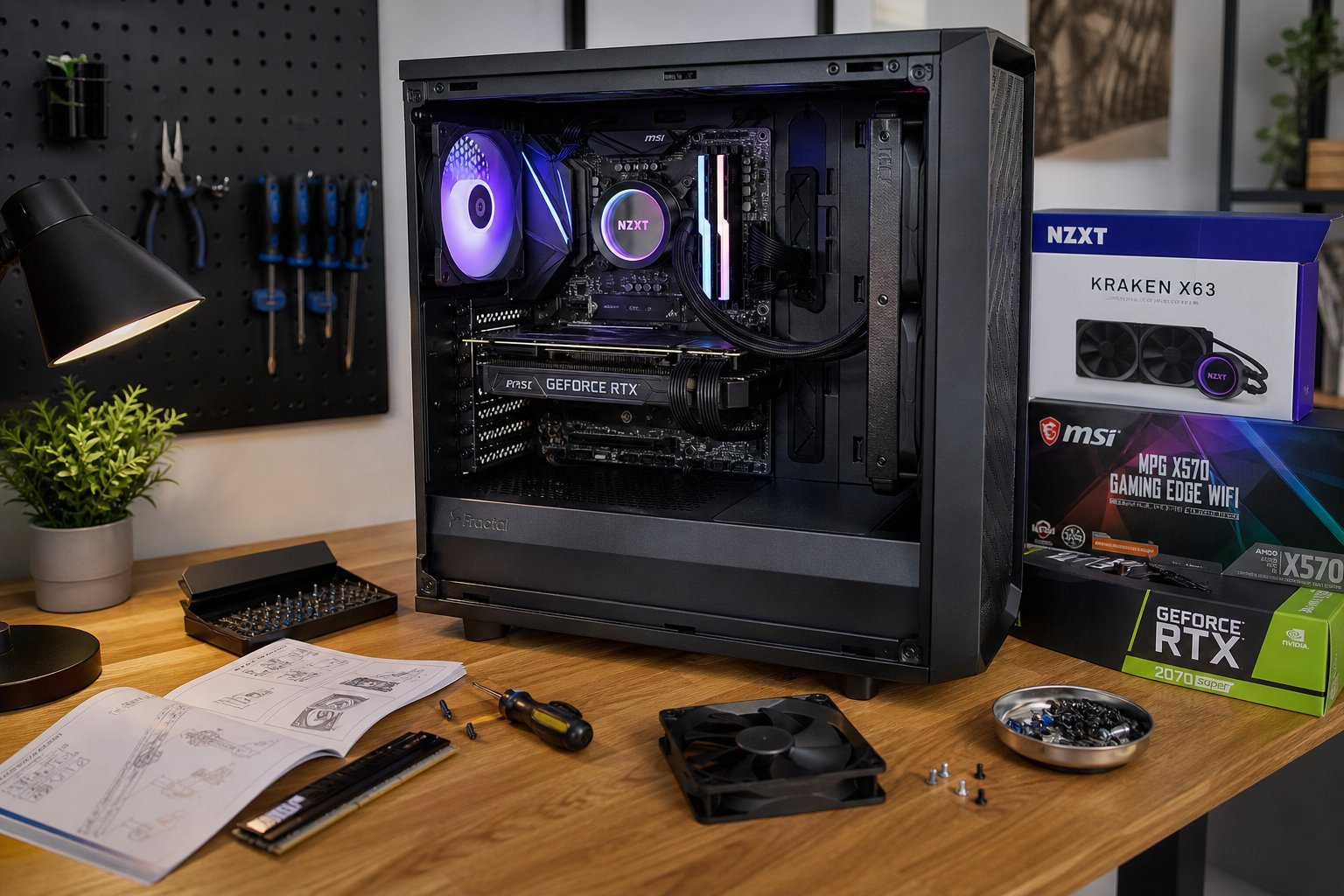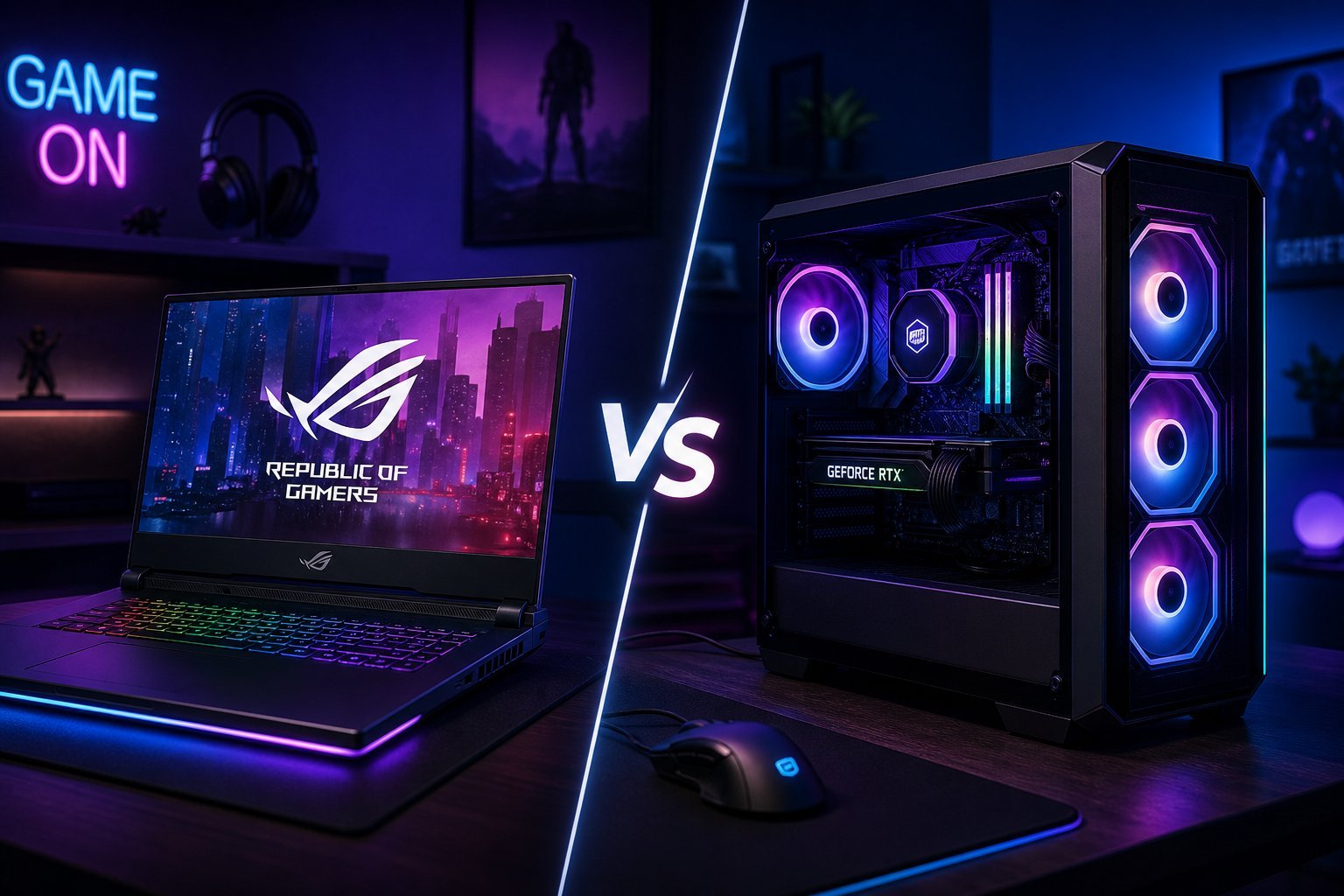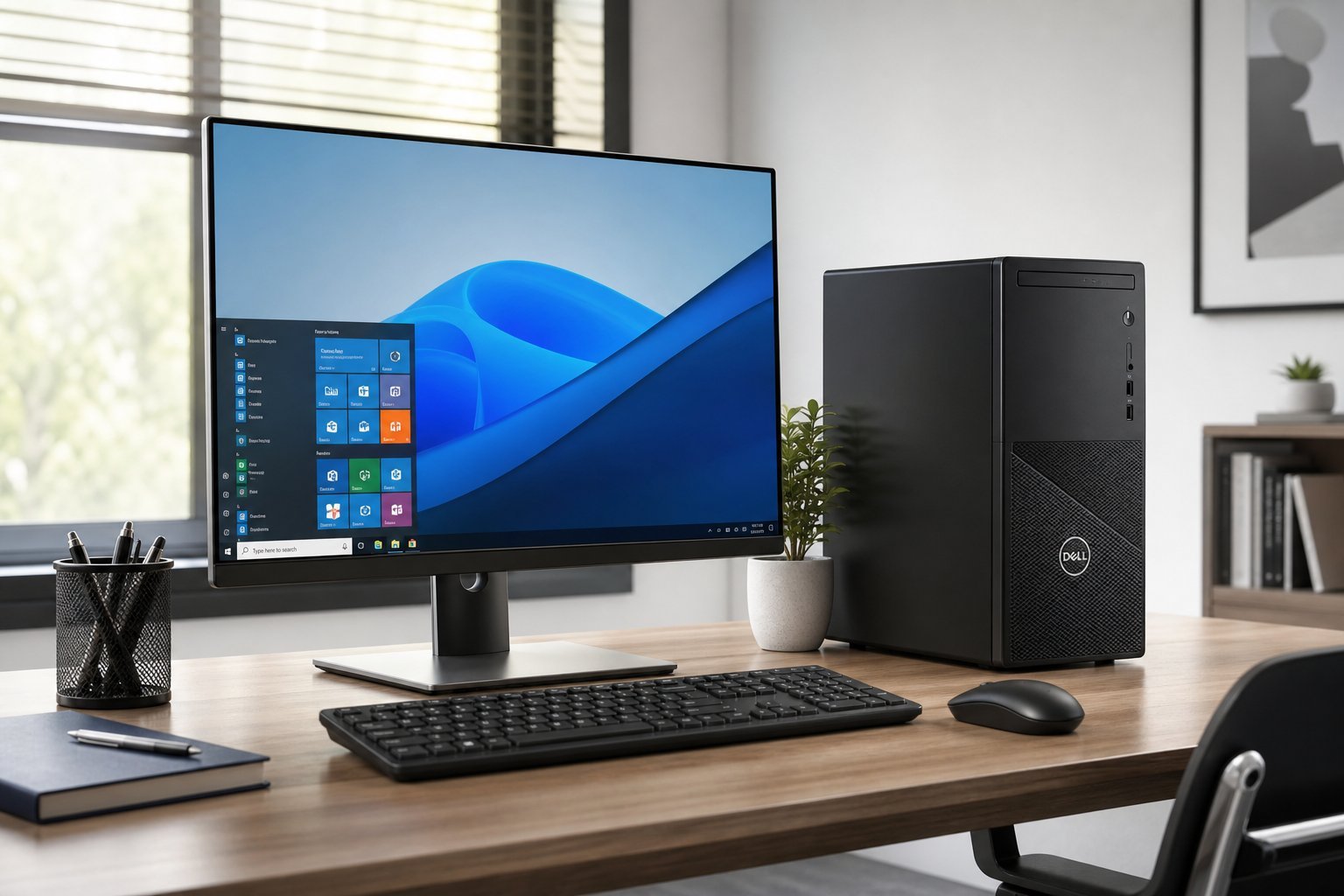
Desktops have a reputation as being less popular than laptops, but they're still the best choice for many people. They offer more power per dollar, easier upgrades, and better cooling than laptops. If you don't need portability, a desktop is often the smarter buy.
This guide covers what to consider when buying a desktop computer — the parts that matter and how to choose between a pre-built and building your own.
What we'll cover
Why choose a desktop? The parts that matter Pre-built vs building your own How to chooseWhy choose a desktop?
Here's why a desktop might be right for you:
- More power per dollar. Desktops give you better performance for the same money as a laptop (see our laptop vs desktop guide).
- Upgradeable. You can add RAM, storage and a better graphics card later (see our RAM upgrade guide).
- Better cooling. More airflow means components run cooler and faster.
- Longer lifespan. Upgradeability and cooling help desktops last longer.
- More ports and expandability. Desktops offer more connections and room for drives.
If you don't need to carry your computer around, a desktop is often the smarter, more cost-effective choice.
The parts that matter
When buying a desktop, focus on these parts:
The CPU, RAM and storage do the heavy lifting for most work. Add a GPU only if you game or edit video.
Pre-built vs building your own
You have two main options when buying a desktop:
💡 Which to choose?
If you want simplicity and a single warranty, buy pre-built. If you enjoy learning, want the best value and plan to upgrade, build your own (see our guide). Building saves money and gives you full control, but pre-built is plug-and-play with less risk.
How to choose
Here's a practical approach to buying a desktop:
✨ Factor in the extras
Unlike a laptop, a desktop doesn't come with a monitor, keyboard or mouse. When budgeting, add those costs. If you already have them, great — that's part of why desktops can be cost-effective. Don't forget speakers and a webcam too.
📌 Bottom line
A desktop offers more power per dollar, easier upgrades and better cooling than a laptop — the smarter choice if you don't need portability. Focus on CPU, RAM and storage for most work, adding a GPU only for gaming or creative work. Choose between a convenient pre-built or building your own for better value and customization. Define your use, set a budget, and remember the extras (monitor, keyboard, mouse). A well-chosen desktop is a powerful, long-lasting investment.