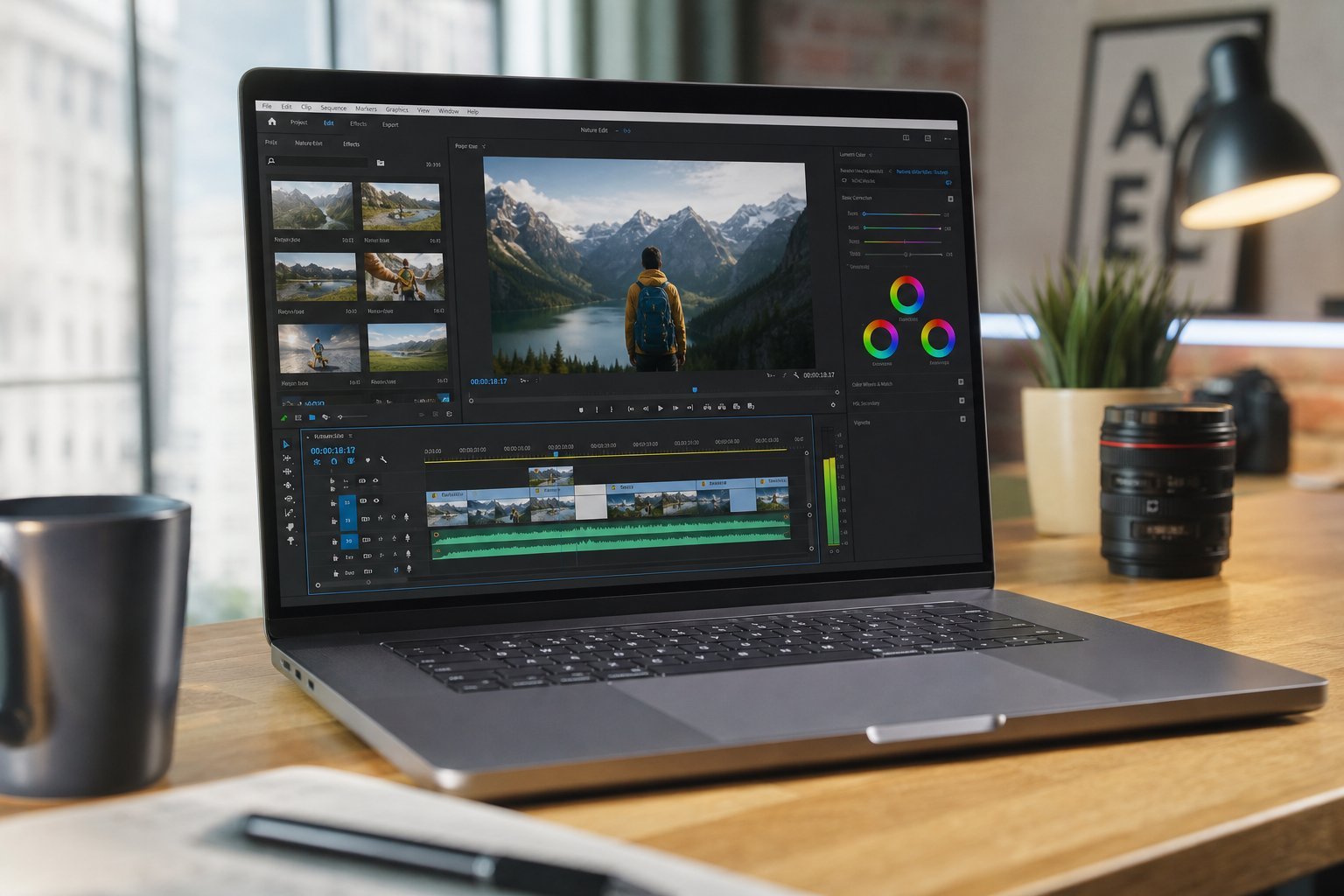
Video editing is one of the most demanding things you can do on a computer. It taxes the processor, the memory, the storage and the graphics card all at once — so a general-purpose computer often chokes on it. But you don't need to spend a fortune if you understand which specs actually matter.
This guide explains what to look for in a computer for video editing, so you can pick one that handles the work smoothly without overpaying.
What we'll cover
The priority specs Processor (CPU) RAM Storage Graphics (GPU) Choosing: desktop vs laptopThe priority specs
Video editing is resource-hungry, so you can't skimp the way you can for basic use. The specs that matter, in order of priority, are:
These aren't equal — CPU, RAM and storage do the heavy lifting. Understanding each helps you spend wisely.
Processor (CPU)
Video editing is one of the areas where a strong processor genuinely matters. Here's what to look for:
- More cores are better. Video rendering is parallelizable, so more cores (see our CPU guide) mean faster exports.
- Prefer higher tiers. For serious editing, step up from mid-range to a higher-tier chip.
- Newer generations help. Newer CPUs are faster and more efficient.
The honest guidance: if you edit video regularly, this is not where you want to cheap out. A mid-range processor handles light editing; heavy 4K editing benefits from a stronger one.
RAM
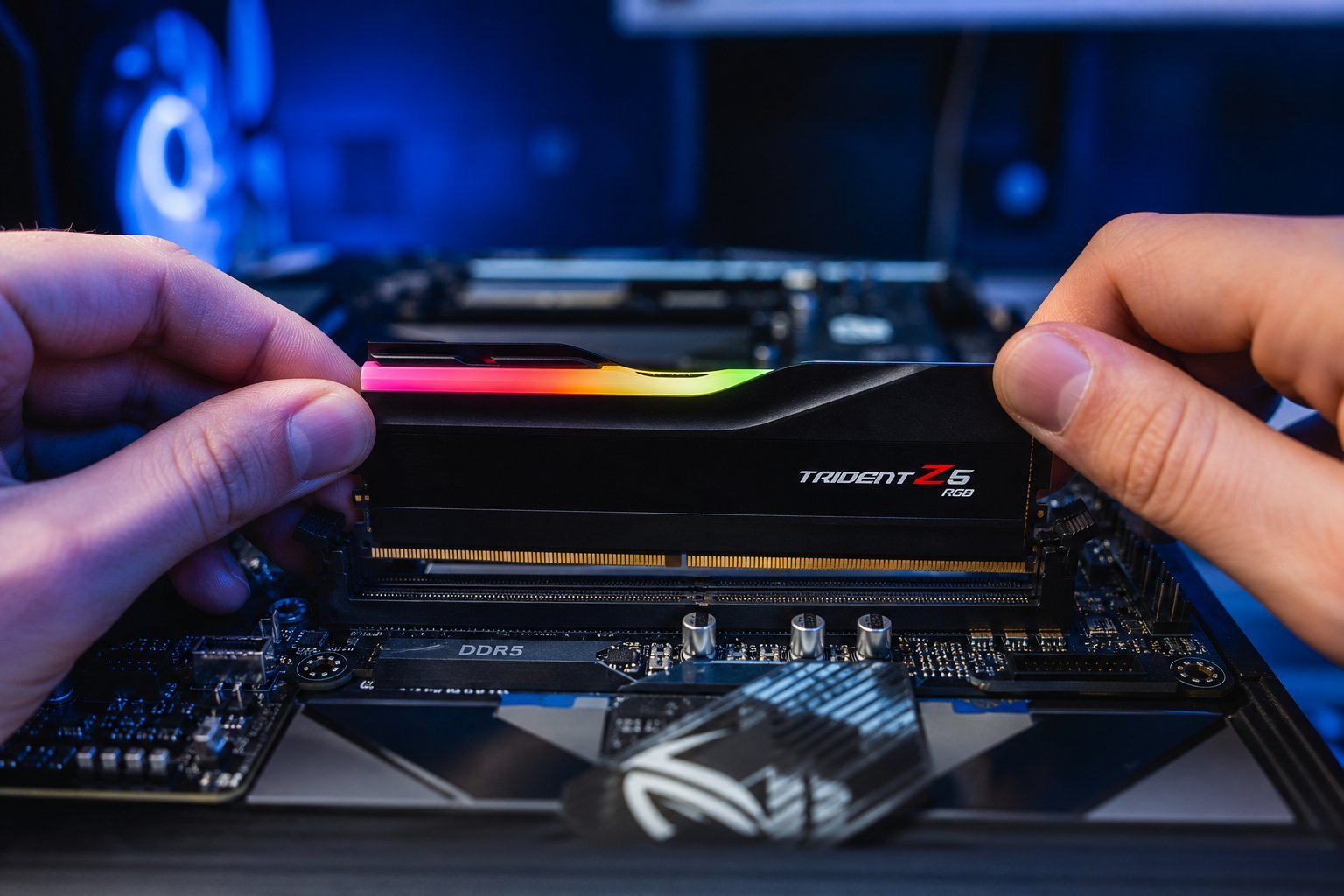
Editing software and large video files eat RAM quickly. This is one area where more is genuinely better:
💡 The RAM guidance
For most video editors, 32 GB of RAM is the sweet spot — enough for smooth editing and rendering without overpaying. If you're doing light editing only, 16 GB works, but if it's a main activity, go for 32 GB.
Storage
Video files are huge, and fast storage makes editing dramatically smoother. Two things matter:
- Speed. An SSD (see our SSD guide) is essential — editing directly from a slow hard drive causes lag and stuttering.
- Capacity. Video files eat space fast, so you need ample storage — often 1 TB or more.
A common setup: a fast SSD for your operating system, editing software and current projects, plus larger (or external) storage for finished files and archives. Speed where you work, capacity where you store.
Graphics (GPU)
The graphics card matters for video editing, but not the way it does for gaming:
- It accelerates effects, color and rendering. Modern editing software uses the GPU to speed up these tasks.
- You don't need a top gaming GPU. A solid mid-range GPU is plenty for most editing; the CPU and RAM matter more.
- Good GPU drivers help. Editing software often works better with certain GPUs (NVIDIA is a common choice).
Don't overspend on a gaming-grade GPU for editing unless you also game. A capable mid-range GPU, combined with a strong CPU and RAM, serves most editors well.
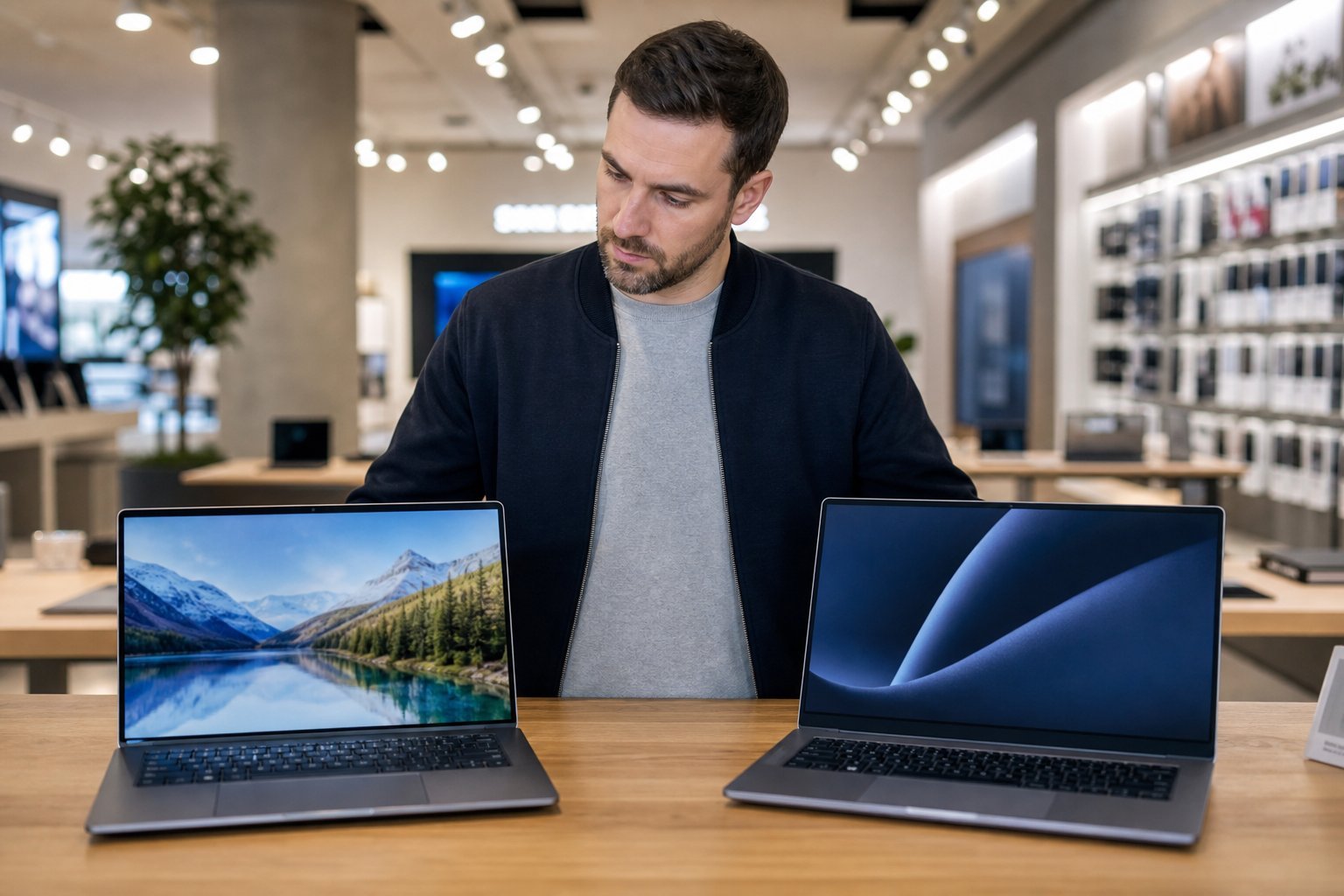
Choosing: desktop vs laptop
Finally, decide between a desktop and laptop for editing:
✅ Desktop for editing
- More power for the price
- Better cooling for sustained rendering
- Upgradeable (add RAM, storage, GPU)
- Better for serious, long projects
✅ Laptop for editing
- Portable — edit anywhere
- All-in-one convenience
- Good for travel and on-site work
- Limited upgradeability
If you edit mostly in one place, a desktop gives you the best power per dollar (see our PC building guide). If you need to edit on the go, a powerful laptop is worth it (see our laptop vs desktop guide for the general comparison).
📌 Bottom line
Video editing is demanding, so choose a computer built for it. Prioritize a strong processor (more cores), 32 GB of RAM for serious work, fast SSD storage with ample capacity, and a solid mid-range GPU. Don't overspend on a gaming GPU — CPU and RAM matter more. Choose a desktop for maximum power per dollar at a fixed location, or a powerful laptop for portability. Get these right, and editing video becomes smooth instead of a constant struggle.