We've covered a lot of network topics — routers, Wi-Fi, internet speeds, optimization. This guide pulls the fundamentals together to give you a clear picture of how your home network works. Understanding the basics helps you troubleshoot problems, buy the right gear and get the most from your connection.
Here's how your home network works, in plain terms.
The parts of a home network
Your home network has a few key parts:
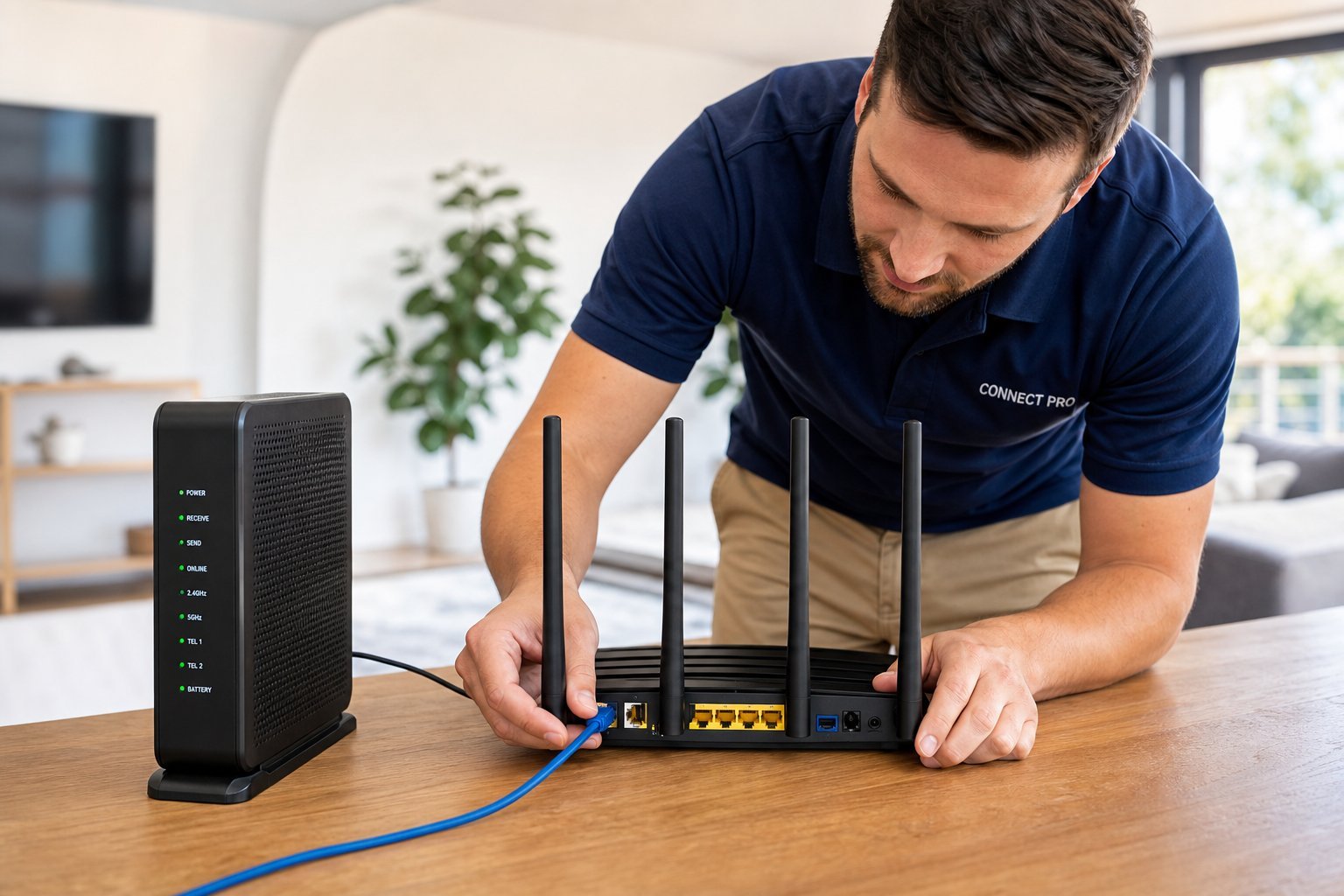
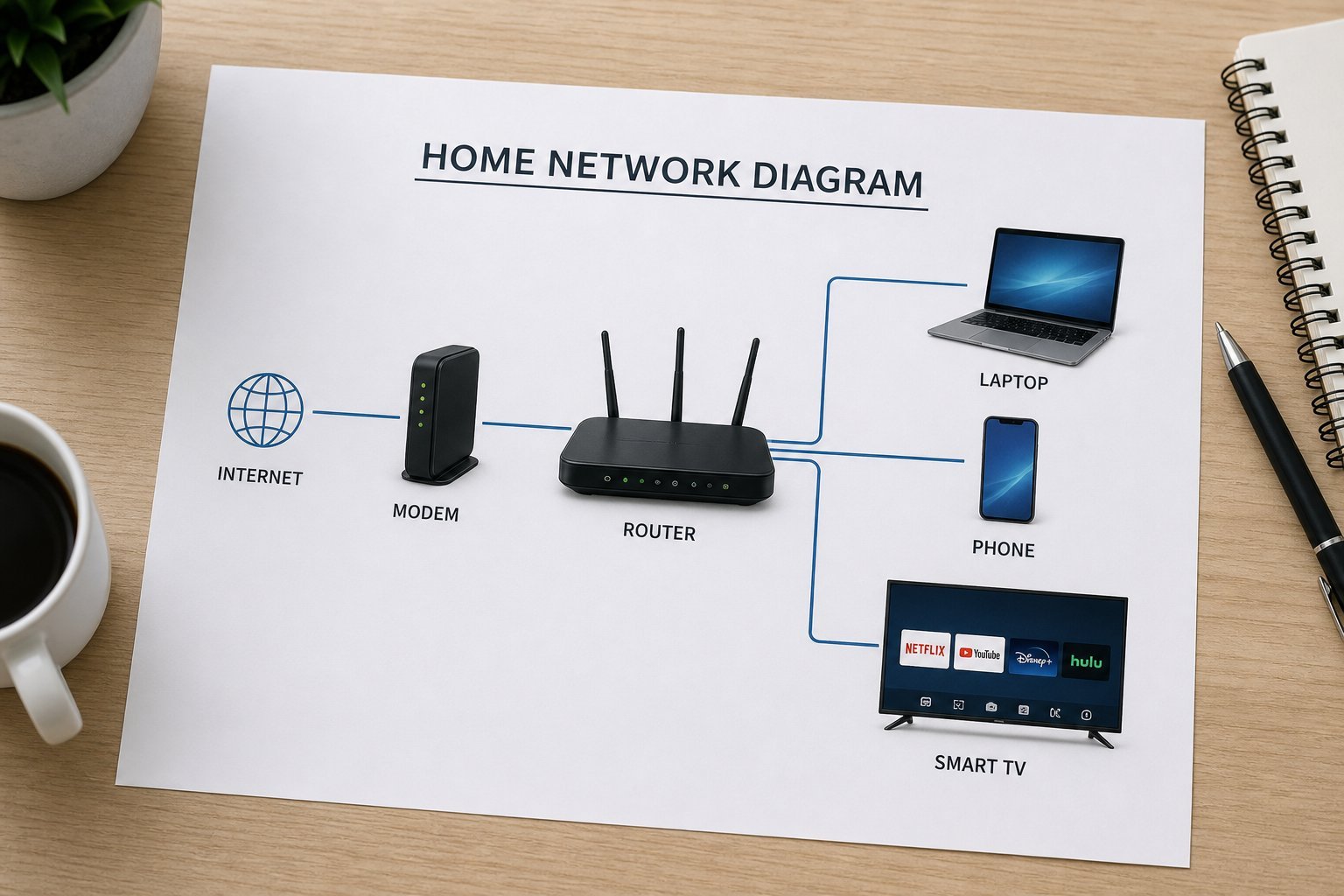
The modem connects you to the internet; the router creates your home network; devices connect to it. That's the core structure.
How it all connects
Here's how data flows through your home network:
Data flows from the internet through the modem to the router, which distributes it to your devices. The router is the central hub of your home network.
Troubleshooting with understanding
Understanding the parts helps you troubleshoot:
💡 The troubleshooting insight
Knowing your network's parts tells you where the problem is. All devices slow → the connection or plan. Wi-Fi slow/dropping → the router. One device struggling → that device. Restart the chain (modem, then router) as the first step. Understanding the structure turns guesswork into targeted troubleshooting.
✨ The "which part is it?" question
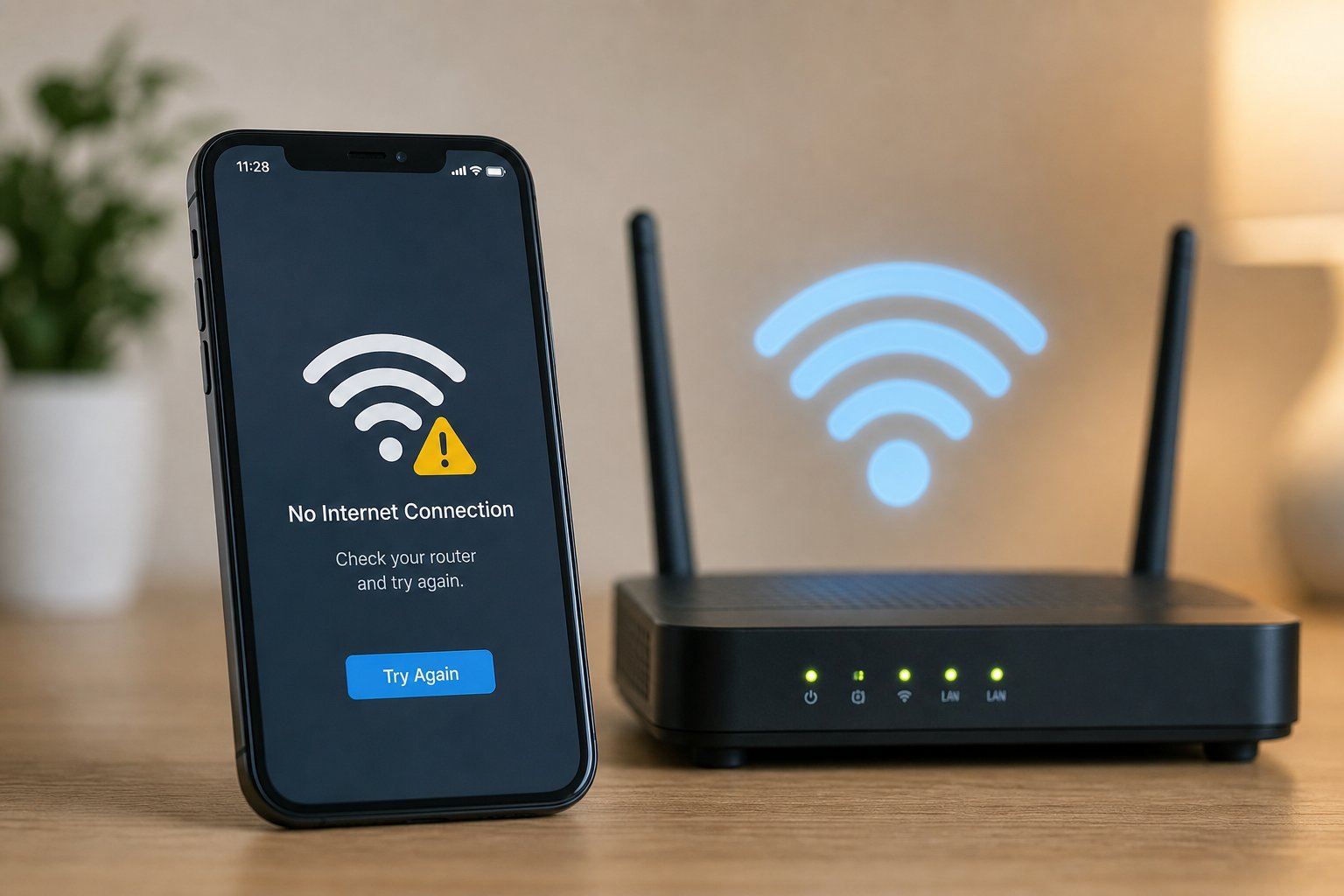
When something goes wrong, ask "which part?" Is it the internet (all devices), the router (Wi-Fi), or a device (one thing)? This instantly narrows the problem and points you to the right fix. Most network troubleshooting is just figuring out which part is failing.
📌 Bottom line
Your home network has a few parts: the modem (connects to the internet), the router (creates your network and routes traffic), your devices, and coverage extenders. Data flows from the internet through the modem to the router, which distributes it. Understanding this structure helps you troubleshoot — all devices slow means the connection, Wi-Fi issues mean the router, one device struggling means that device. Restart the chain first. Know the parts, and you can fix most network problems.