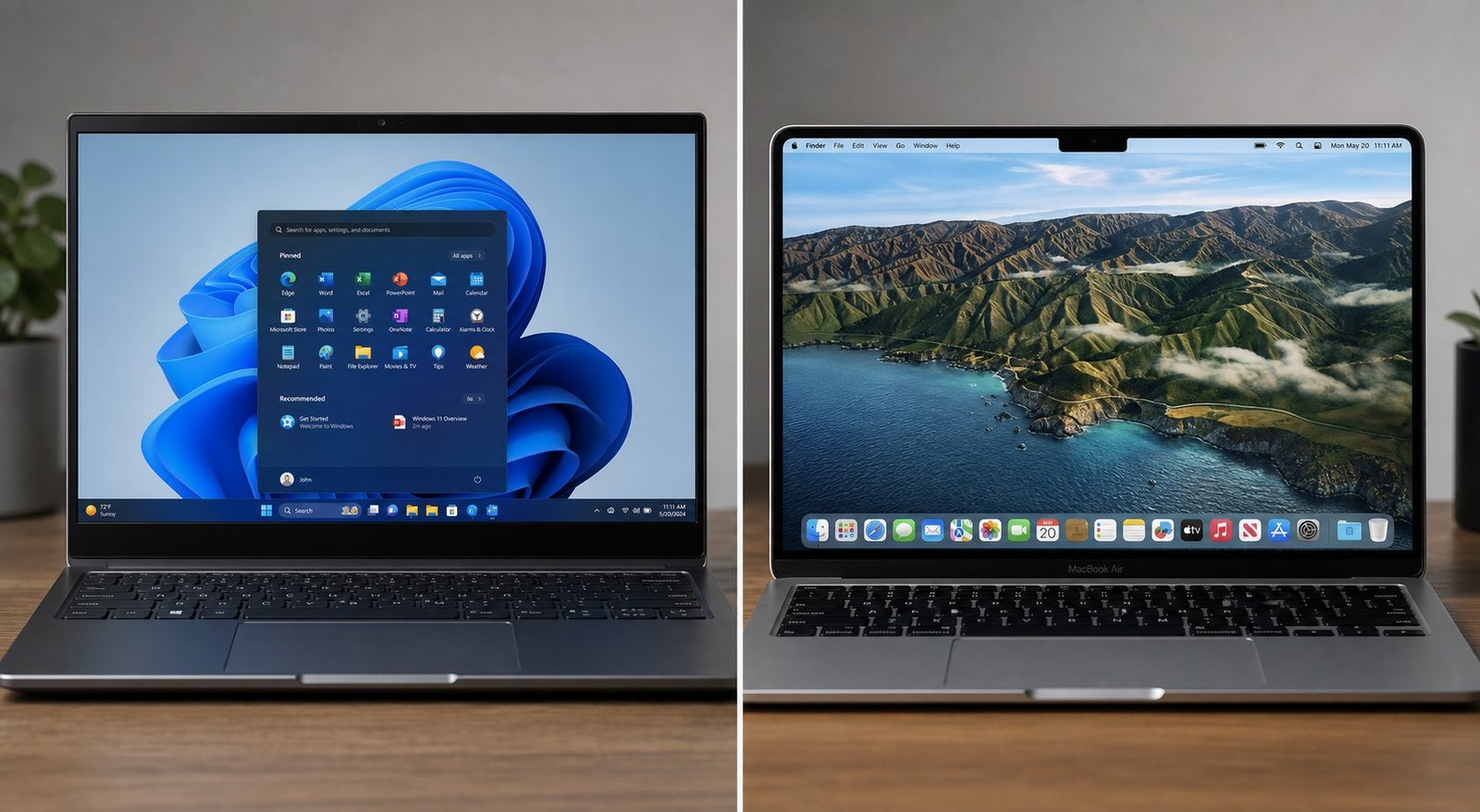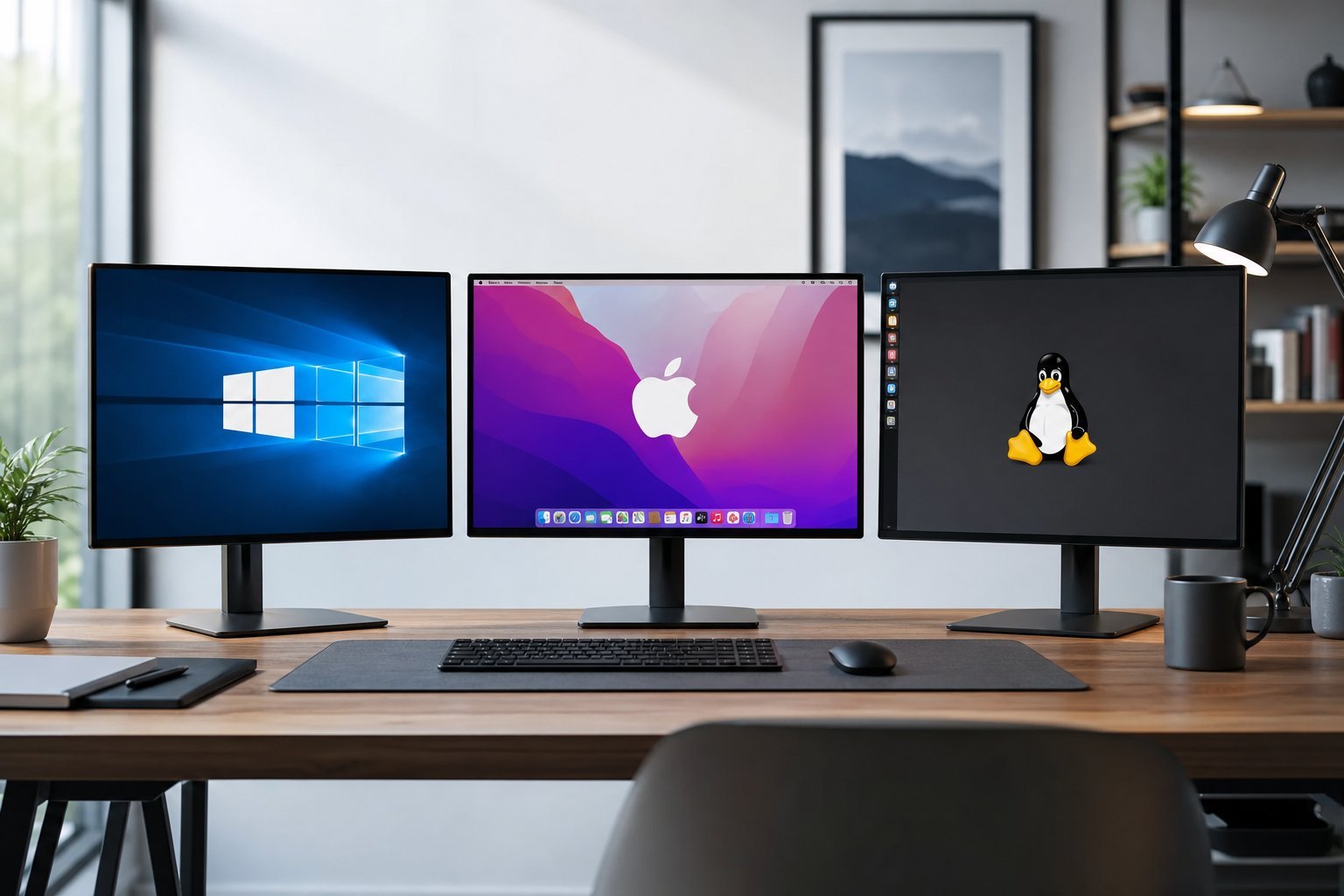
Your operating system (OS) is the software that runs your entire device — the foundation everything else sits on. For computers, the main choices are Windows, macOS and ChromeOS (plus Linux for enthusiasts). Choosing the right one matters because it shapes everything you do on the device.
We've compared Windows vs macOS in depth. This guide gives you the bigger picture across all the main operating systems, so you can choose the right foundation for your needs.
The main operating systems
Here are the main computer operating systems and what they're known for:
| OS | Best for | Notes |
|---|---|---|
| Windows | Flexibility, software, gaming | Most common, huge software & game library |
| macOS | Apple ecosystem, creative work | Polish, integration, premium hardware |
| ChromeOS | Simple, web-based use | Chromebooks — fast, secure, budget-friendly |
| Linux | Enthusiasts, customization | Free, powerful, but a learning curve |
Each OS suits different people. Windows offers the most flexibility; macOS offers the smoothest integration with Apple; ChromeOS is simple and budget-friendly; Linux is for enthusiasts.
How to choose
Here's a practical way to choose an operating system:
💡 The deciding factors
Your OS choice comes down to three things: what you need to do (gaming, creative work, basic use), your other devices (ecosystem), and your budget. Answer those, and the right OS becomes clear. For most people, Windows is the flexible default, macOS suits Apple users, and ChromeOS is the simple, budget option.
Switching between them
If you're considering switching operating systems, here's what to know:
✨ The "test before you commit" approach
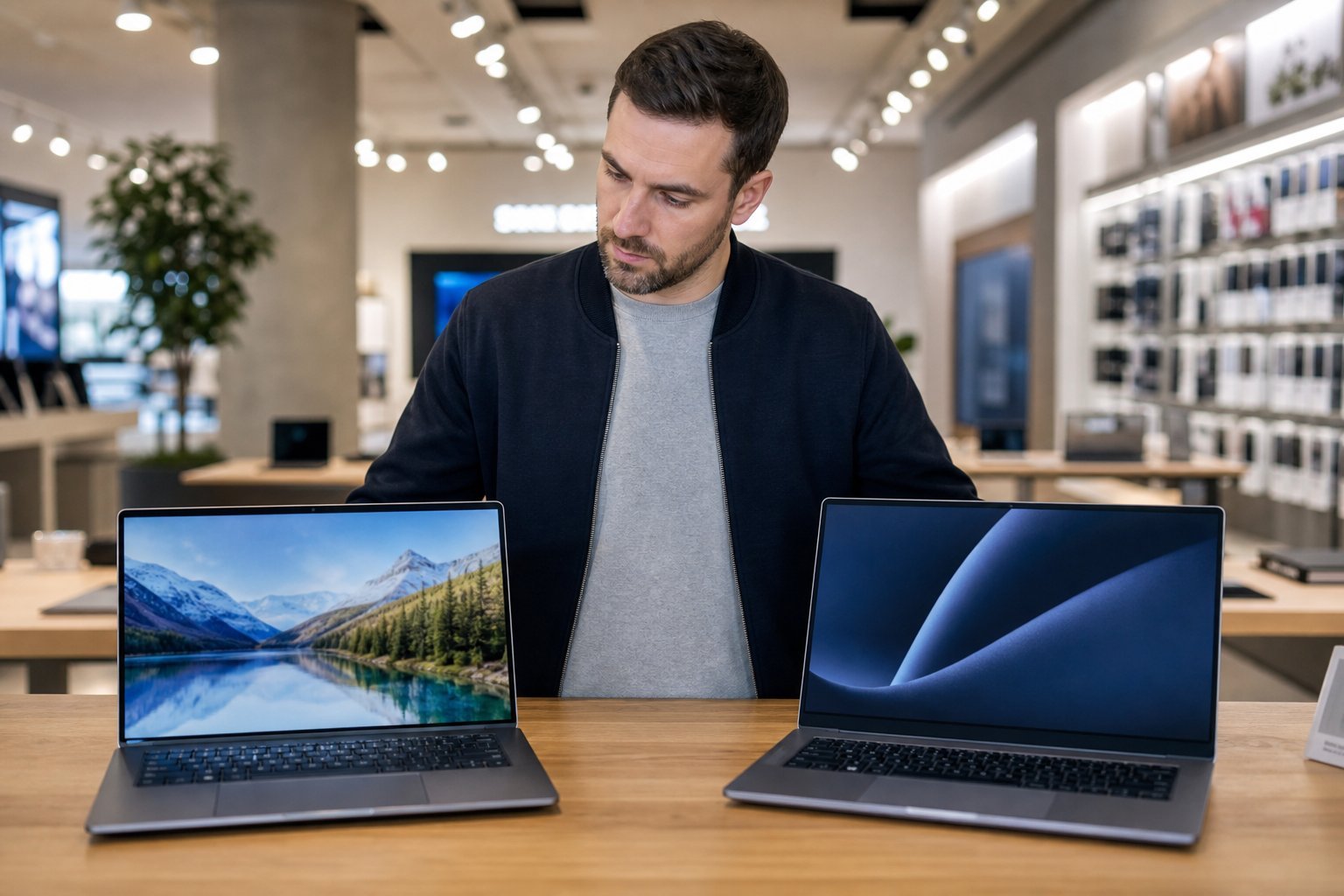
If you're considering switching operating systems, try the new one before committing fully. Many OS choices can be tried through a friend's device, a store demo, or a live bootable USB (for Linux). Testing before you commit avoids a costly, regretted switch.
📌 Bottom line
Your operating system is the foundation of your device. Choose based on what you need to do (gaming, creative work, basic use), your other devices (ecosystem), and your budget. Windows is the flexible default, macOS suits Apple users, ChromeOS is simple and budget-friendly, and Linux is for enthusiasts. If you switch, expect a learning curve, back up your data and check software compatibility. Match the OS to your needs, and it'll serve you well for years.