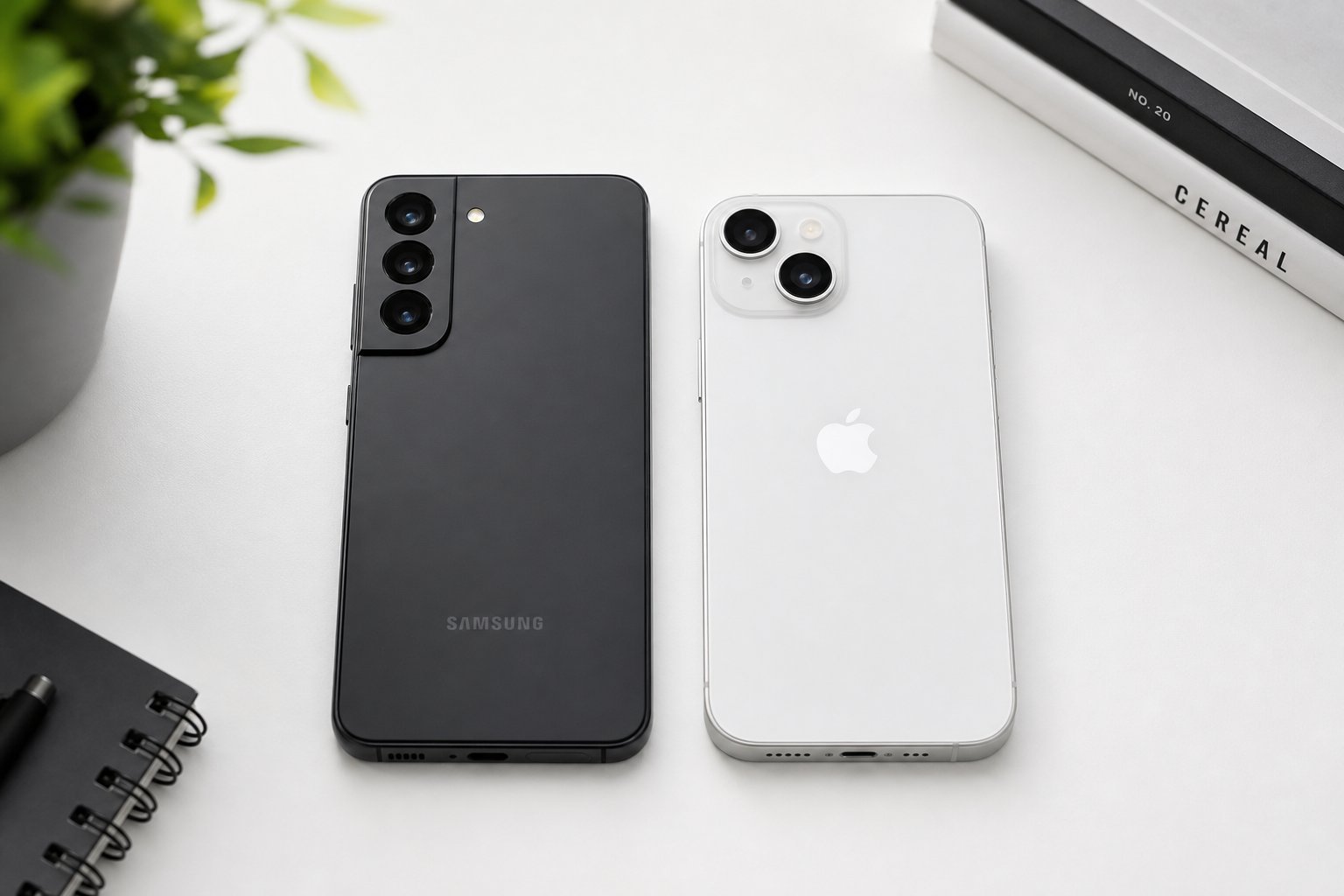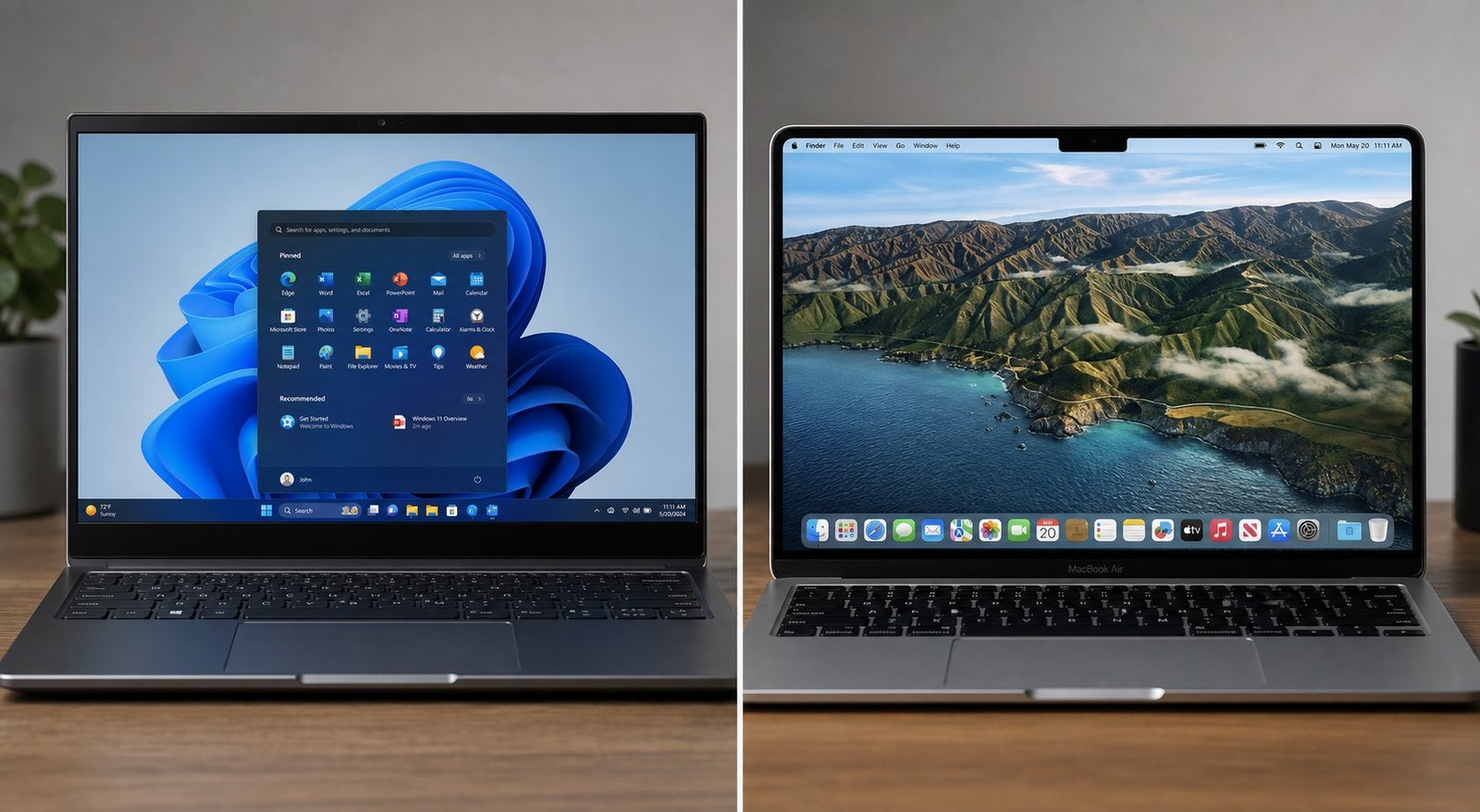
It's the other great tech divide, right up there with Android versus iPhone: Windows or macOS? Walk into any café and you'll see both. Ask which is better and you'll start a fight. The honest answer, as with most things in tech, is: it depends on who you are and what you need.
This isn't a fanboy argument. It's a practical comparison for someone trying to choose their next computer. I'll lay out the real differences — cost, software, gaming, ease of use, hardware, and longevity — so you can make the call that fits you.
What we'll compare
Hardware & price Software & apps Gaming Ease of use & learning curve Ecosystem & other devices Longevity & updates Which should you choose?Hardware & price
The most concrete difference is choice and cost. Here's the reality:
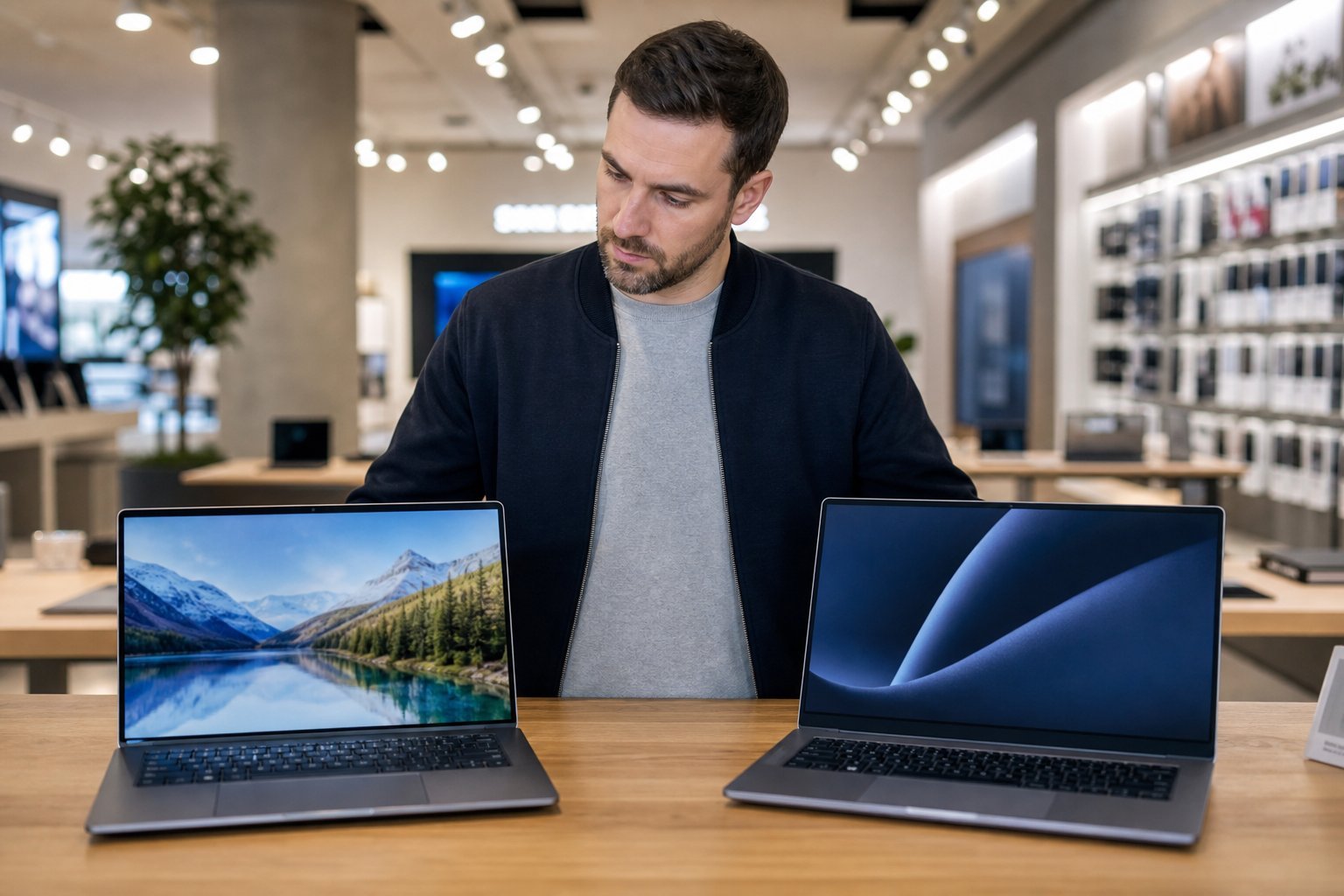
Windows gives you far more choice. There are thousands of Windows laptops and desktops from every manufacturer — Dell, HP, Lenovo, Asus, Acer and more — at every price from budget to premium. Need a $350 laptop for school? Windows has it. Want a $3,000 workstation? Windows has that too. You can pick your exact screen size, weight, processor and price point.
macOS means Apple hardware. MacBooks are beautifully built, with excellent screens, long battery life and strong performance. But Apple's lineup is smaller and consistently premium-priced. There's no budget MacBook; the cheapest Mac is a real investment, and you can't swap in parts the way you can with a Windows desktop.
💡 The price rule
If you're on a tight budget or want to choose exactly what goes into your computer, Windows is the clear winner on choice and cost. If you value build quality and polish and can afford the premium, a Mac is wonderful.
Software & apps
Most everyday software — browsers, Office, Zoom, Spotify, photo editors — works on both. The differences show up at the edges:
- Microsoft Office works on both (though Mac has its own version).
- Creative software — Adobe apps (Photoshop, Premiere) run on both and are widely used on Macs.
- Specialist business software often targets Windows first. If your employer or industry uses a specific Windows-only program, that can be a deciding factor.
- Some Mac-only apps are beloved (like Final Cut Pro for video), but they're a minority.
The general rule: if your job or school requires specific software, check it works on the platform before buying. For most people's everyday needs, both are fine.
Gaming
If gaming matters to you, this is where the comparison tilts clearly. Windows is the gaming platform.
The vast majority of PC games run on Windows, and PC gaming hardware is built around it. Windows also supports a much wider range of graphics cards and, critically, can be upgraded in a desktop — you can swap in a faster graphics card later.
macOS can play some games, and Apple has been investing in gaming, but the catalog is much smaller and performance is often lower than on an equivalent Windows machine. Serious gamers should choose Windows. For gaming, this isn't close.
Ease of use & learning curve
Both are easy to use, but in different ways:
- macOS is often called the most intuitive. Apple designs the experience tightly, so it tends to "just work," with less configuration. If you're not tech-savvy, many people find a Mac the least intimidating.
- Windows is more flexible but more scattered. Because it runs on so much different hardware, there can be more settings, drivers and occasional quirks. That's the flip side of its flexibility.
If you're moving from one to the other, there's a short learning curve either way. Neither is hard — it's just different muscle memory.
Ecosystem & other devices
Just like phones, your computer works best with your other devices:
- If you use an iPhone, a Mac integrates beautifully — AirDrop files instantly, sync messages, use your iPhone as a webcam, and more. This is a huge plus for Apple fans.
- If you use an Android phone or a Windows PC at work, Windows plays nicely with a wider range of devices, and it's the natural fit for the Windows/Android world.
The ecosystem question is one of the most practical deciding factors, so weigh it heavily.
Longevity & updates
This is a point where Apple has a clear edge. Macs typically receive software updates for a long time — often 7 years or more — and they tend to hold their value well and last a long time with good care.
Windows longevity is more varied. A premium Windows laptop can also last many years, but budget Windows machines often age faster, and the Windows update experience can be more disruptive. However, Windows is more repairable and upgradeable, especially on desktops.
For a "buy it and keep it for years" mentality, a Mac is an excellent choice. For a "buy it and upgrade it myself over time" mentality, Windows wins.
Which should you choose?
Let's turn all of that into a clear decision guide:
✅ Choose a Mac (macOS) if…
You use an iPhone and like the Apple ecosystem · you value build quality, polish and an intuitive experience · you can afford the premium price · you'll keep it for many years · you do creative work like design or video.
✅ Choose Windows if…
You're on a budget or want maximum choice · you game on PC · you need specific business/Windows-only software · you're in the Android/Windows world · you want upgradeable hardware (especially a desktop).
Neither is "the best." Windows offers more choice, flexibility and gaming; macOS offers polish, integration and longevity. Match those strengths to your budget, your other devices and what you'll actually do — and you'll be happy either way.