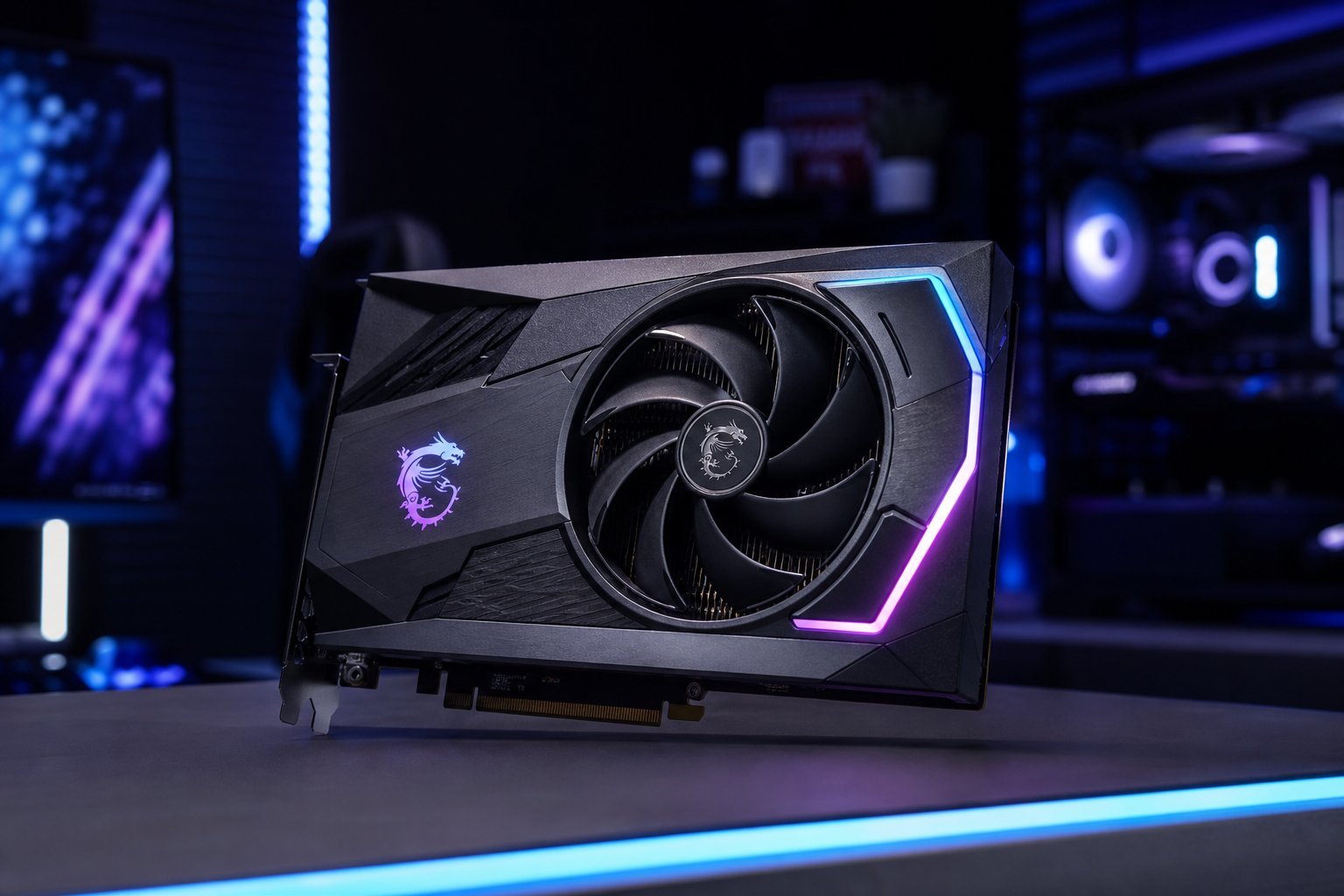
A graphics card (GPU) is one of the most important — and most expensive — parts of a gaming or creative PC. It renders the images you see and determines how well games and creative software run. But the GPU market is confusing, with model numbers, VRAM and performance tiers. Choosing the right one matters.
We've touched on GPUs in editing and budget builds; this guide focuses on choosing a graphics card.
The GPU's role
The graphics card handles rendering — turning 3D models and scenes into the images you see. It matters for:
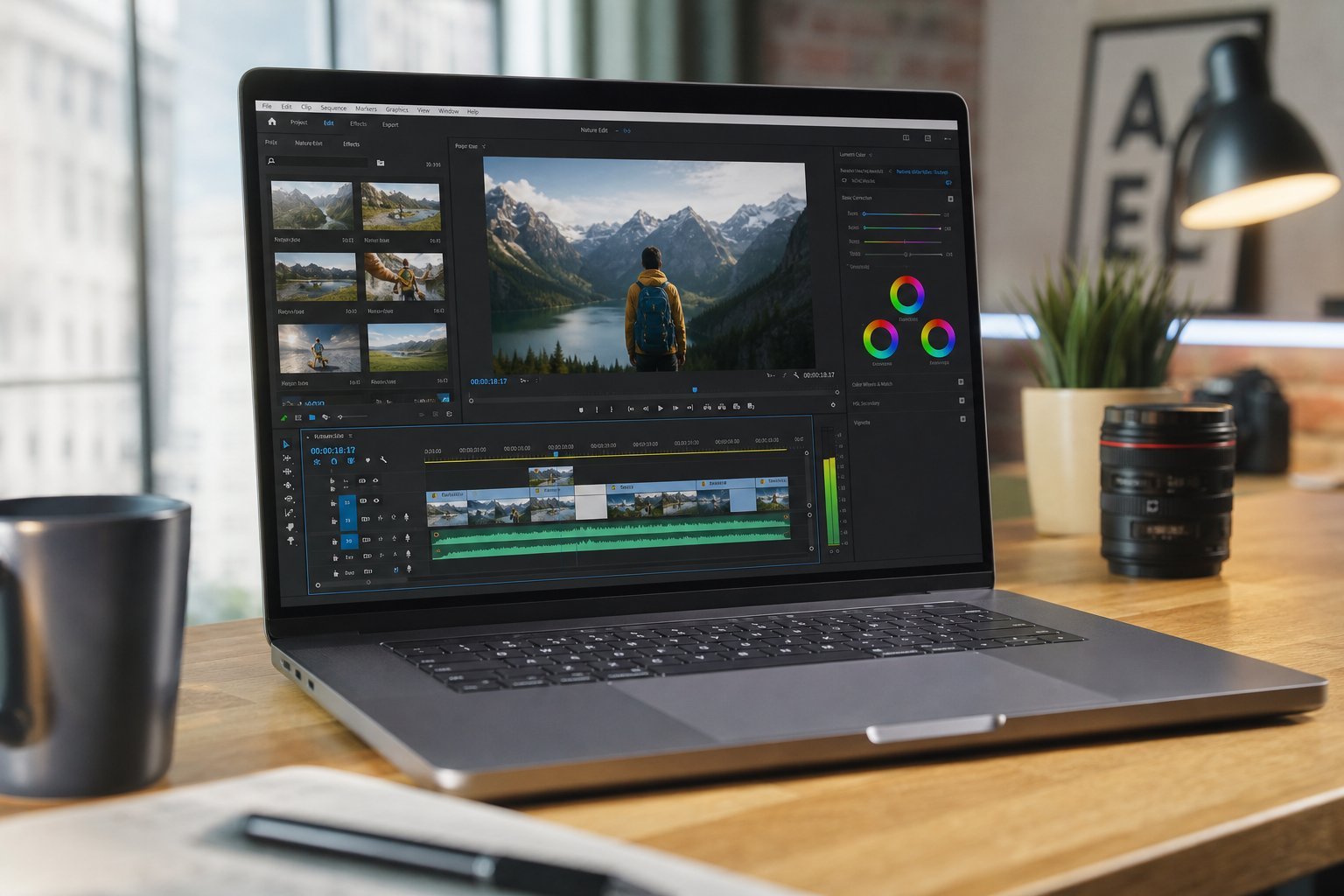
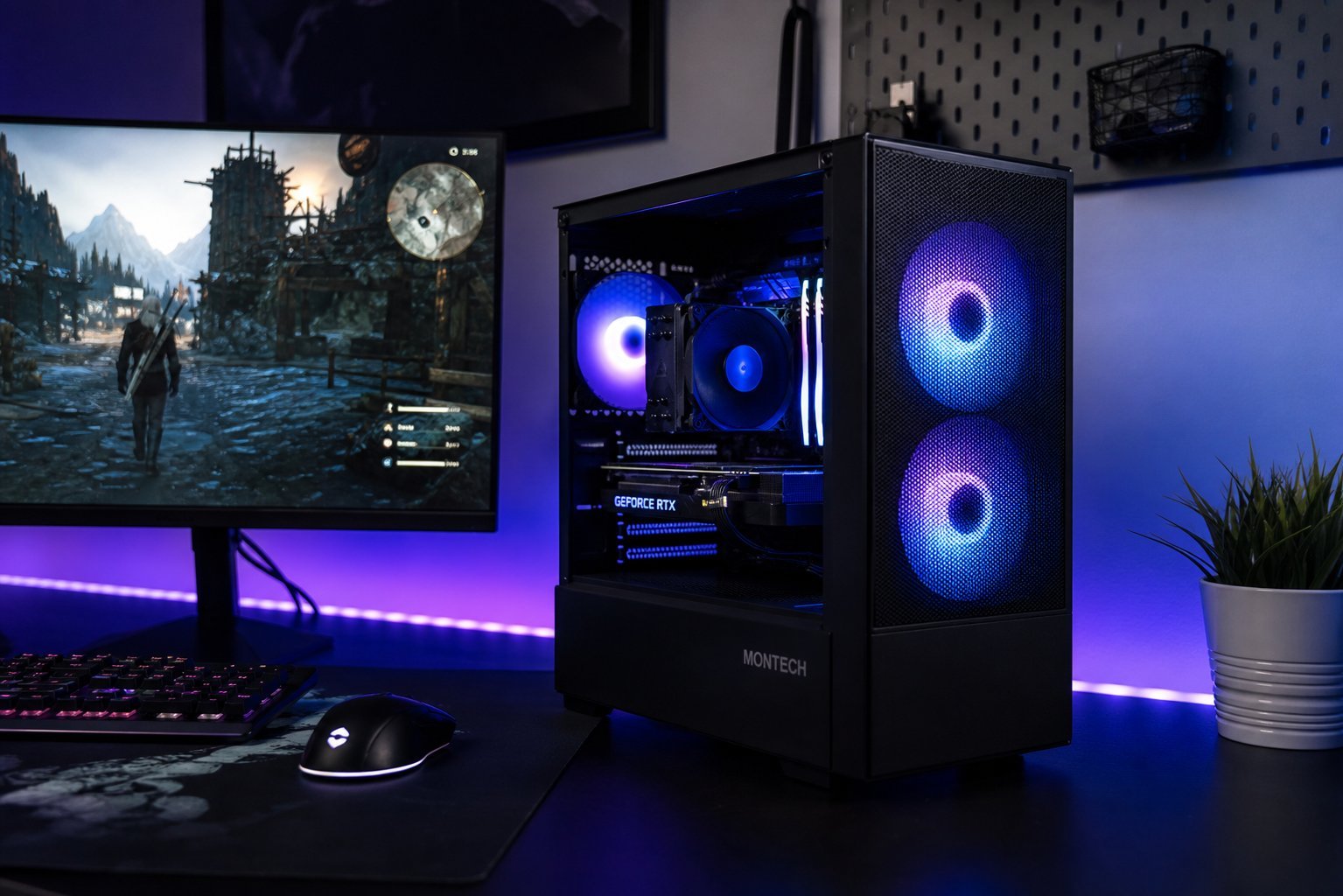
The GPU matters most for gaming, video editing and creative work. For basic use, integrated graphics is enough.
Understanding tiers
Graphics cards are grouped into performance tiers. The pattern is consistent:
Within a brand, higher tiers (bigger numbers) are more powerful. For most people, a mid-range card is the best value — it handles 1080p/1440p gaming and creative work well.
How to choose
Here's how to choose a graphics card:
💡 The GPU recommendation
For most gamers and creators, a mid-range graphics card is the best value — it handles 1080p and 1440p gaming and solid creative work. Match the tier to your resolution and CPU, consider VRAM, check your power supply, and read benchmarks. Don't buy a flagship unless you specifically need 4K/high refresh — it's overkill for most.
✨ Match the GPU to your monitor
Choose your GPU based on your monitor's resolution and refresh rate (see our gaming monitor guide). For 1080p, a mid-range card is plenty. For 1440p, step up. For 4K or high refresh, you need a high-end card. Don't buy a GPU your monitor (or your budget) can't make use of.
📌 Bottom line
The graphics card matters most for gaming, video editing and creative work; integrated graphics is enough for basic use. GPUs come in tiers — entry, mid-range, high-end and flagship. For most people, a mid-range card is the best value, handling 1080p/1440p well. Match the tier to your resolution and CPU, consider VRAM, check your power supply, and read benchmarks. Set a sensible budget and don't overbuy — a flagship is overkill for most.