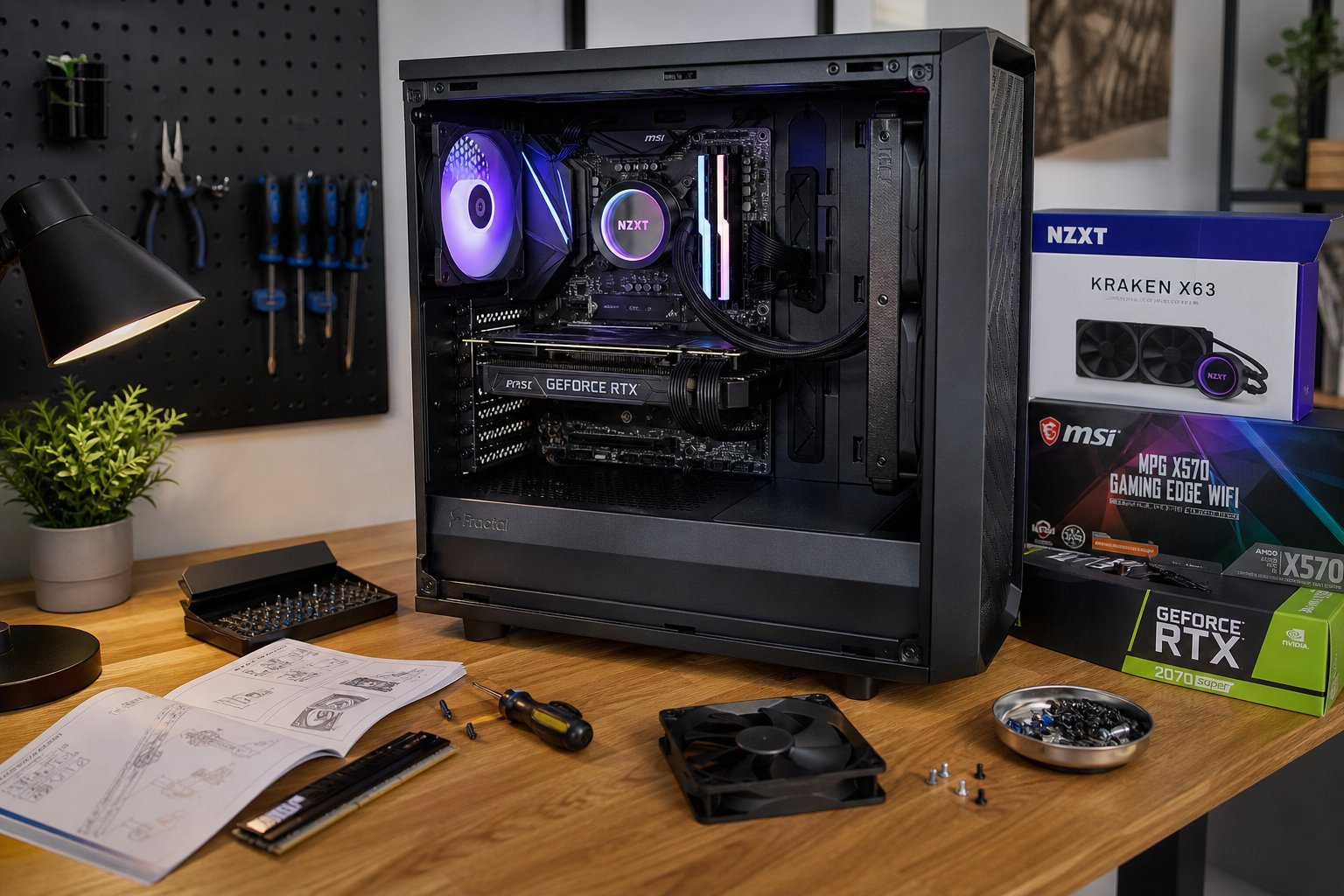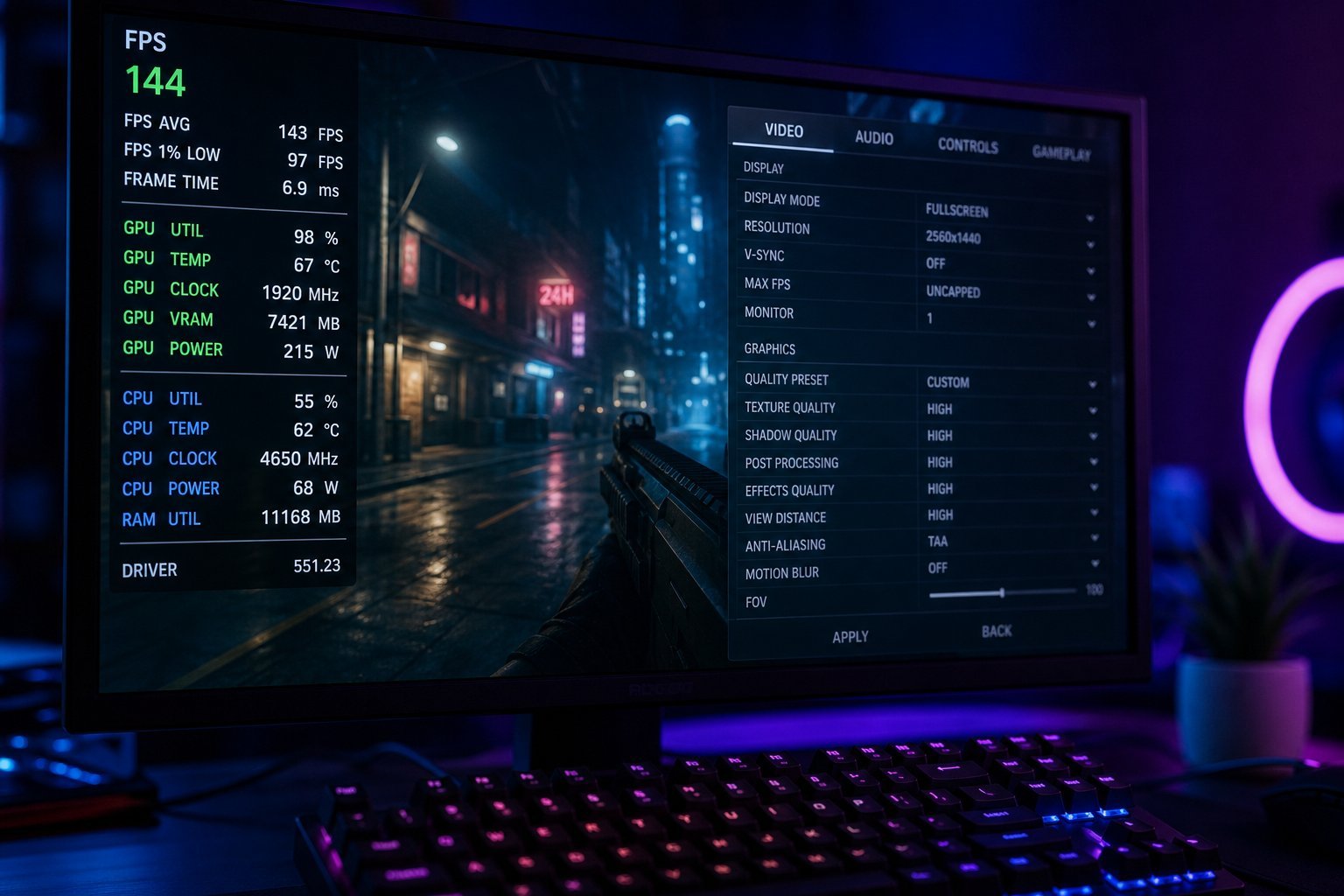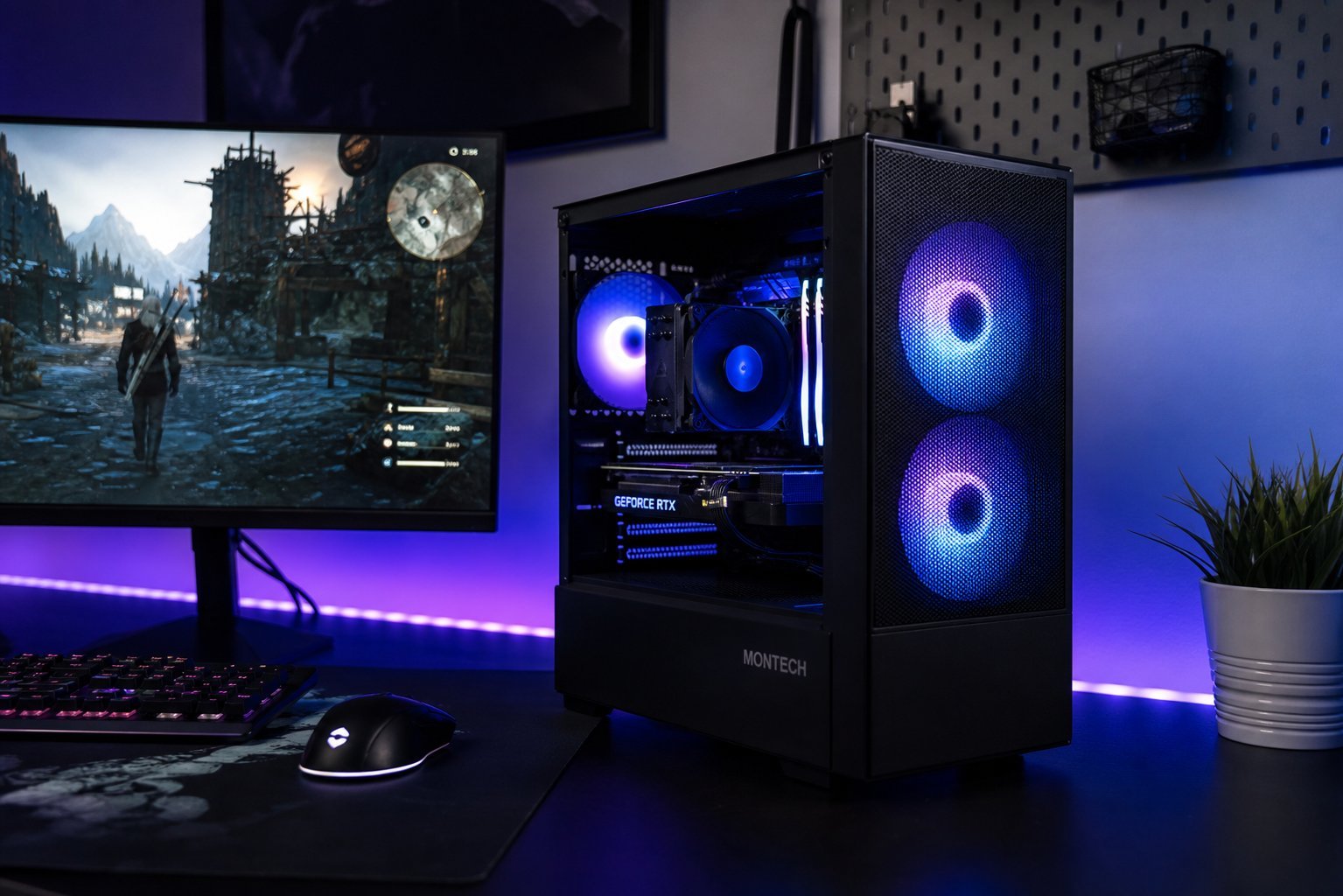
You want to play modern games on a PC, but you've heard "gaming PC" and winced at the price tag. Here's the good news: you do not need a $2,000 machine to play games well. A smartly chosen budget build can run today's games smoothly, and it can be upgraded over time as your needs grow.
This guide gives you a realistic blueprint for a capable budget gaming PC for around $700. I'll explain the reasoning behind each part choice — not just hand you a list — so you understand why these parts work together and where you can flex up or down.
What we'll cover
The budget strategy The parts list (and why each choice) Why the GPU matters most Future upgrades: build with room to grow Don't forget the peripherals Final summaryThe budget strategy
Before the parts, understand the guiding principle of budget PC building: put your money where the games use it most. For gaming, that means the graphics card (GPU) gets the largest share of your budget. A common rookie mistake is spending big on a fancy CPU or RGB lighting while skimping on the GPU — which is exactly backwards for gaming.
Here's the general budget split you should aim for:
The parts list (and why each choice)
Now let's build it. This is a representative 1080p gaming build. Note that prices fluctuate and vary by region, so treat these as ballpark figures and the reasoning as what matters.
| Part | Recommended | Approx. | Why |
|---|---|---|---|
| CPU | AMD Ryzen 5 (mid-range) | ~$140 | Great value; plenty for gaming |
| Motherboard | B-series chipset (matching socket) | ~$90 | Good features without the premium price |
| RAM | 16 GB (DDR4 or DDR5, matching board) | ~$60 | The sweet spot for gaming |
| GPU | Mid-range card (e.g., RTX 4060 tier) | ~$280 | The star of gaming performance |
| Storage | 1 TB NVMe SSD | ~$60 | Fast load times, ample space |
| Power supply | 650W, reputable brand | ~$70 | Headroom for upgrades |
| Case | Budget ATX case | ~$60 | Good airflow, room to grow |
The exact model numbers change as new generations launch, but the tier is what matters. A mid-range Ryzen CPU, 16 GB of RAM, a current mid-range GPU, and an NVMe SSD is a combination that plays modern games at 1080p very well.
✨ Keep it balanced
A budget build should be balanced — no single component wildly more powerful than the rest. A super-expensive GPU paired with a weak CPU will bottleneck (the CPU limits the GPU). Balanced parts work together smoothly.
Why the GPU matters most
For gaming, the graphics card is the engine. It's responsible for rendering the images you see, and for most games it's the component that determines your frame rate (FPS) and visual quality.
Here's what to look for in a budget gaming GPU:
- Get the best GPU your budget allows. This is where overspending pays off most for gaming.
- Look at benchmarks, not just model numbers. A card's real-world gaming performance is measured in game benchmarks, which reviews report.
- Consider used market carefully. A used GPU can be great value, but buy from reputable sellers and avoid cards that were used for crypto mining (they may be worn out).
- Match it to your screen. For 1080p gaming, a mid-range card is ideal. You don't need a top-end card unless you're gaming at 1440p/4K or high refresh rates.
A good budget rule: spend roughly 40% of your build on the GPU. That keeps your machine properly gaming-focused without starving the rest of the system.
Future upgrades: build with room to grow
One of the best reasons to build your own PC is upgradeability. A smart budget build isn't a dead end — it's a foundation you can improve over time. Plan for that from the start:
- Choose a power supply with headroom. A 650W unit lets you add a more powerful GPU later without replacing the PSU.
- Leave spare RAM slots. Get 16 GB now (2 sticks) and you can add another 16 GB later if you need it.
- Pick a case with room. A case that fits larger GPUs and extra drives means you won't have to replace it when you upgrade.
- Keep your SSD as a boot drive. Later, you can add more storage without starting over.
This "build for tomorrow" mindset means your $700 investment keeps paying off for years — upgrading one part at a time as your needs and budget grow.
Don't forget the peripherals
A common budget mistake: spending the entire budget on the tower and forgetting you need a monitor, keyboard, mouse and possibly speakers. Keep these in mind:
- Monitor: For a budget build, a 1080p monitor with a decent refresh rate (144Hz if you can) is the sweet spot. Don't overspend on a 4K monitor for a 1080p-focused build.
- Keyboard and mouse: You don't need expensive gaming gear to start. A comfortable basic keyboard and mouse work fine; upgrade later if you want.
- Headset or speakers: Needed for audio. A decent budget headset is a good start.
Set aside part of your budget for these so you're fully ready to play the day you finish the build.
Final summary
Let's pull it together. A capable budget gaming PC for around $700 comes down to one guiding idea: balance, with the GPU leading.
Use a compatibility checker to confirm everything fits together, and take your time assembling. The result is a machine that plays today's games well — and that you can upgrade for years, one piece at a time, without starting over.
📌 Bottom line
You don't need a fortune for a gaming PC. Around $700 buys a balanced, capable 1080p gaming machine if you prioritize the GPU, choose a good mid-range CPU and 16 GB of RAM, and build with room to upgrade. The smart budget builder thinks in tiers, keeps parts balanced, and grows the machine over time. That's the recipe for great gaming without breaking the bank.