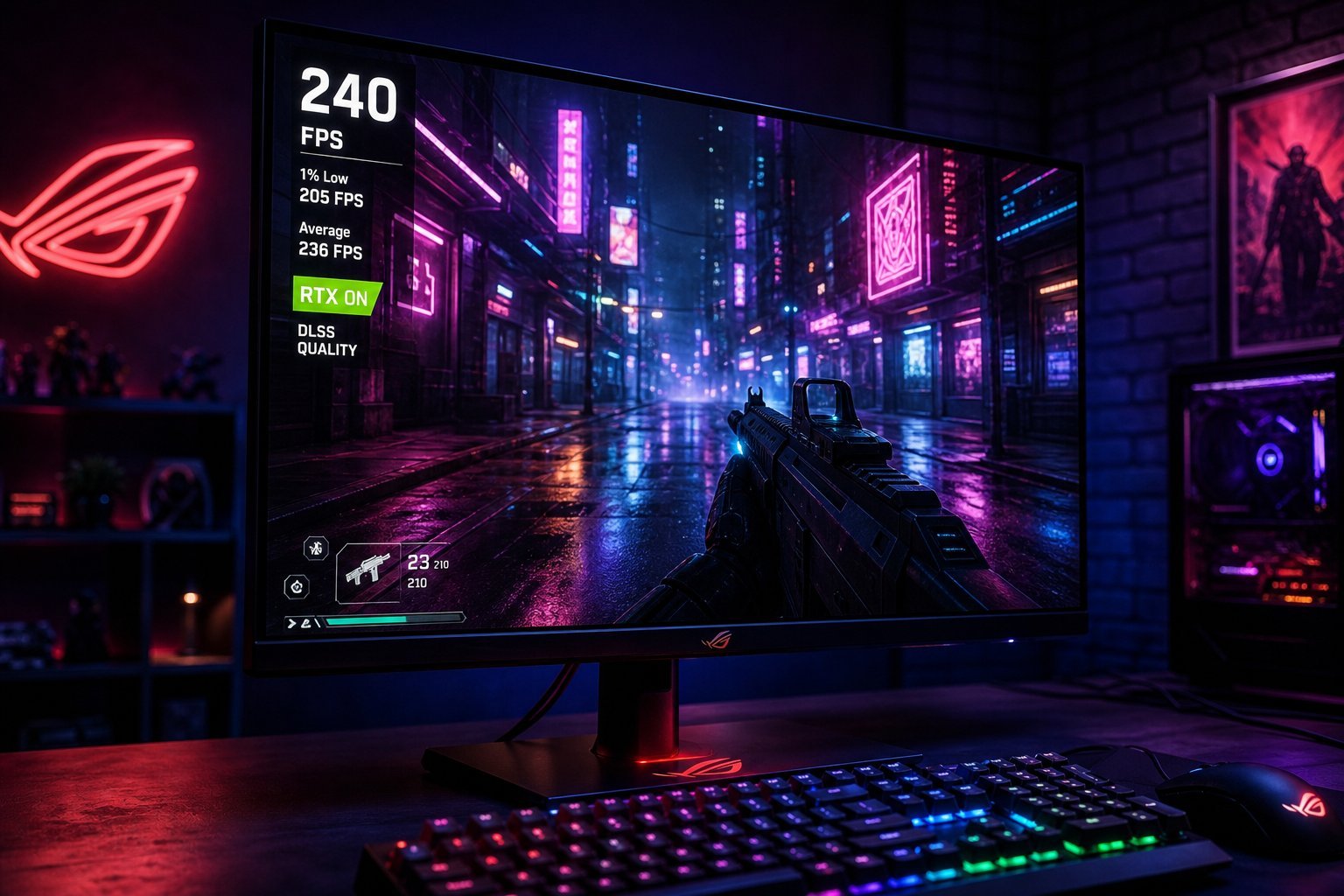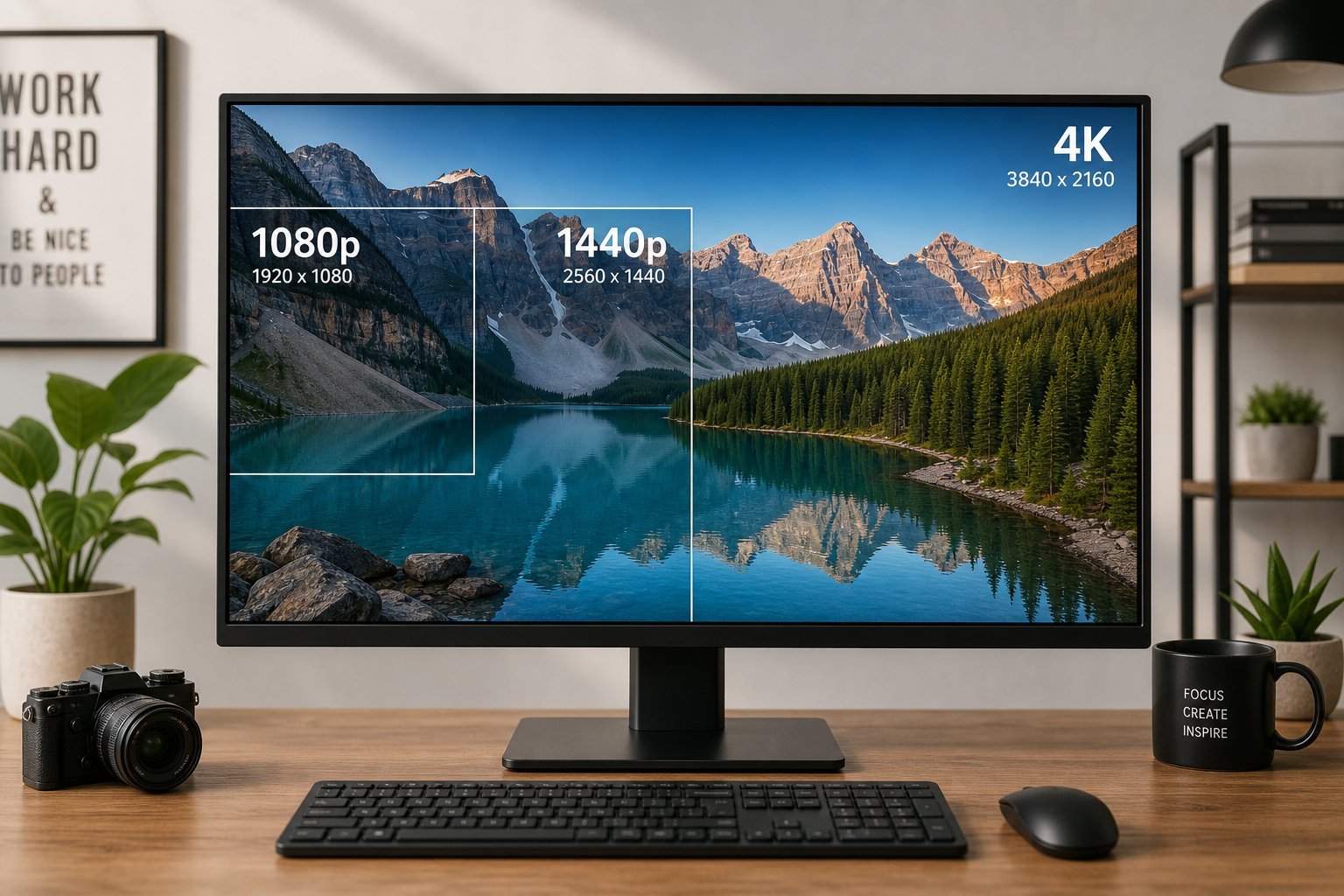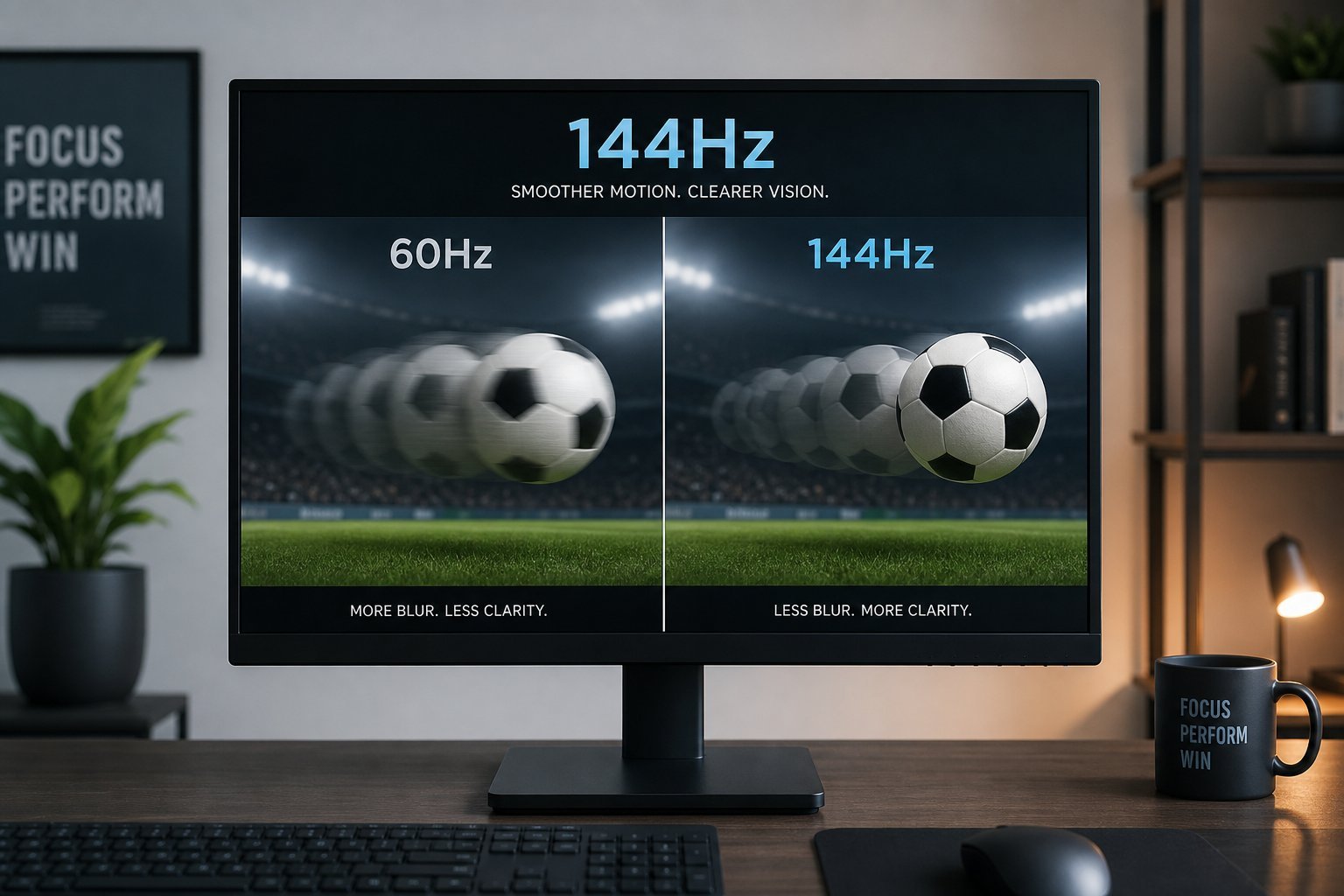
We've mentioned refresh rate in our gaming monitor guide and resolution guide, but it deserves its own deeper look. Refresh rate affects how smooth motion looks on your screen — and understanding it helps you choose monitors, TVs and even phones. This guide explains refresh rate and motion clarity.
Here's what refresh rate is and why it matters.
What refresh rate is
Refresh rate is how many times per second your screen updates its image, measured in Hertz (Hz):
Refresh rate is how often a screen updates per second. Higher refresh rates make motion look smoother and more fluid.
Why it matters
Higher refresh rates matter most in specific situations:
High refresh matters most for gaming and fluid UI. For everyday video, 60Hz is usually fine. To benefit, your content and hardware must support the higher rate.
What to choose
Here's how to choose a refresh rate:
💡 The refresh rate rule
Higher refresh makes motion smoother, and it matters most for gaming and fluid scrolling. For gaming, 144Hz is the sweet spot. For general use and phones, 120Hz is a nice upgrade. For TV/video, 60Hz is usually fine. Just make sure your hardware can run at the higher refresh — otherwise you're paying for smoothness you can't use.
✨ It's smoothness, not sharpness
Refresh rate is about motion smoothness, not image sharpness (that's resolution — see our resolution guide). A high refresh rate makes fast-moving images look fluid instead of blurry. If you've never seen a 144Hz display, you'll be surprised how much smoother games feel — it's one of the most noticeable upgrades for gaming.
📌 Bottom line
Refresh rate is how many times per second a screen updates, measured in Hz. Higher refresh makes motion smoother and matters most for gaming and fluid scrolling. For gaming, 144Hz is the sweet spot; for general use and phones, 120Hz is a nice upgrade; for TV/video, 60Hz is usually fine. Make sure your hardware can run at the higher refresh. Understand the difference between smoothness (refresh) and sharpness (resolution), and you'll choose the right display.