If you've watched any tech content or walked past a gaming desk, you've seen them: mechanical keyboards, glowing and clicky, with more switches than you knew existed. And you've probably wondered what the fuss is about — and why people pay $150 for a keyboard.
Mechanical keyboards aren't just for gamers and typists. They feel better, last longer, and — once you understand the basics — they're not as complicated as they seem. This guide explains what makes them different and how to choose your first one.
What we'll cover
What makes a keyboard "mechanical" The switches: clicky, tactile, linear Size & layout How to choose your first oneWhat makes a keyboard "mechanical"
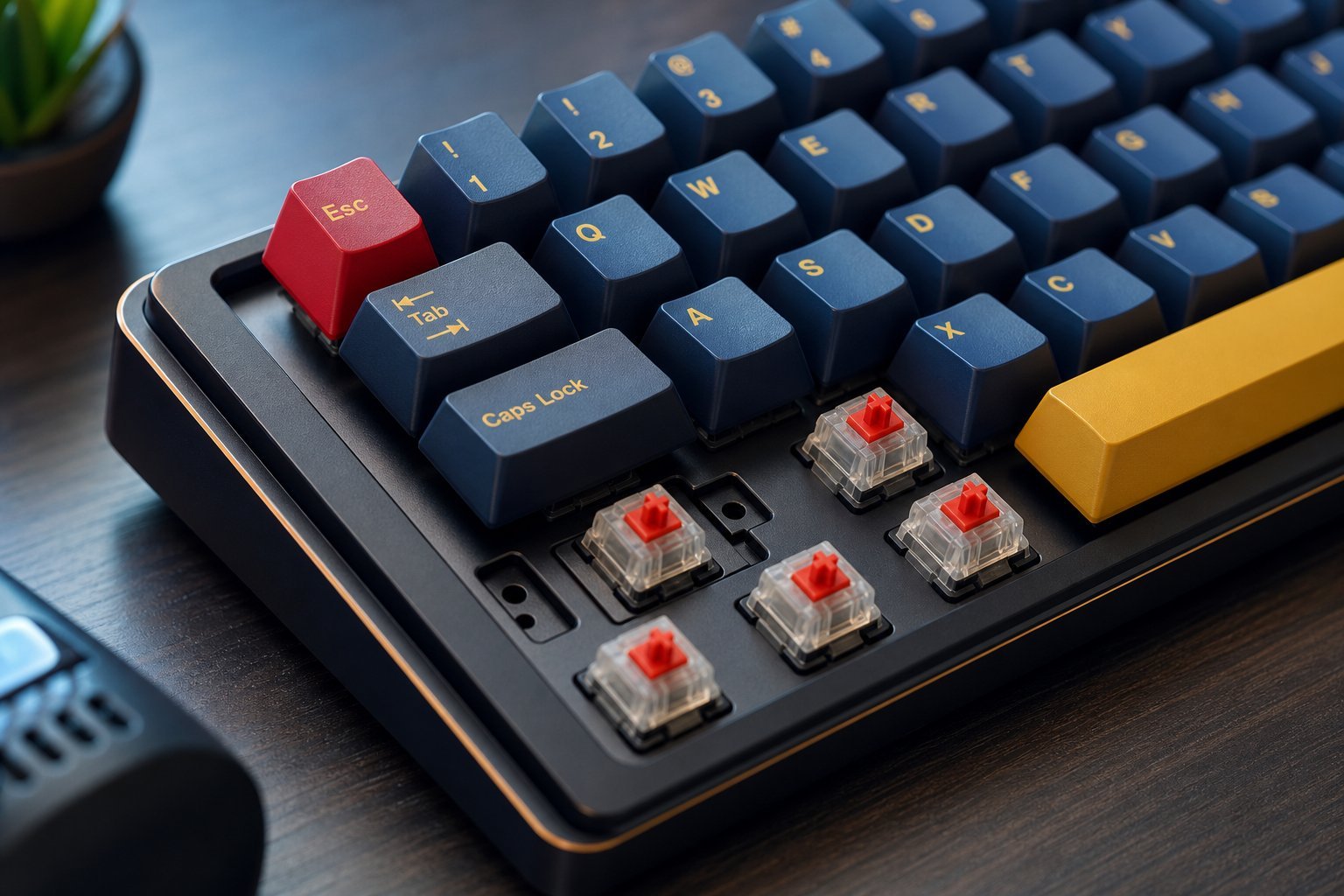
Most standard keyboards use a "membrane" design — a rubber dome under each key. Mechanical keyboards, by contrast, use a mechanical switch under every key, with moving parts and a spring.
That difference matters for a few reasons:
- Feel. Each keypress is crisp and satisfying, with a clear tactile response.
- Durability. Mechanical switches are rated for tens of millions of presses — far more than membrane keyboards.
- Typing comfort. Many people find mechanical keyboards more comfortable and accurate to type on.
- Customization. You can change keycaps, and some keyboards are hot-swappable (switches can be changed too).
The difference isn't just hype — the feel and durability are genuinely different. But "mechanical" isn't automatically better for everyone; it depends on the switch type.
The switches: clicky, tactile, linear
The switch type determines how the keyboard feels and sounds. There are three main families:
| Type | Feel | Sound | Best for |
|---|---|---|---|
| Clicky | Tactile bump + audible click | Loud | Typing (if you like feedback) |
| Tactile | Bump you feel, no loud click | Moderate | Typing & gaming balance |
| Linear | Smooth, no bump | Quiet | Gaming, quiet work |
💡 Which switch?
Tactile switches are the best all-round choice for most people — a nice feel without being too loud. Clicky is great for typists who love feedback (but loud in shared spaces). Linear is popular with gamers who want smooth, fast presses.
Don't overthink it — but do consider where you'll use it. A loud clicky keyboard is wonderful at a solo desk and annoying in a shared office.
Size & layout
Mechanical keyboards come in different sizes, and the size affects desk space and features:
- Full-size (100%). All keys including the number pad. Most familiar, biggest.
- Tenkeyless (TKL, 80%). Everything except the number pad. Saves desk space, popular with gamers.
- Compact (60–75%). Small keyboards without the number pad and function row. Very portable, but you lose keys (often via layers).
For your first mechanical keyboard, full-size or TKL is the safest choice — you don't lose keys you rely on. Go compact later if you want to save space.
How to choose your first one
Here's a simple process for your first mechanical keyboard:
✨ Buy a switch tester first
If you're unsure which switch you like, buy a switch tester — a small keypad with several switch types you can try. It's cheap, and it lets you feel the difference between clicky, tactile and linear before committing to a full keyboard.
📌 Bottom line
Mechanical keyboards feel better and last longer than standard ones, thanks to a real switch under every key. The key choice is the switch type: tactile (all-round), clicky (typing feedback), or linear (gaming). Choose a size that fits — full-size or TKL for your first — and pick a reputable brand within your budget. If unsure about switches, try a switch tester first. A good mechanical keyboard improves comfort and lasts for years.