Watching a movie at home is great — but watching it with great picture and sound is transformative. A home theater setup brings the cinema experience to your living room. You don't need a dedicated room or a fortune; a sensible setup dramatically improves movie nights.
This guide walks you through building a home theater step by step — the TV, the sound, and the finishing touches — in order of what matters most.
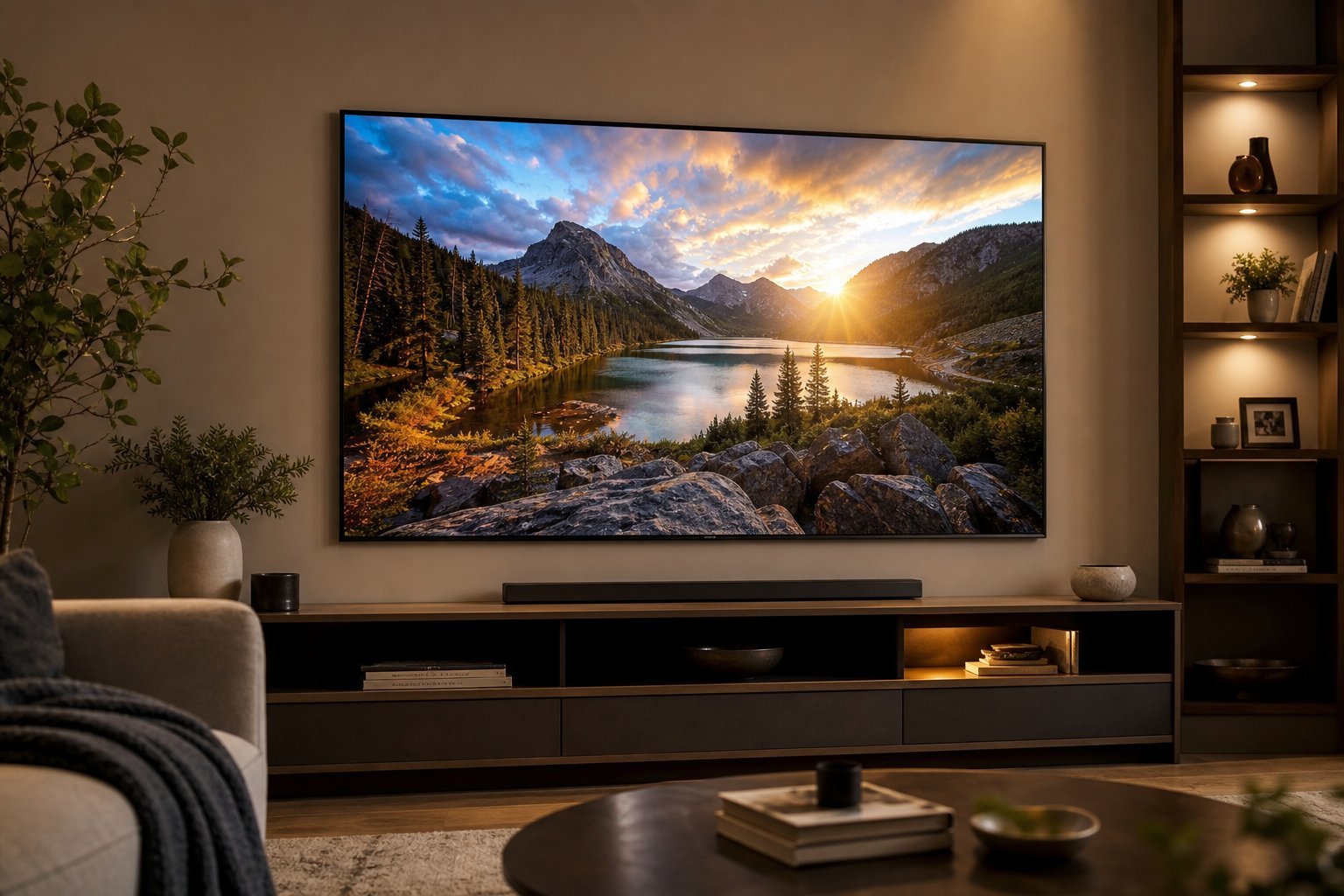
Start with the screen
The screen is the heart of a home theater. Here's what to prioritize:
Get the screen right, and you've done the biggest part. A great screen is the foundation of movie nights.
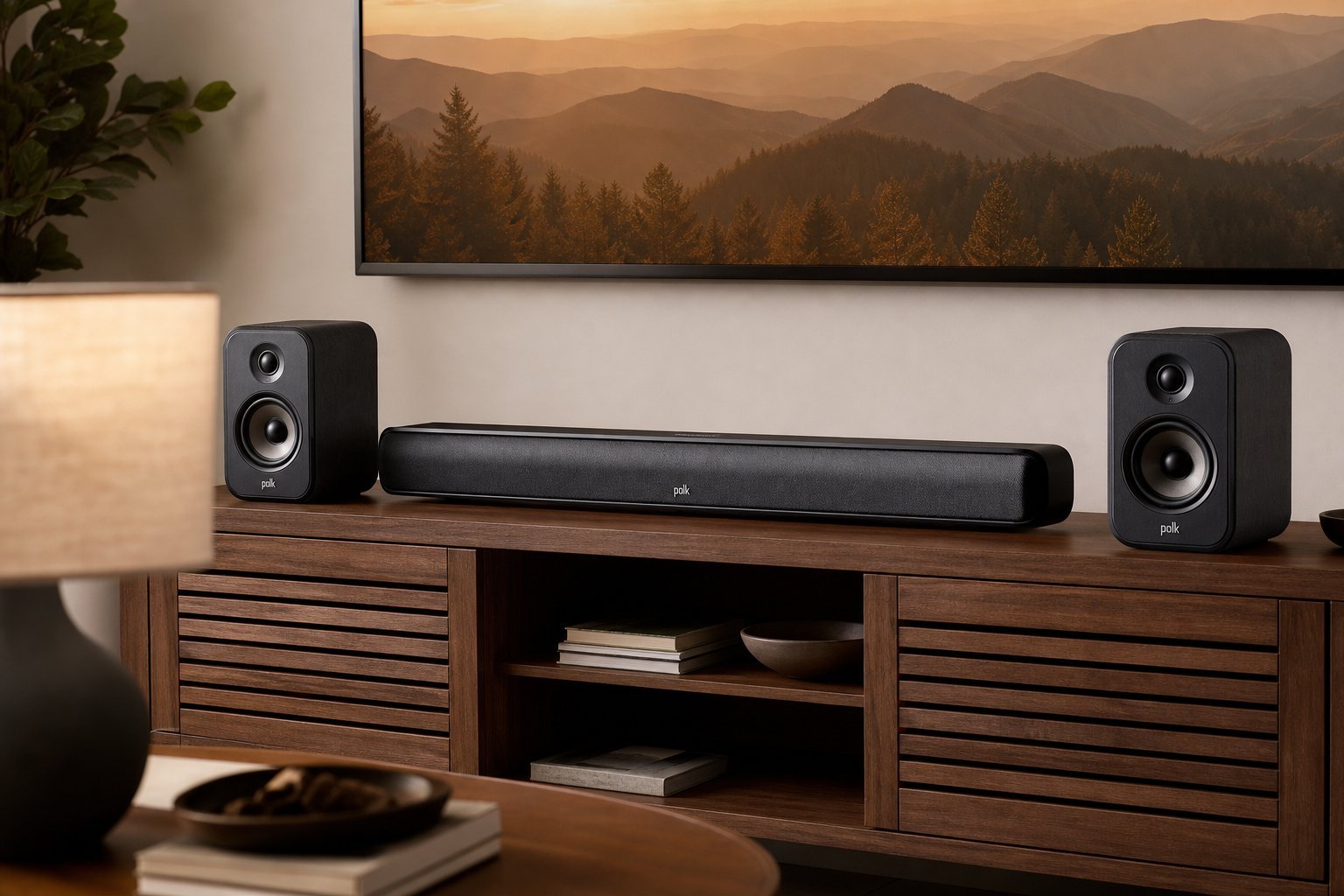
Add the sound
Sound is the second most important element — and the most underrated. Here's how to build on the screen:
Great sound is what makes a movie feel cinematic. A soundbar is the starting point; a subwoofer and surround system take it further.
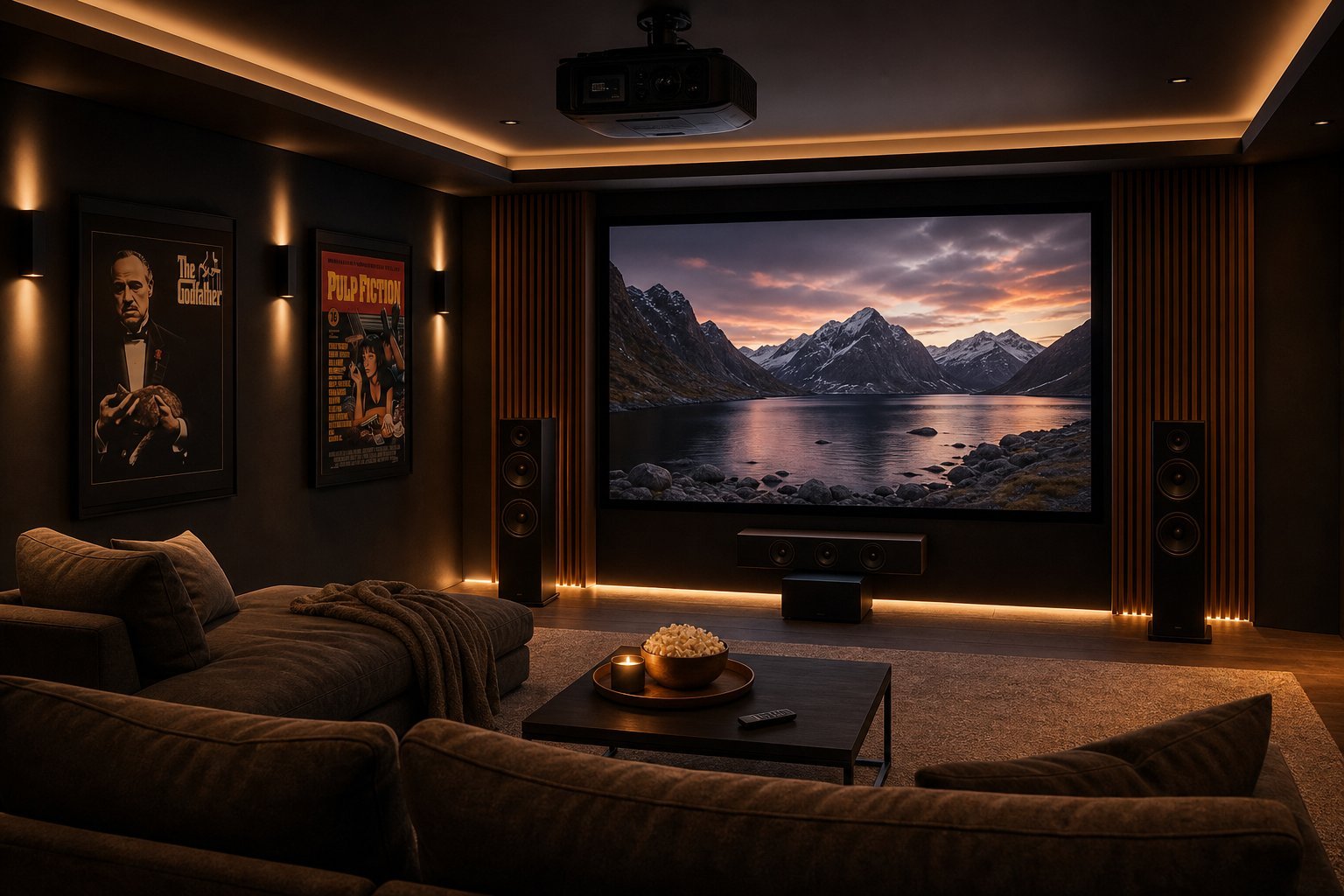
Set up the room
The room itself affects your home theater. Here's how to optimize it:
Controlling light and arranging seating properly makes a huge difference to the experience. A dark, well-arranged room shows off your TV and sound far better.
Finishing touches
To complete the setup, consider these extras:
- A streaming device for the best apps and interface (see our guide).
- A media/streaming service for 4K and HDR content (see our streaming guide).
- Comfortable seating. Recliners or a good couch make long movies comfortable.
- Ambient lighting — dim, behind-the-TV lighting reduces eye strain and looks great.
✨ Add bias lighting
Adding a dim light behind your TV (bias lighting) reduces eye strain in a dark room and makes the picture look better. It's an inexpensive finishing touch that improves the movie experience noticeably.
📌 Bottom line
Build a home theater by starting with what matters most: a good screen (right size, 4K, good HDR), then great sound (a soundbar, plus a subwoofer and surround for immersion). Optimize the room by controlling light, arranging seating and reducing reflections. Finish with a streaming device, good content and comfortable seating. You don't need a dedicated room or a fortune — a sensible, well-arranged setup brings the cinema home.