You've decided to cut the cable or just want to watch your streaming services on the big TV. But when you look at what to buy, you're hit with a wall of sticks, boxes, and names — Roku, Fire Stick, Chromecast, Apple TV, plus the built-in apps on your TV. What do you actually need?
Here's the reassuring truth: you probably don't need to buy anything. Most modern TVs have streaming apps built in. But if your TV is old or its apps are slow, a small streaming device is an affordable, excellent upgrade. This guide helps you decide and choose.
What we'll cover
Do you even need a streaming device? The types: sticks vs. boxes The main options compared How to chooseDo you even need a streaming device?
Before spending money, check what you already have. Many modern TVs are "smart" — they have streaming apps (Netflix, YouTube, etc.) built in. If your TV has the apps you want and they run smoothly, you may not need anything extra.
You might want a streaming device if:
- Your TV isn't a smart TV (no built-in apps).
- Your TV's built-in apps are slow, limited, or don't get updated.
- You want a faster, smoother experience than your TV provides.
- You want a consistent interface across different TVs.
If none of these apply, save your money. But if your TV's apps frustrate you, a streaming device is often the best upgrade — typically smoother and more reliable than the apps built into budget TVs.
The types: sticks vs. boxes
Streaming devices come in two main forms:
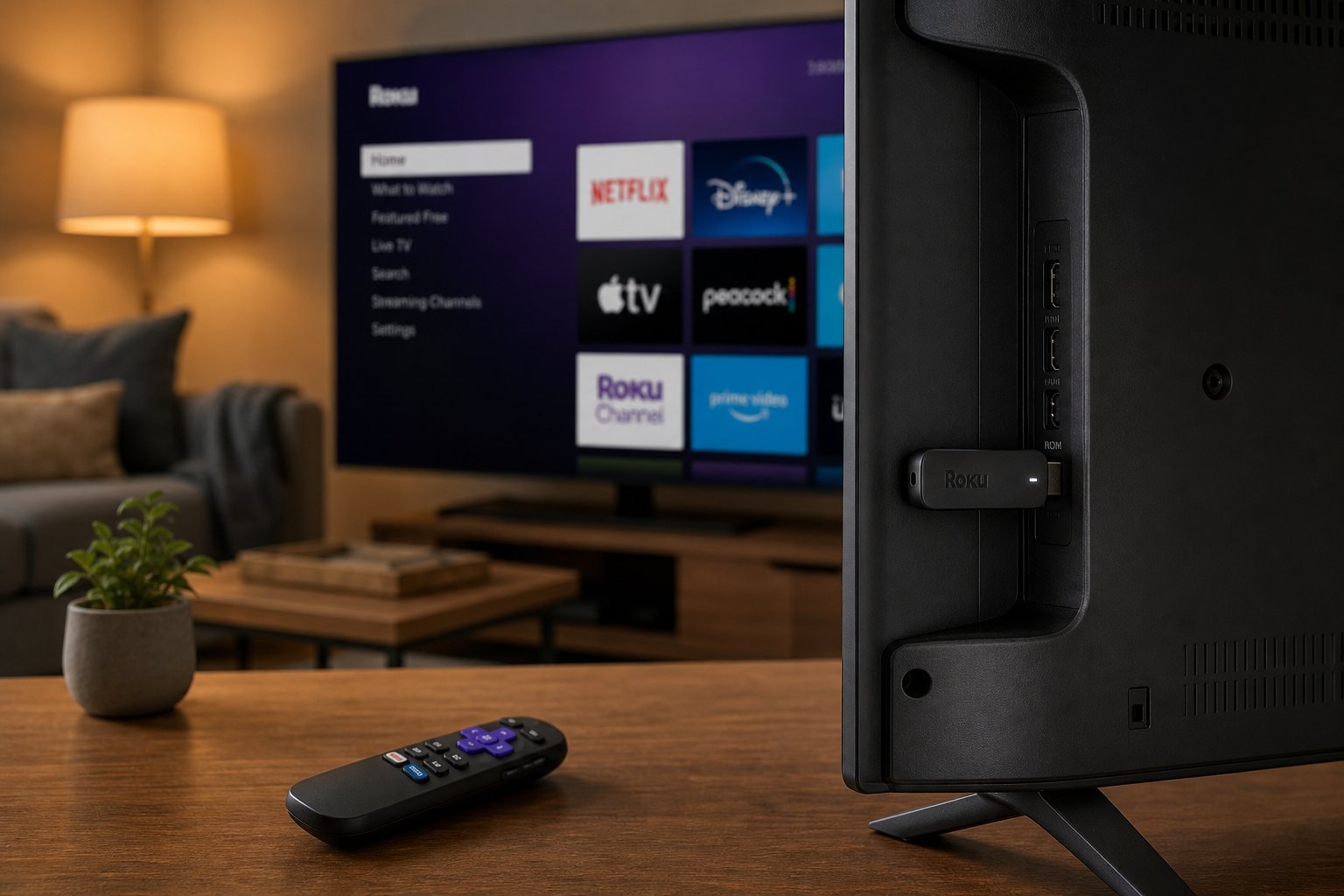
- Streaming sticks. Small dongles that plug into your TV's HDMI port (and hide behind it). They're affordable, compact, and more than capable for most people. Examples: Roku Stick, Amazon Fire TV Stick, Google Chromecast.
- Streaming boxes. Larger units that sit near your TV. They're usually more powerful (better for 4K, gaming, or complex apps) and often have more ports. Examples: Apple TV, NVIDIA Shield, higher-end Roku boxes.
For most people, a streaming stick is plenty — affordable, easy, and handles 4K streaming well. Boxes are for those who want maximum performance or extra features.
The main options compared
Here are the popular streaming devices and what each is known for:
| Device | Best for | Notes |
|---|---|---|
| Roku | Simplicity, wide app support | Clean, easy interface, good value |
| Amazon Fire TV Stick | Amazon & Alexa users | Great with Prime Video, Alexa built in |
| Google Chromecast | Google & Android users | Cast from your phone, Google TV interface |
| Apple TV | Apple users | Premium, seamless with iPhone/Mac, pricier |
| NVIDIA Shield | Gamers & power users | Powerful, 4K, good for gaming |
You can't go wrong with any. Match it to your ecosystem: Apple users lean Apple TV, Amazon/Prime users lean Fire Stick, Android users lean Chromecast, and anyone who wants simplicity loves Roku.
How to choose
Here's a simple decision process:
✨ The stick is usually enough
For the vast majority of people, an affordable streaming stick (Roku, Fire Stick or Chromecast) delivers everything you need — smooth apps, 4K, and a much better experience than most budget TVs' built-in apps. Start there before considering a pricier box.
📌 Bottom line
Before buying anything, check whether your TV's built-in streaming apps work well — you may not need a device at all. If you do want one, a streaming stick is plenty for most people: affordable, easy and handles 4K. Match it to your ecosystem (Roku for simplicity, Fire Stick for Amazon, Chromecast for Google, Apple TV for Apple). Choose a box only if you're a power user or gamer. Streaming on your TV doesn't have to be complicated or expensive.