Buying a TV used to be simple — you picked a size and a brand and went home. Today it's a wall of numbers: 4K, HDR, OLED, QLED, 120Hz, VRR. It's enough to make you want to keep the old one forever.
Here's the encouraging truth: you don't need to understand every TV spec. You need to know a handful of things that actually affect what you see, and match them to your room and budget. This guide gives you that, in plain terms.
What we'll cover
Size & viewing distance Resolution: 4K is the standard OLED vs QLED vs LED HDR: worth understanding Choosing for your roomSize & viewing distance
The most important TV decision is size — and most people buy too small. The general rule is simple: the bigger the screen relative to your viewing distance, the more immersive it feels.
A rough guide to match size to distance:
| Viewing distance | Good TV size |
|---|---|
| ~6 feet (1.8 m) | 50–55" |
| ~8 feet (2.4 m) | 60–65" |
| ~10 feet (3 m) | 70–85" |
Measure your room and choose a size that fits your distance and wall. Don't be afraid to go a bit bigger than you think — most people end up wishing they'd gone larger.
Resolution: 4K is the standard
Resolution is how many pixels the TV has. 4K (also called Ultra HD) is now the standard — it's four times the detail of the old 1080p, and it's what most content is produced in these days.
- 4K: The sweet spot. Nearly every modern TV is 4K, and it looks great for streaming, gaming and movies.
- 8K: Double 4K, but there's almost no 8K content and it's expensive. Skip it — 8K isn't worth it yet for most people.
- 1080p (Full HD): The older standard, still fine for smaller, budget TVs, but you'll want 4K for anything larger.
The practical advice: buy a 4K TV. It's the standard, it's affordable, and it's what you should look for. Don't pay a premium for 8K.
OLED vs QLED vs LED
The "panel" technology determines picture quality, and this is where the biggest differences live:
- LED (LED-LCD): The most common and affordable. Good brightness and picture, with varying quality by model.
- QLED: A type of LED with a quantum-dot layer for brighter, more colorful images. Excellent brightness — great for bright rooms.
- OLED: Each pixel lights up individually, giving perfect blacks and stunning contrast. The best picture quality, but pricier and not as bright in very sunny rooms.
💡 Which is right for you?
For most people, a good QLED or LED TV is the best value — bright, colorful and affordable. If picture quality is your top priority and you watch in a dim room, OLED is the premium choice with unbeatable contrast.
HDR: worth understanding
You'll see "HDR" on every TV box. HDR (High Dynamic Range) improves the range of brightness and color — brighter highlights, deeper shadows, more vivid colors. It's genuinely noticeable on good content.
Here's what you need to know:
- HDR makes a real difference — more than resolution in many cases, especially on 4K content.
- Better HDR = better TV. Higher-end TVs support formats like HDR10+ or Dolby Vision, which look better than basic HDR.
- Most modern TVs support HDR. It's a feature to look for, not a reason to overpay.
If you stream 4K content (see our streaming guide), HDR is a nice-to-have that genuinely improves the picture.
Choosing for your room
Here's how to pull it all together based on your situation:
✨ Don't forget audio
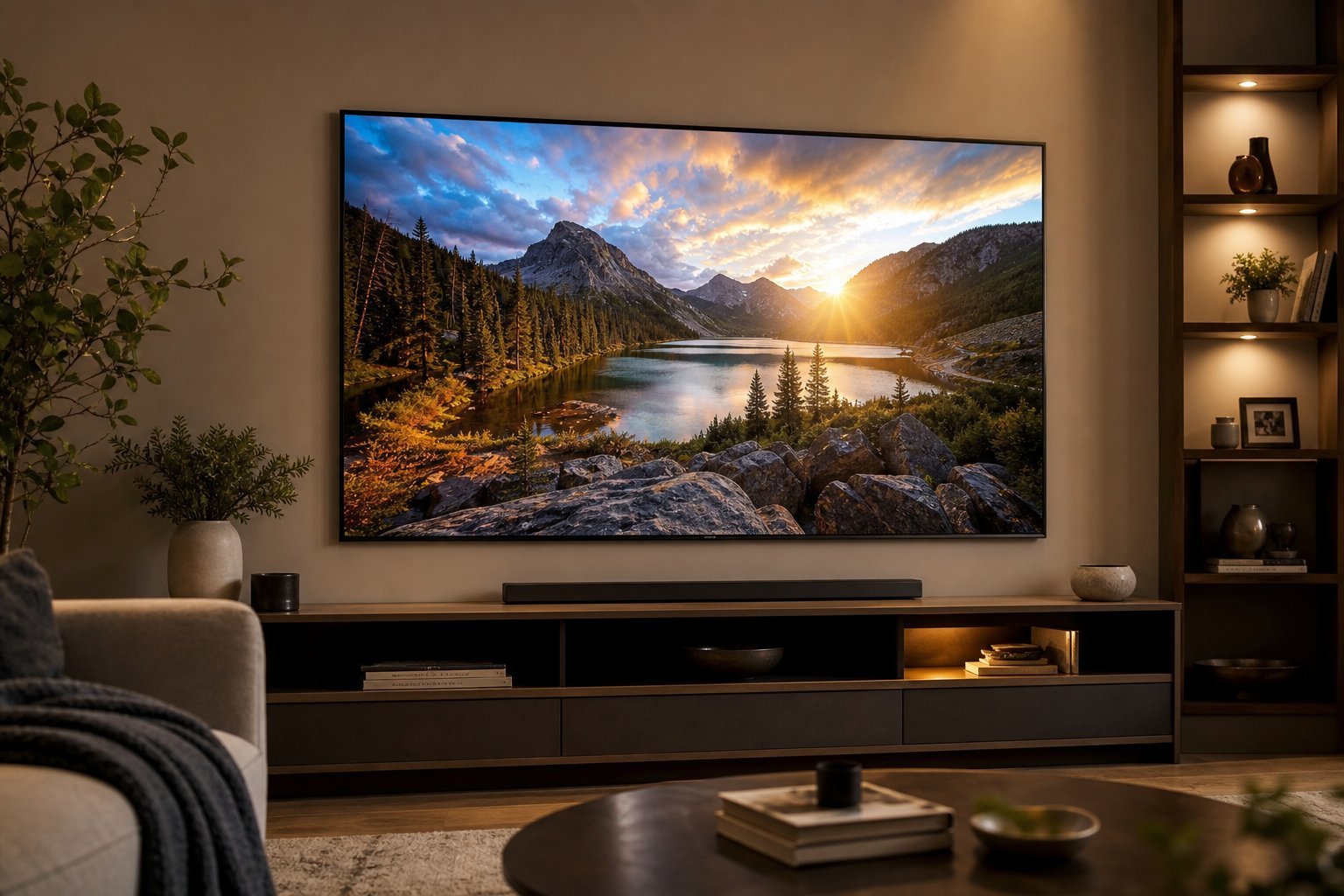
Modern TVs are incredibly thin — which means their built-in speakers are often mediocre. If sound matters to you, set aside part of your budget for a soundbar. A good soundbar transforms the experience more than most people expect.
📌 Bottom line
Buying a TV is simpler than the spec sheet suggests. Pick a size that fits your viewing distance (and don't buy too small), choose 4K as the standard, and match the panel to your room — OLED for the best contrast in dim rooms, QLED/LED for brightness in bright rooms. Look for HDR and the smart apps you need, and budget for a soundbar if you care about audio. Get those right, and you'll love your TV for years.