Your home network is the backbone of your digital life — it carries your work calls, your streaming, your gaming and your smart home devices. When it's running well, you don't think about it. When it's not, everything frustrates you. The good news: you can optimize your home network without being a networking expert.
This guide pulls together the practical steps to get the best performance from your home Wi-Fi and network — building on the router and troubleshooting advice we've covered elsewhere.
What we'll cover
Start with the router Placement & coverage Reduce congestion Prioritize your devicesStart with the router
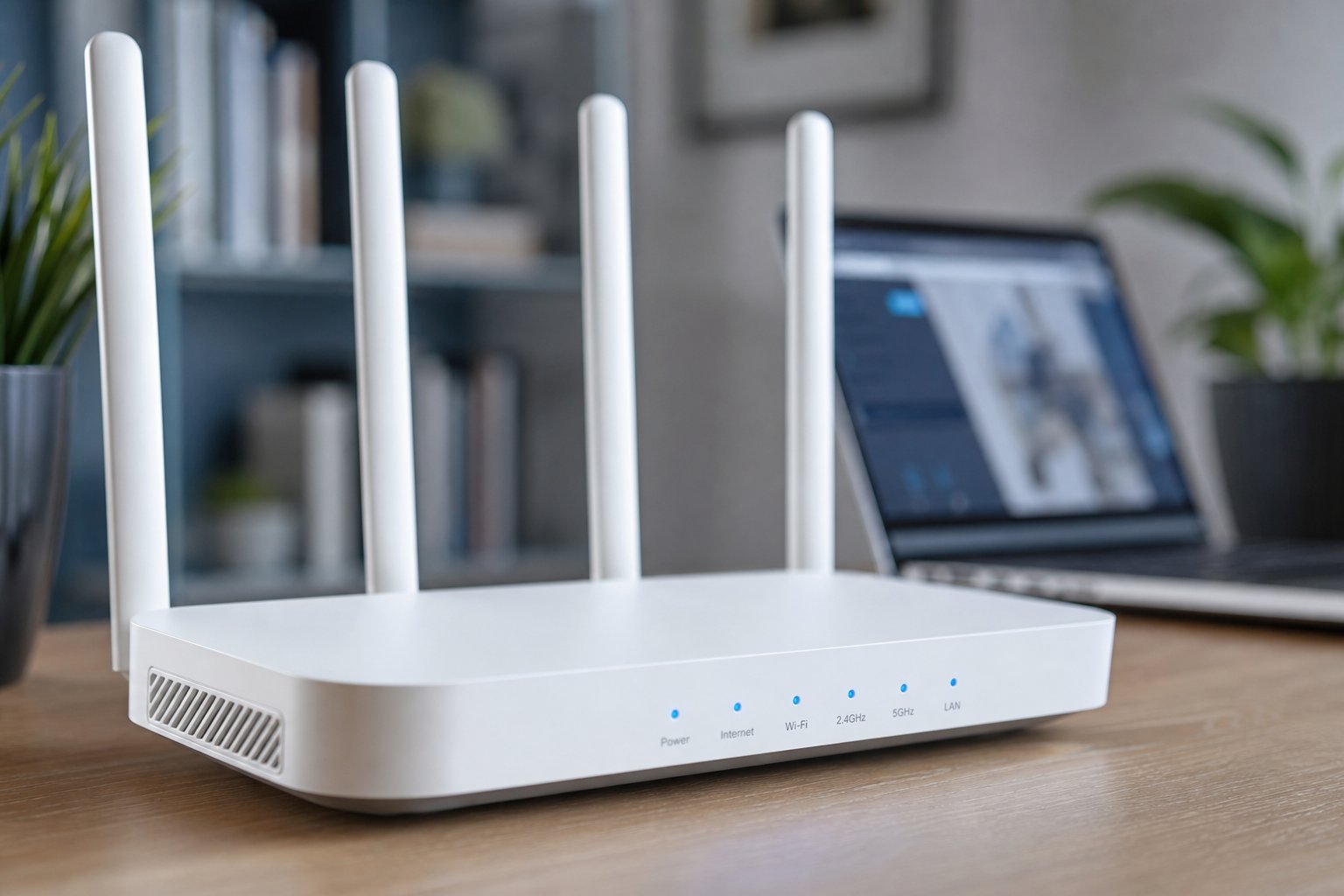
Your network's performance starts with your router. Before anything else, get the fundamentals right:
A good, well-maintained router is the foundation. Nothing else helps much if the router is outdated or unhealthy.
Placement & coverage
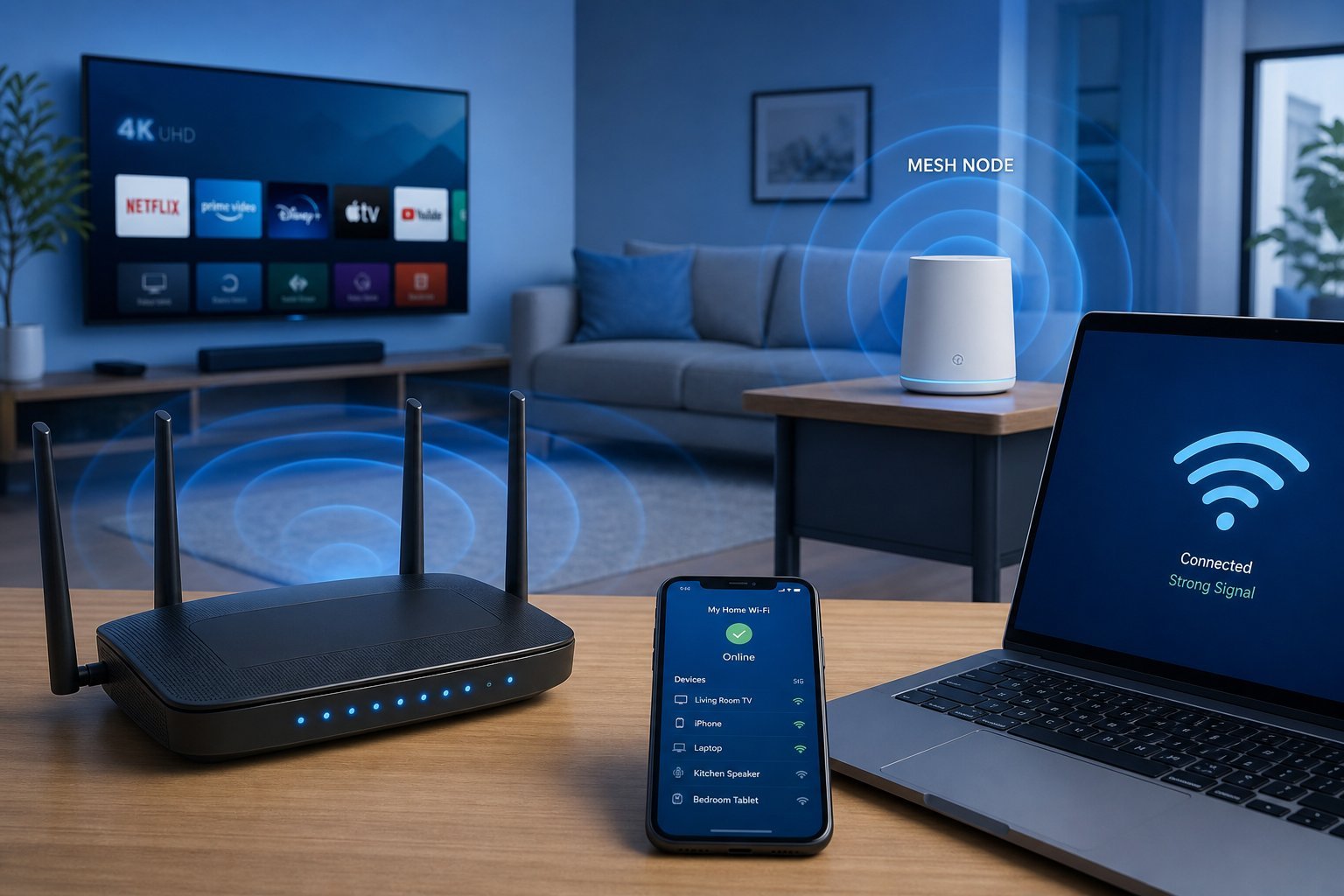
Where your router sits dramatically affects your network. The rules:
Often, simply moving the router a few feet — out of a cabinet, up onto a shelf, more central — makes a surprisingly big difference to coverage.
Reduce congestion
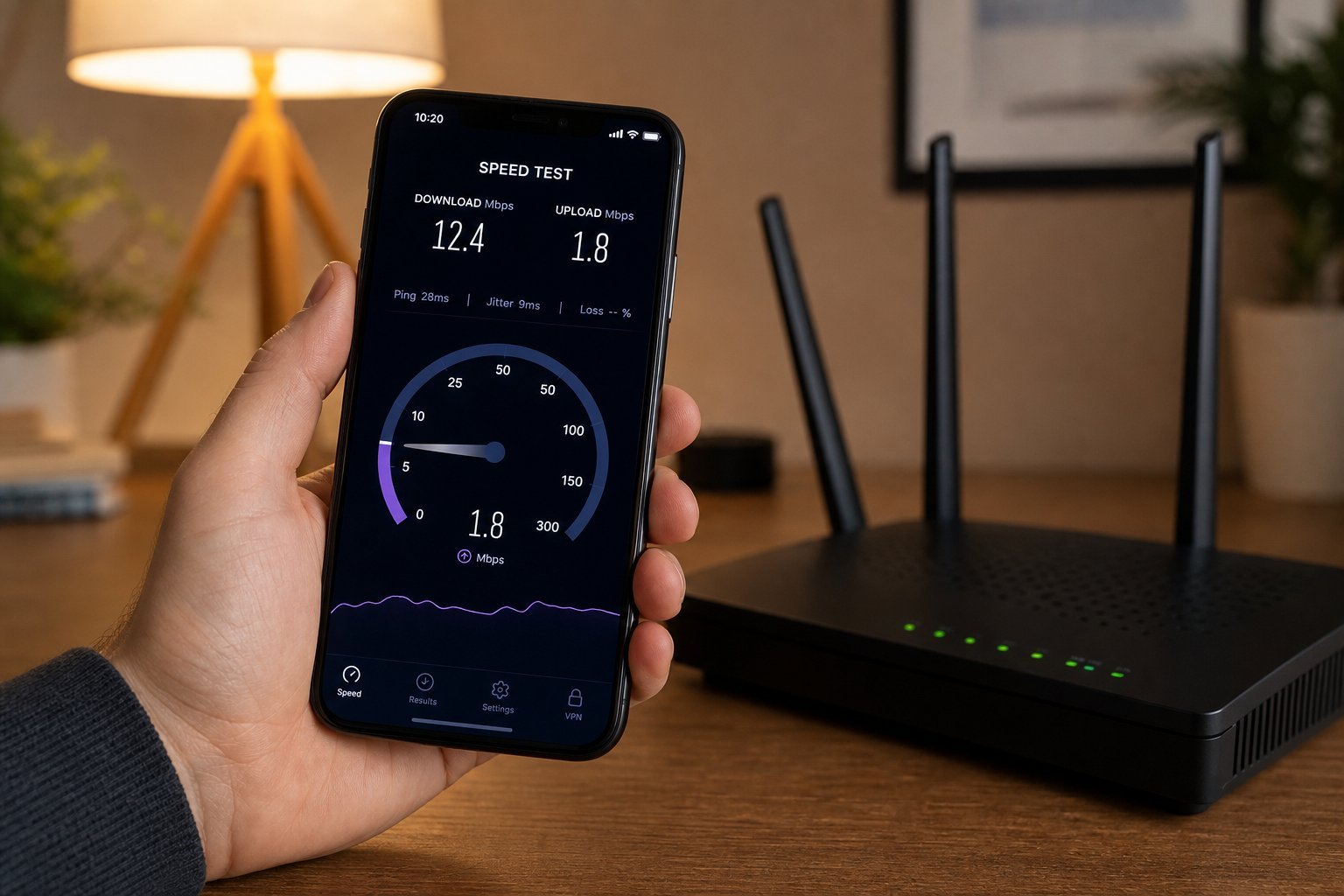
Your Wi-Fi shares the airwaves with neighbors and with all your own devices. Reducing congestion helps:
Reducing congestion frees up your Wi-Fi for the devices that need it, improving speed and reliability.
Prioritize your devices
Most modern routers have Quality of Service (QoS) settings that let you prioritize important traffic:
✨ Prioritize your work and gaming
If your family shares a network, use your router's QoS settings to prioritize the devices that matter most — your work computer for video calls, or your gaming setup for low lag. When the network gets busy, those devices get the bandwidth they need instead of fighting for it.
📌 Bottom line
Optimizing your home network starts with a good, well-maintained router — restart it regularly, update firmware, and consider upgrading if it's old. Place it centrally and up high, away from interference. Reduce congestion by using the 5 GHz band, switching channels and going wired for important devices. And use QoS settings to prioritize the devices that matter most. These steps, done together, give you a faster, more reliable home network without technical expertise.