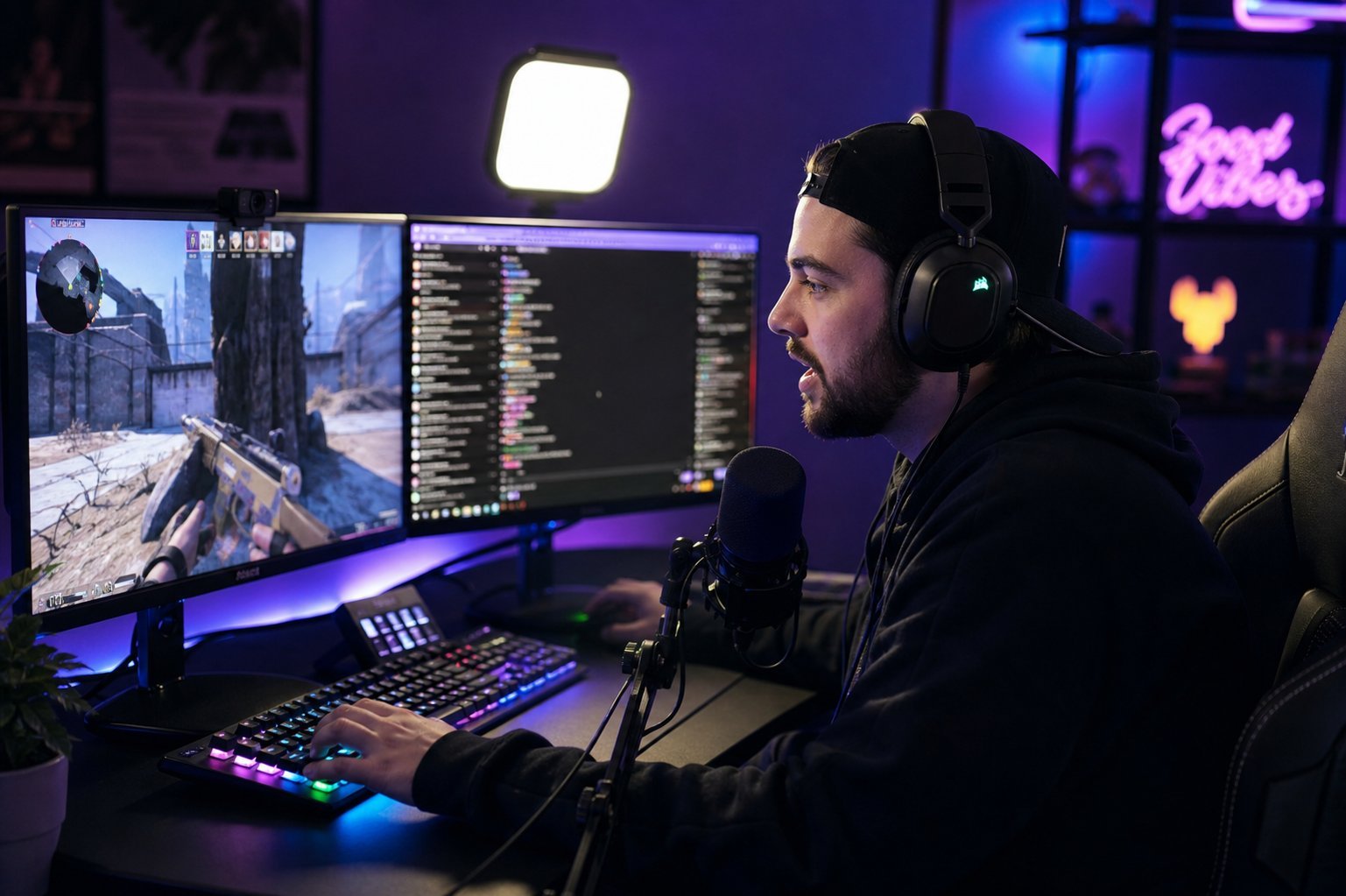
Whether you're thinking about streaming on Twitch or YouTube, or you've already started, one thing is true: it's not just about playing the game. Great streamers combine decent equipment, a watchable setup and good habits. But you don't need a pro studio to start.
This guide covers the practical side of getting started — the minimum gear you actually need, how to make your stream look and sound good, and the settings and habits that keep viewers watching.
What we'll cover
The minimum gear you need Internet & the upload that matters Sound matters more than video Streaming software & settings Habits that grow your streamThe minimum gear you need
Here's the good news: you can start streaming with what you already have. The minimum viable setup:
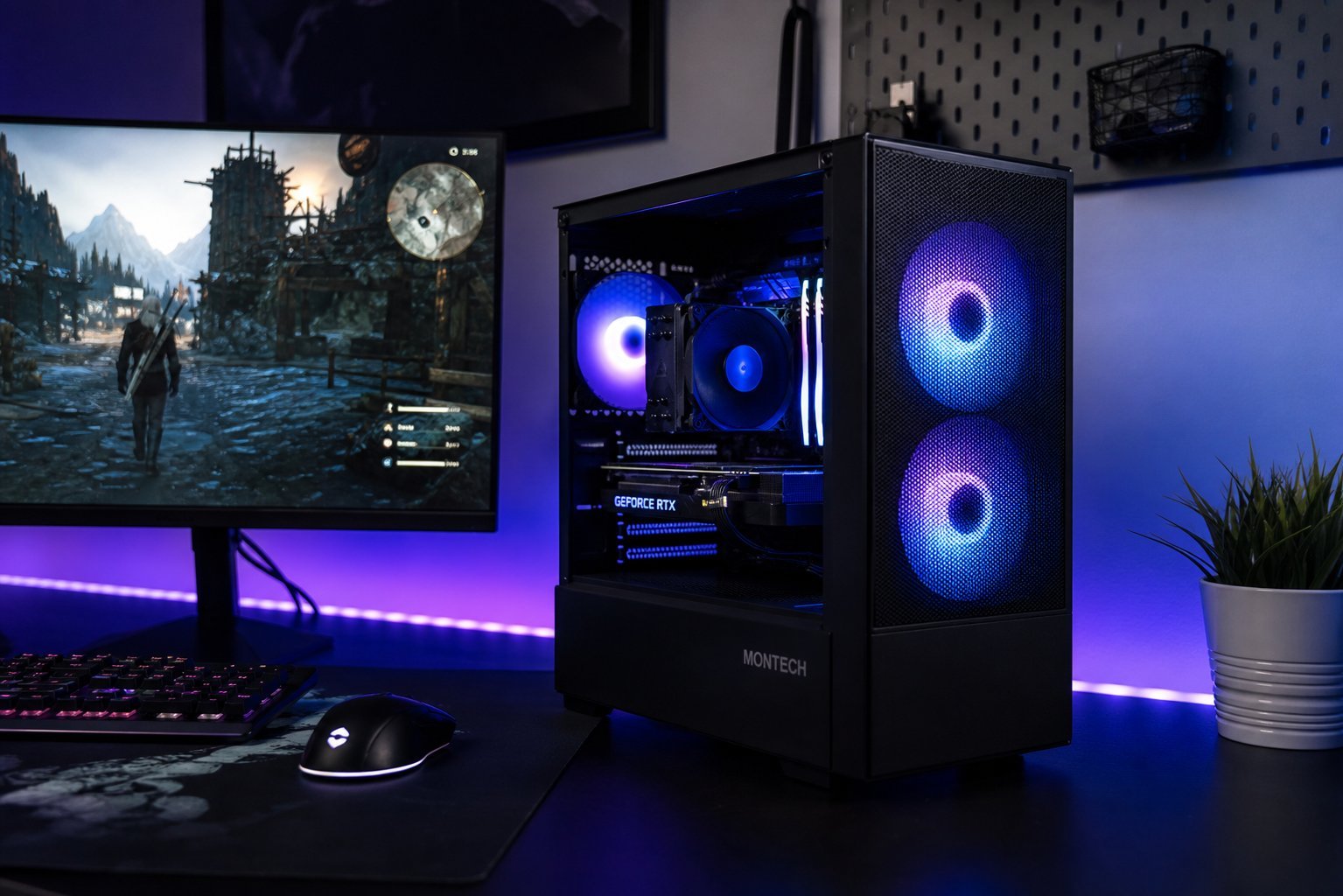
- A decent computer that can run the game (see our PC build guide) — and ideally handle streaming too.
- A microphone. Even a decent USB mic beats a laptop's built-in mic. Good audio is non-negotiable.
- A webcam (optional but recommended) — a simple one is fine to start.
- A stable internet connection with a good upload speed (more below).
You don't need a green screen, fancy lighting or a capture card to begin. Start simple, get comfortable, and upgrade as you grow.
Internet & the upload that matters
Here's a crucial detail most beginners miss: streaming depends on your upload speed, not your download speed. Your upload speed is how fast you send your stream out to viewers, and it needs to be decent.
- Aim for at least 5–10 Mbps upload for a reliable stream at reasonable quality.
- More is better if you stream at higher quality (720p/1080p at 60fps needs more upload).
- Test your upload speed before you start (see our internet guide).
- Use a wired connection if possible — stability matters for streaming.
If your upload is too low, your stream will buffer and stutter no matter how good your game looks on your end. Check this first.
Sound matters more than video
Here's the number one tip for new streamers: good audio matters more than good video. Viewers will forgive average video, but they won't stick around for bad, echoing or muffled audio.
How to get good audio on a budget:
A clean, clear voice is what keeps people watching. Invest in a decent mic and simple audio habits before spending on anything else fancy.
Streaming software & settings
To stream, you use streaming software that captures your game and sends it out. The two big free options are OBS Studio and Streamlabs OBS. Both are powerful and free.
Getting started:
✨ Test before you go live
Always do a short private test stream first. Check that your game, webcam, mic and audio levels all look and sound right. Fixing issues on a test stream is far better than fumbling live on your first broadcast.
Habits that grow your stream
The gear and settings get you started; these habits help you grow:
- Be consistent. Stream on a regular schedule so viewers know when to find you.
- Talk even when the chat is quiet. Narrate what you're doing, think aloud — silence drives viewers away.
- Engage with chat. Greet viewers, answer questions, respond to comments.
- Play games you enjoy and can talk about. Enthusiasm is contagious.
- Keep it respectful. Behave like a professional; your community reflects you.
Consistency and personality grow a stream far more than expensive gear ever will. The equipment gets you started; the habits build an audience.
📌 Bottom line
Start streaming with what you have — a decent computer, a good USB mic, a webcam, and a stable connection with a decent upload speed (5–10 Mbps+). Sound matters more than video, so invest in audio first. Use free software like OBS, set a sensible bitrate, and always test before going live. Then focus on the habits that grow you: consistency, talking, engaging with chat and being yourself. Gear gets you started; personality builds your audience.