๐Ÿ HighTechBee โ€” practical tech help, in plain English.
โœ๏ธ Write for us ๐Ÿ“ฉ Contact โ˜€๏ธ โ— Updated daily

Extend Your Laptop's Life: Protect, Maintain & Upgrade

MT
Michael TorresPC performance writer ยท HighTechBee Editorial
Extend Your Laptop's Life: Protect, Maintain & Upgrade

Laptops are a big investment, and replacing one is expensive. The good news: with the right care and a few upgrades, a good laptop can serve you for many years. Whether you're trying to keep your current laptop going longer or make a new one last, the same principles apply.

This guide covers how to extend your laptop's life โ€” protecting it, maintaining it, upgrading it and knowing when it's truly time to replace.

Protect it

Physical care extends a laptop's life:

  • Use a case or sleeve. Protects against drops and scratches when traveling.
  • Avoid heat. Don't leave it in hot cars or on soft surfaces that block airflow (see our cooling guide).
  • Handle the screen gently. Don't put pressure on it or lift by the screen.
  • Keep liquids away. The #1 cause of sudden laptop death is spills.
  • Keep vents clear. Don't block the cooling vents (see our cleaning guide).
  • Physical protection โ€” a case, avoiding heat and liquids, and keeping vents clear โ€” prevents the damage that ends laptops early.

    Maintain it

    Regular maintenance keeps a laptop running well:

  • Keep software updated. Updates fix bugs and security holes (see our updates guide).
  • Restart regularly. A weekly restart clears memory and prevents slowdowns (see our restart guide).
  • Free up storage. A full drive slows the laptop (see our speed-up guide).
  • Clean the dust. Periodic cleaning prevents overheating (see our cleaning guide).
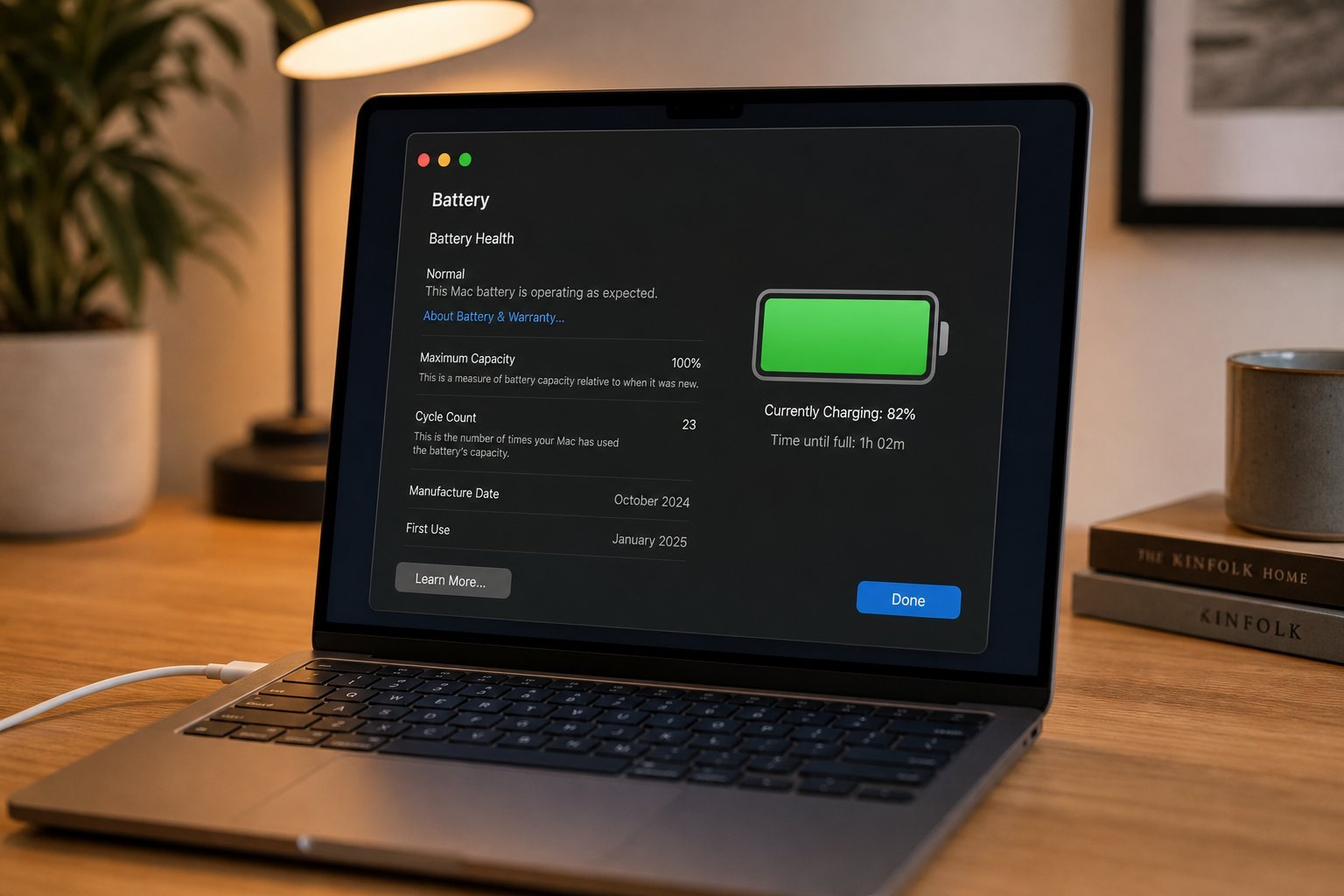
  • Protect the battery. Avoid heat and extreme drains (see our battery guide).
  • Software updates, regular restarts, storage management, cleaning and battery care keep a laptop running smoothly for years.

    Upgrade it

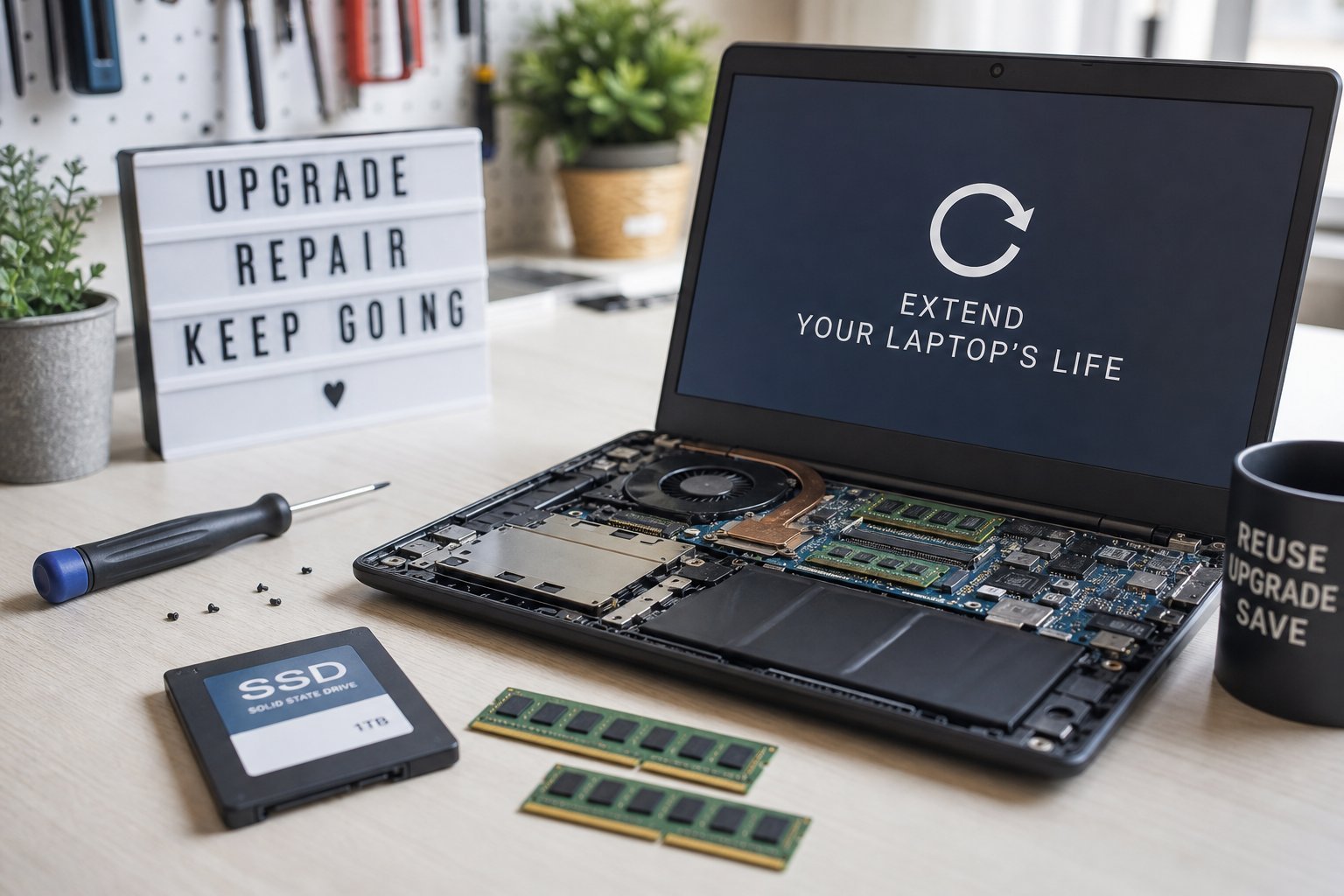
    Upgrades give a laptop a second life. What you can upgrade depends on the model:

  • Add more RAM. If upgradeable, this boosts multitasking (see our RAM guide).
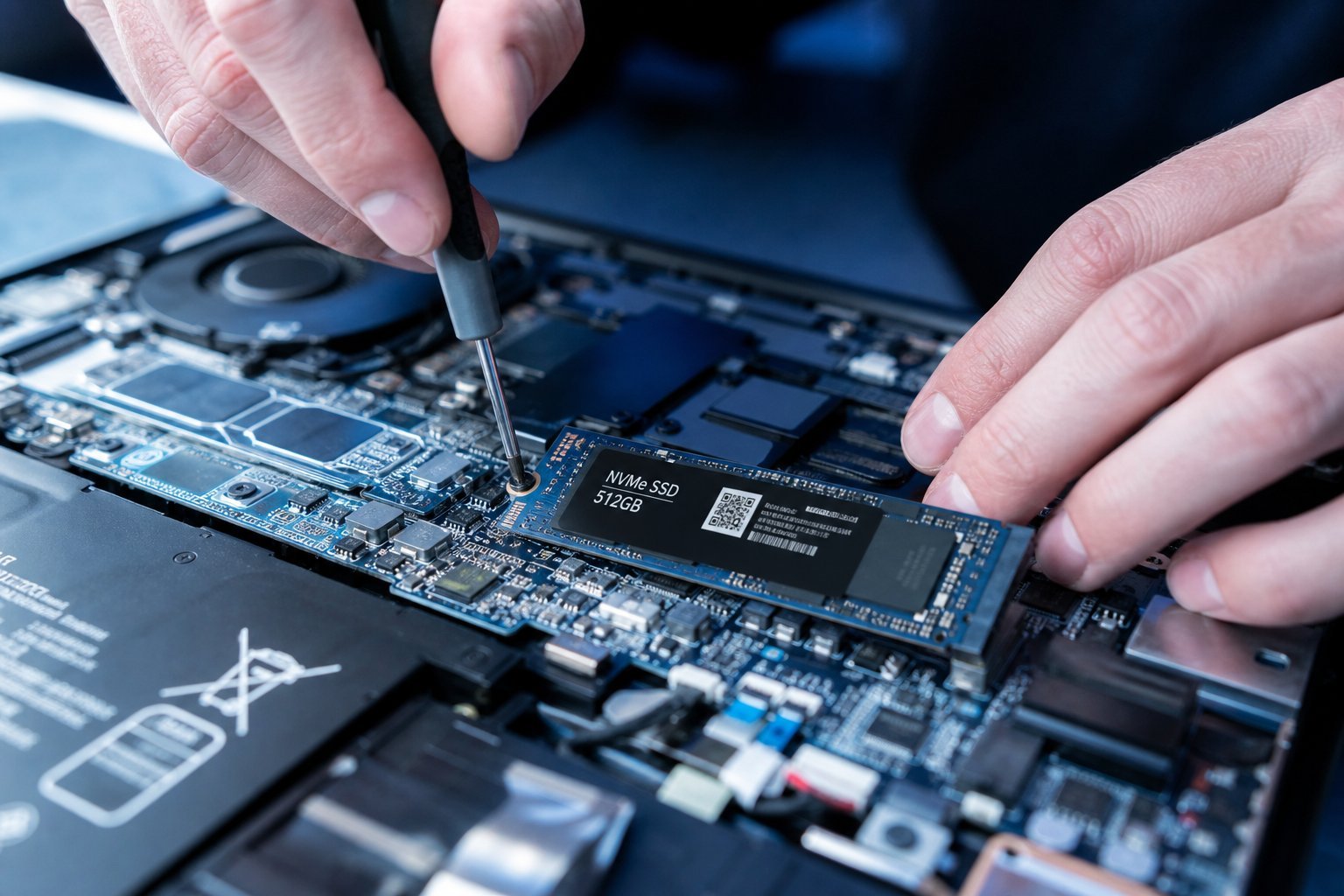
  • Upgrade to an SSD. Replacing a slow hard drive with an SSD is transformative (see our SSD guide).
  • Replace the battery. An aging battery can be replaced to restore battery life (see our battery guide).
  • Clean and repaste. Replacing old thermal paste can improve thermals and performance.
  • ๐Ÿ’ก The upgrade that changes everything

    If your laptop has a hard drive, swapping it for an SSD is the single most transformative upgrade โ€” it makes an old laptop feel new (see our SSD guide). Adding RAM and replacing the battery also extend life. If your laptop is upgradeable, these are the upgrades that matter most.

    When to replace

    Eventually every laptop reaches the end of its useful life. Here's how to know:

  • It no longer supports security updates. An unsupported laptop is a security risk (see our updates guide).
  • Upgrades no longer help. If it's slow even with upgrades, the hardware has aged out.
  • Repairs cost more than it's worth. If a major repair exceeds the laptop's value, replace it.
  • It can't run the software you need. That's a sign it's time.
  • โœจ Get the most years, then recycle responsibly

    Extend your laptop's life with protection, maintenance and upgrades โ€” many laptops last 5โ€“7+ years with care. When it truly reaches the end, recycle it responsibly and wipe your data first (see our e-waste guide). You get the most value for your investment and protect the planet.

    ๐Ÿ“Œ Bottom line

    Extend your laptop's life with three things: protect it (case, avoid heat and liquids, clear vents), maintain it (updates, restarts, storage, cleaning, battery care), and upgrade it (SSD, RAM, battery โ€” the SSD upgrade transforms an old laptop). Know when it's truly time to replace โ€” when it's unsupported, upgrades don't help, or repairs exceed its value. With good care and smart upgrades, a laptop can serve you for many years.
    #laptop#longevity#maintenance#upgrade#care
    MT

    Michael Torres

    PC performance writer

    Part of the HighTechBee editorial team. Michael Torres writes practical, beginner-friendly tech guides that solve real everyday problems.