Printers are essential for many homes — schoolwork, documents, photos, forms. But choosing a printer is confusing: inkjet vs laser, ink costs, wireless, all-in-one features. And the wrong choice can cost you a fortune in ink. This guide helps you choose the right printer without getting burned.
We've covered fixing printers; this guide focuses on choosing one.
Inkjet vs laser
The two main printer types serve different needs:
💡 The printer type rule
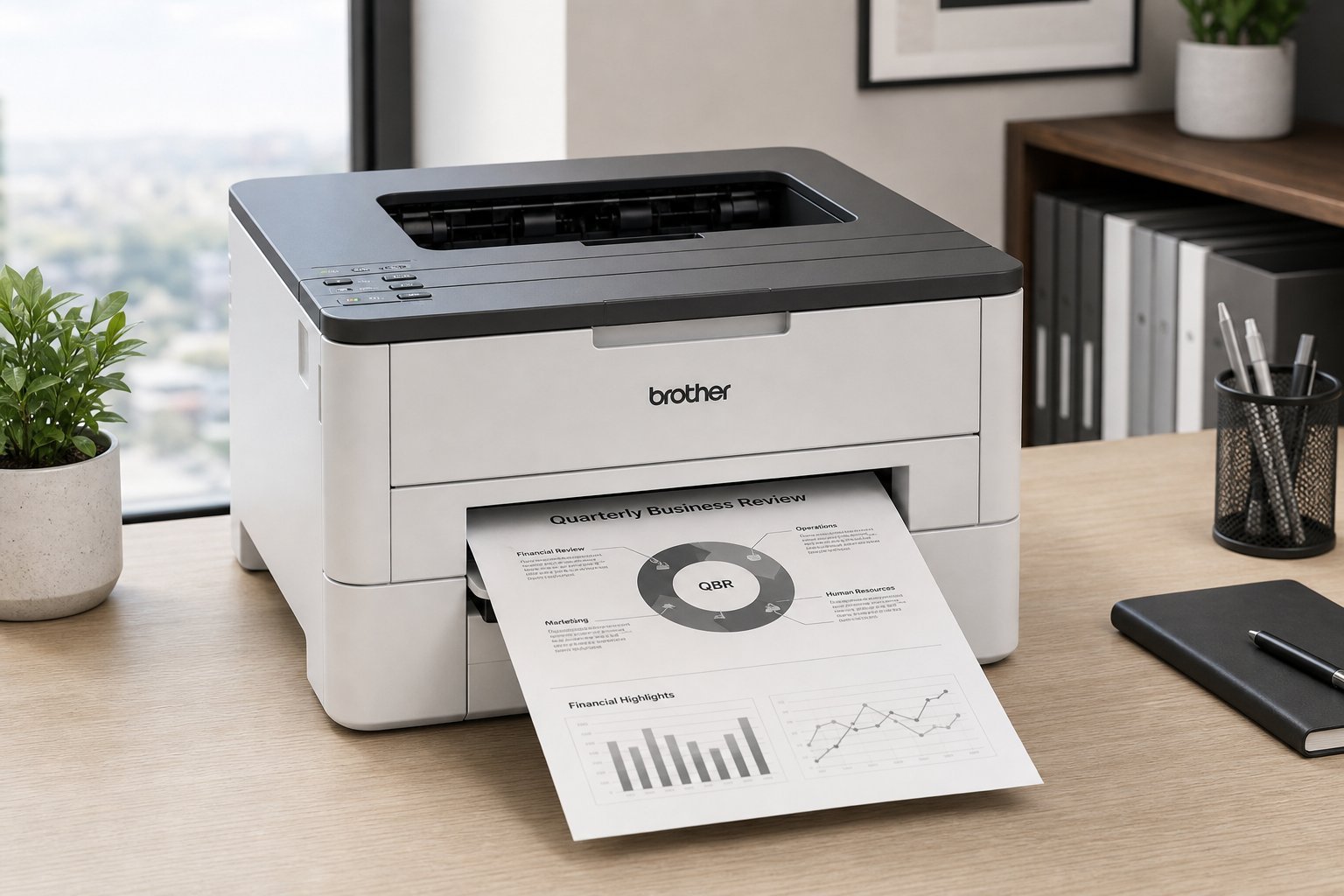
If you print mostly black-and-white text (school, documents), a laser printer is cheaper per page and more reliable. If you print photos or color, an inkjet is the choice. Match the type to your main use — that's the biggest factor.
The ink trap
The biggest printer money trap is ink cost. Cheap printers often have expensive ink:
⚠️ Watch the ink cost
Printers are often sold cheaply because the manufacturer makes money on ink. Before buying, check the cost per page — a slightly pricier printer with cheaper ink can save you a lot over time. Cheap printer + expensive ink is a classic trap. Look at the long-term cost, not just the upfront price.
Features to consider
Here are the features worth considering:
All-in-one, wireless, duplex and good reviews are worth prioritizing. Choose the features you'll actually use.
✨ Think about the long-term cost
When choosing a printer, think about the long-term cost, not just the purchase price. Compare the cost per page of ink/toner. A reliable laser for text or a reasonably-priced inkjet for color, with affordable ink, is the smart choice. The printer that's cheap to run beats the one that's cheap to buy.
📌 Bottom line
Choose a printer by matching the type to your use — a laser for mostly black-and-white text (cheaper per page), an inkjet for photos/color. Watch the ink trap: check cost per page, not just the printer's price, and consider refillable or third-party ink. Look for all-in-one, wireless and duplex features you'll use. Read reviews for reliability. Think about long-term cost, and you'll choose a printer that serves you well without costing a fortune.