When you start building a smart home, you quickly run into the word "ecosystem" — and the choice between Amazon, Google and Apple. It's confusing, and getting it wrong can mean devices that don't work together. But understanding ecosystems makes smart home buying much easier.
This guide explains smart home ecosystems, why compatibility matters, and how to choose (and avoid locking yourself in).
What we'll cover
What a smart home ecosystem is The main ecosystems The Matter standard How to chooseWhat a smart home ecosystem is
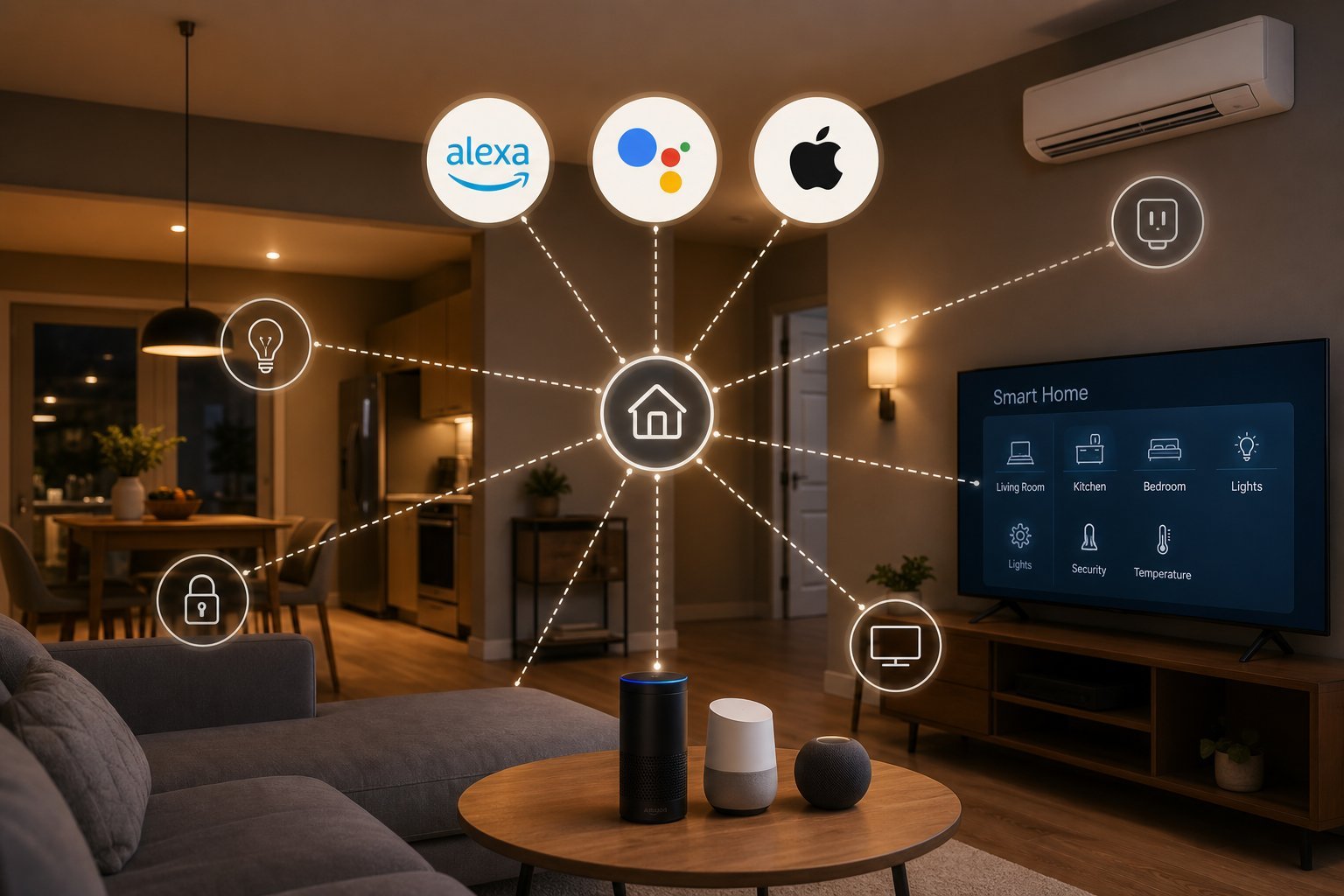
A smart home ecosystem is the platform that connects and controls your smart devices — typically built around a voice assistant (Amazon Alexa, Google Assistant, Apple Siri) and its app.
The ecosystem is important because not every device works with every ecosystem. A device that says "works with Alexa" may not work with HomeKit, and vice versa. To control everything from one place, your devices need to be compatible with your chosen ecosystem.
Understanding ecosystems prevents the most common smart home mistake: buying devices that don't work together.
The main ecosystems
The three main smart home ecosystems:
| Ecosystem | Assistant | Best for |
|---|---|---|
| Amazon Alexa | Alexa | Widest device compatibility |
| Google Assistant | Google/Android users | |
| Apple HomeKit | Siri | Apple users, privacy |
Each has strengths. Alexa has the broadest device support; Google fits Android users; HomeKit suits Apple users and is privacy-focused.
The Matter standard
There's good news on the compatibility front: a new standard called Matter is making devices more cross-compatible.
- Matter is a common standard that lets devices work across ecosystems.
- Matter-compatible devices can work with Alexa, Google and Apple — reducing the "lock-in" problem.
- It's the future. More devices are adopting Matter, which is good for consumers.
Matter reduces the risk of buying devices that don't work together. When buying smart devices, look for Matter compatibility where possible (see our starter guide).
How to choose
Here's how to choose a smart home ecosystem:
💡 The ecosystem rule
Match your smart home ecosystem to your phone and voice assistant. Alexa offers the widest compatibility, Google suits Android users, and HomeKit suits Apple users with a privacy focus. Look for Matter-compatible devices to reduce lock-in. Don't overthink it — start with one ecosystem and add compatible devices.
✨ Buy for compatibility
Before buying any smart device, check it's compatible with your ecosystem. A device that doesn't work with your assistant is frustrating. Look for devices labeled "Works with Alexa/Google/Apple" or Matter-compatible. Buying for compatibility avoids the most common smart home mistake.
📌 Bottom line
A smart home ecosystem is the platform that controls your devices, built around a voice assistant. Not every device works with every ecosystem, so compatibility matters. Amazon Alexa offers the widest support, Google fits Android users, and Apple HomeKit suits Apple users. The Matter standard is making devices more cross-compatible, reducing lock-in. Match your ecosystem to your phone and assistant, look for Matter compatibility, and buy devices that work with your setup.