๐Ÿ HighTechBee โ€” practical tech help, in plain English.
โœ๏ธ Write for us ๐Ÿ“ฉ Contact โ˜€๏ธ โ— Updated daily

Organize Your Online Accounts: Secure, Tidy & Manageable

PS
Priya SharmaSecurity researcher ยท HighTechBee Editorial
Organize Your Online Accounts: Secure, Tidy & Manageable

Most of us have more online accounts than we realize โ€” email, social media, banking, shopping, streaming, work, school. Keeping track of them all, with their passwords, security settings and connected data, is a challenge. And forgotten, unused accounts are a security risk. Organizing your accounts is worth doing.

This guide covers how to get organized with your online accounts โ€” keeping them secure, manageable and free of clutter.

Make a list

The first step is knowing what you have:

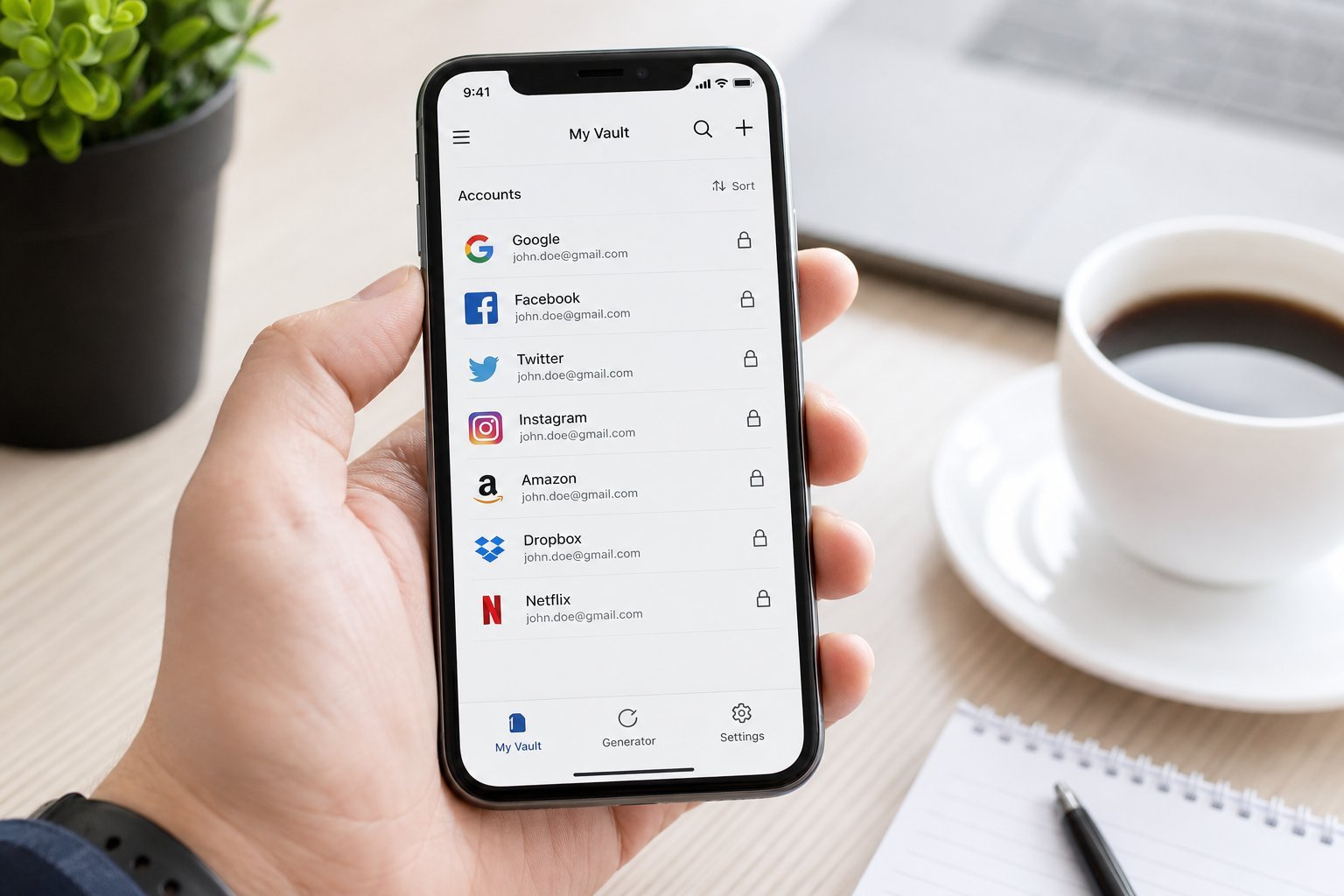
  • List your accounts. Go through your email, phone, password manager (if you have one) and note your accounts by category.
  • Note the important ones. Email, banking, work, government, and any account with financial or sensitive data.
  • Note what you've forgotten. Old shopping accounts, forums, services you no longer use.
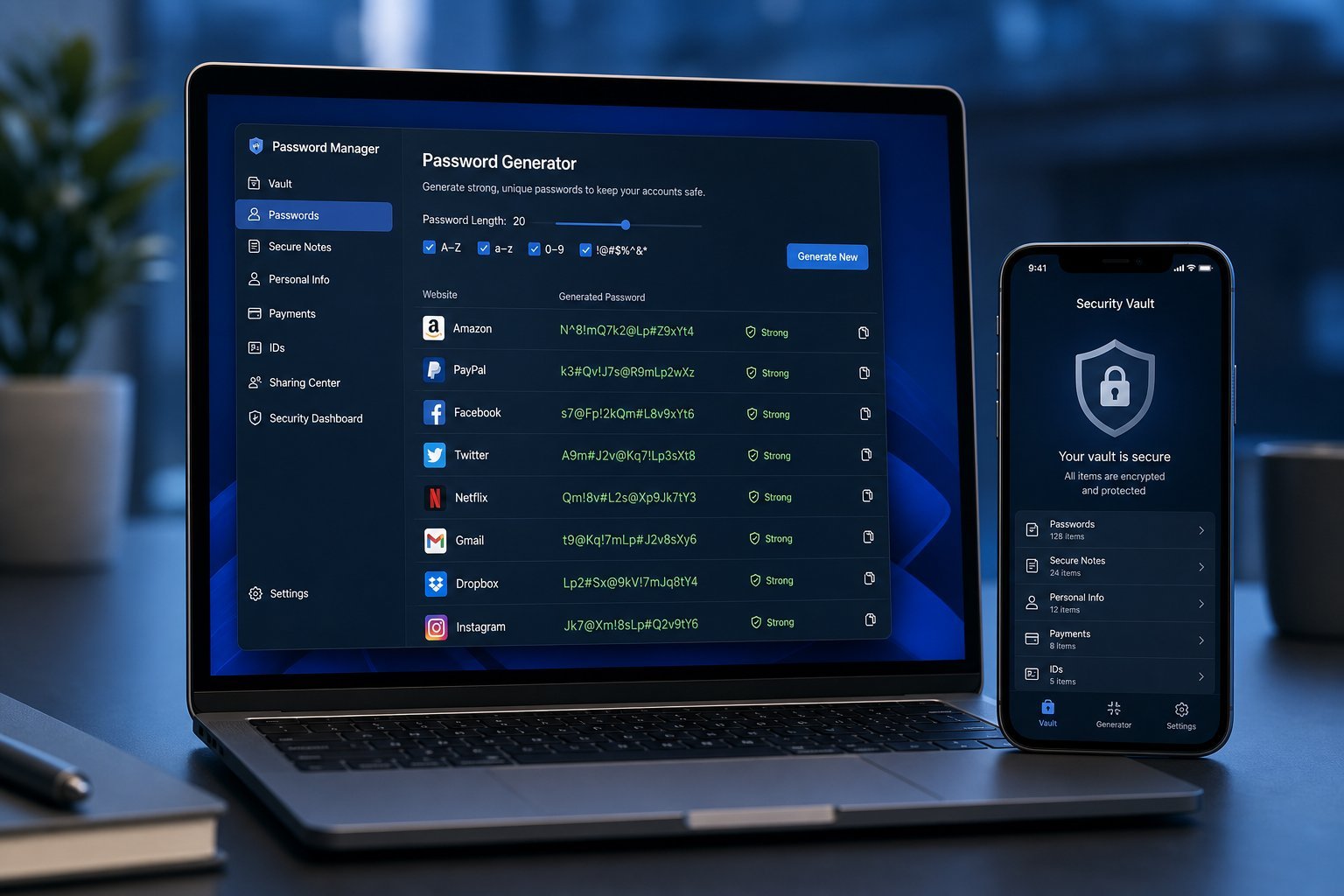
  • Use a password manager. It's the best way to track accounts and passwords securely (see our guide).
  • Making a list reveals what you have and what's important. A password manager is the best tool for tracking it all securely.

    Secure the important ones

    Prioritize securing your important accounts:

  • Use unique, strong passwords. Especially for email and banking (see our guide).
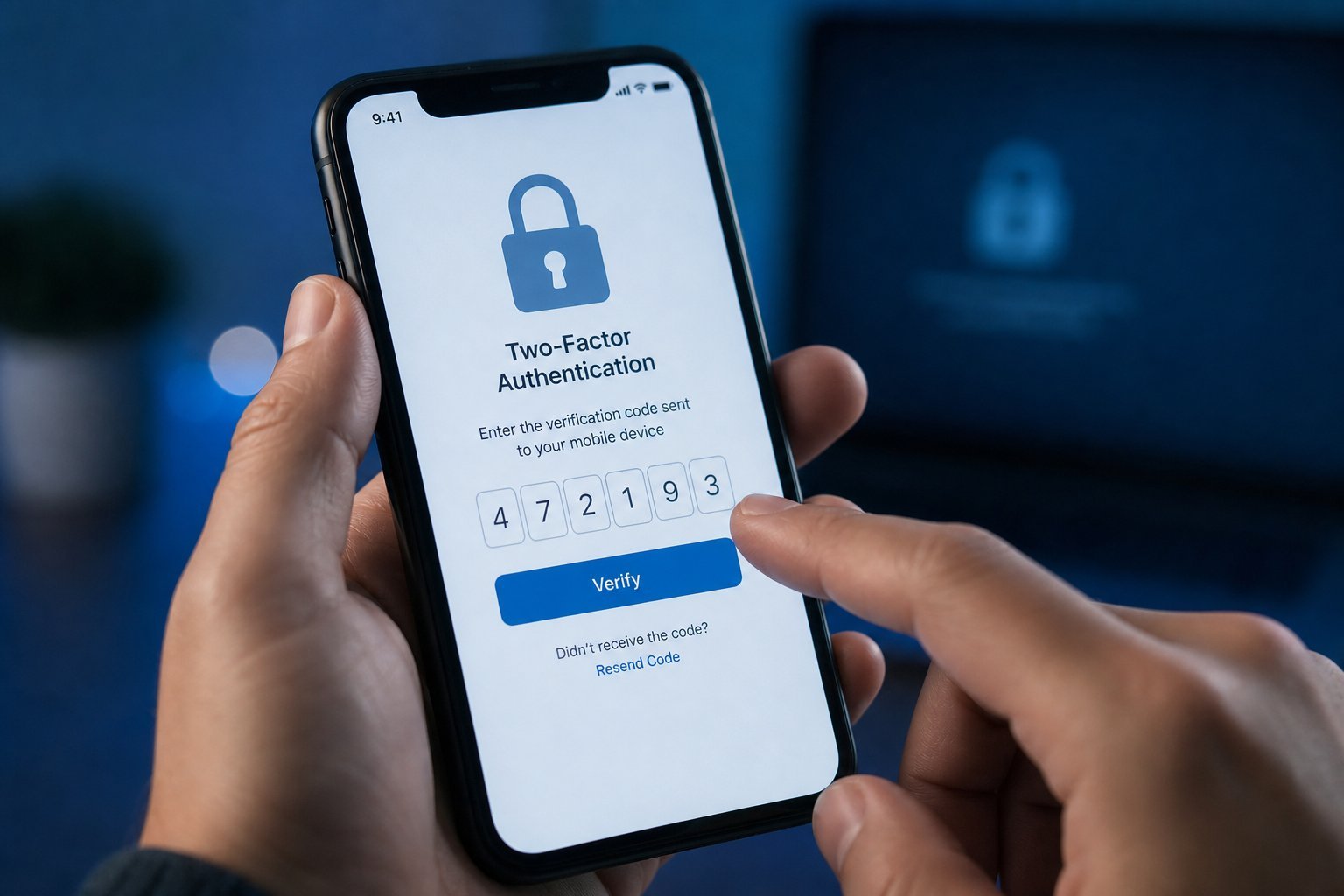
  • Enable two-factor authentication. On email, banking, financial and important accounts (see our 2FA guide).
  • Protect your email first. It's the master key to your other accounts (see our checklist).
  • Review security settings. Check recovery options and connected apps.
  • Secure your most important accounts first โ€” unique passwords, 2FA, and a protected email. Your email especially, since it can reset everything else.

    Clean up unused accounts

    Unused accounts are a security risk โ€” they can be breached and forgotten. Cleaning them up:

  • Identify unused accounts. From your list, note ones you no longer use.
  • Delete or deactivate them. Most services let you delete or deactivate your account.
  • Remove data. Where possible, delete the data you gave the service.
  • Prioritize accounts with personal data. Old accounts with your info are worth closing.
  • ๐Ÿ’ก The unused account risk

    Unused accounts are a security risk โ€” they sit forgotten, often with weak or reused passwords, and can be breached without you noticing. Closing accounts you no longer use reduces your attack surface. Prioritize deleting old accounts with personal or financial data.

    Maintain the system

    Keep your accounts organized going forward:

  • Use a password manager as your single source of truth for accounts.
  • Create accounts deliberately. Each signup adds to your footprint โ€” only create accounts you'll actually use.
  • Review periodically. A yearly account review keeps things tidy.
  • Close what you don't use. As you stop using services, close them.
  • โœจ The yearly account review

    Once a year, review your accounts: check your password manager list, secure any important accounts you've neglected, and close ones you no longer use. It takes 20 minutes and keeps your digital life organized and secure. A small yearly habit prevents the clutter and risk of forgotten accounts.

    ๐Ÿ“Œ Bottom line

    Organize your accounts by making a list, securing the important ones (unique passwords, 2FA, protected email), and cleaning up unused accounts โ€” they're a security risk. Use a password manager as your single source of truth. Maintain the system by creating accounts deliberately, reviewing yearly and closing what you don't use. A little organization keeps your accounts secure, manageable and free of clutter.
    #accounts#security#password-manager#organization#2fa
    PS

    Priya Sharma

    Security researcher

    Part of the HighTechBee editorial team. Priya Sharma writes practical, beginner-friendly tech guides that solve real everyday problems.