Every time you browse, shop, stream or use an app, data about you is collected — by websites, apps, advertisers and data brokers. It can feel like you have no control. But you actually do. Managing your digital privacy is about making deliberate choices about what you share and who you share it with — not about disappearing from the internet.
This guide explains how to manage your digital privacy across your devices and accounts, with practical steps you can take today.
What we'll cover
Think about what you share Review your settings Secure your accounts Reduce data collectionThink about what you share
Privacy starts with awareness of what you share:
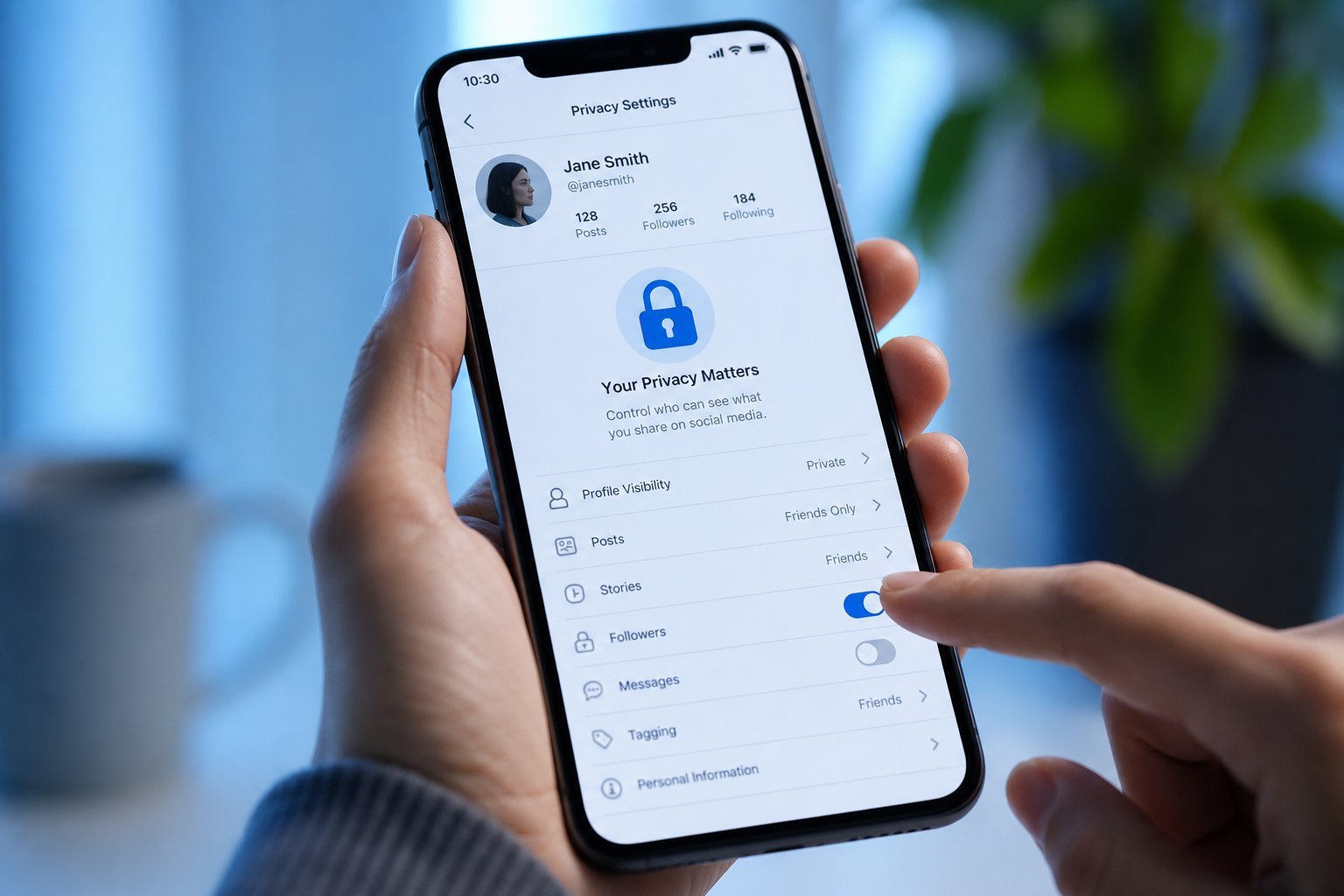
Deliberate sharing is the foundation of privacy. Think about what you post and what you let apps access.
Review your settings
Your devices and apps have privacy settings worth reviewing:
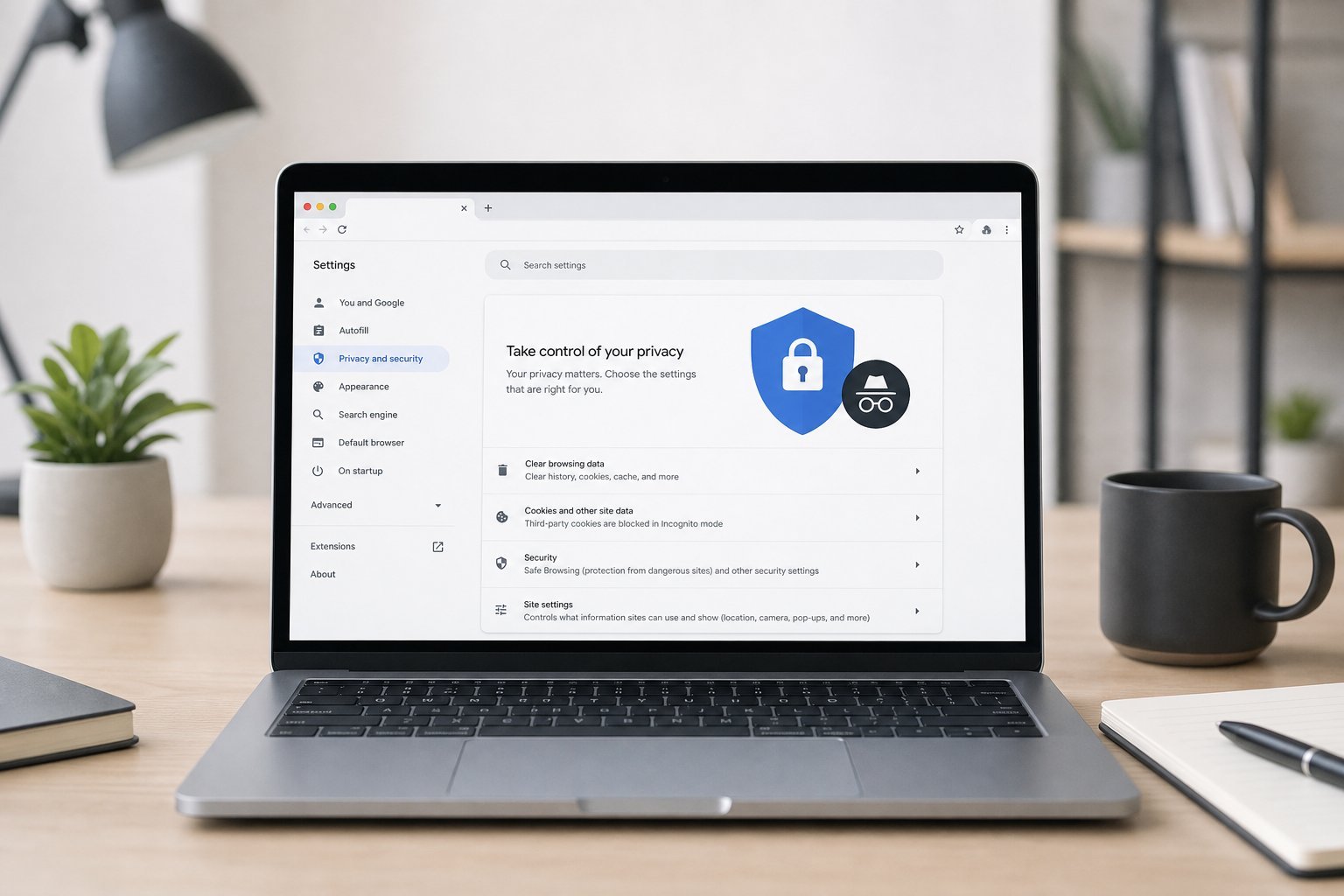
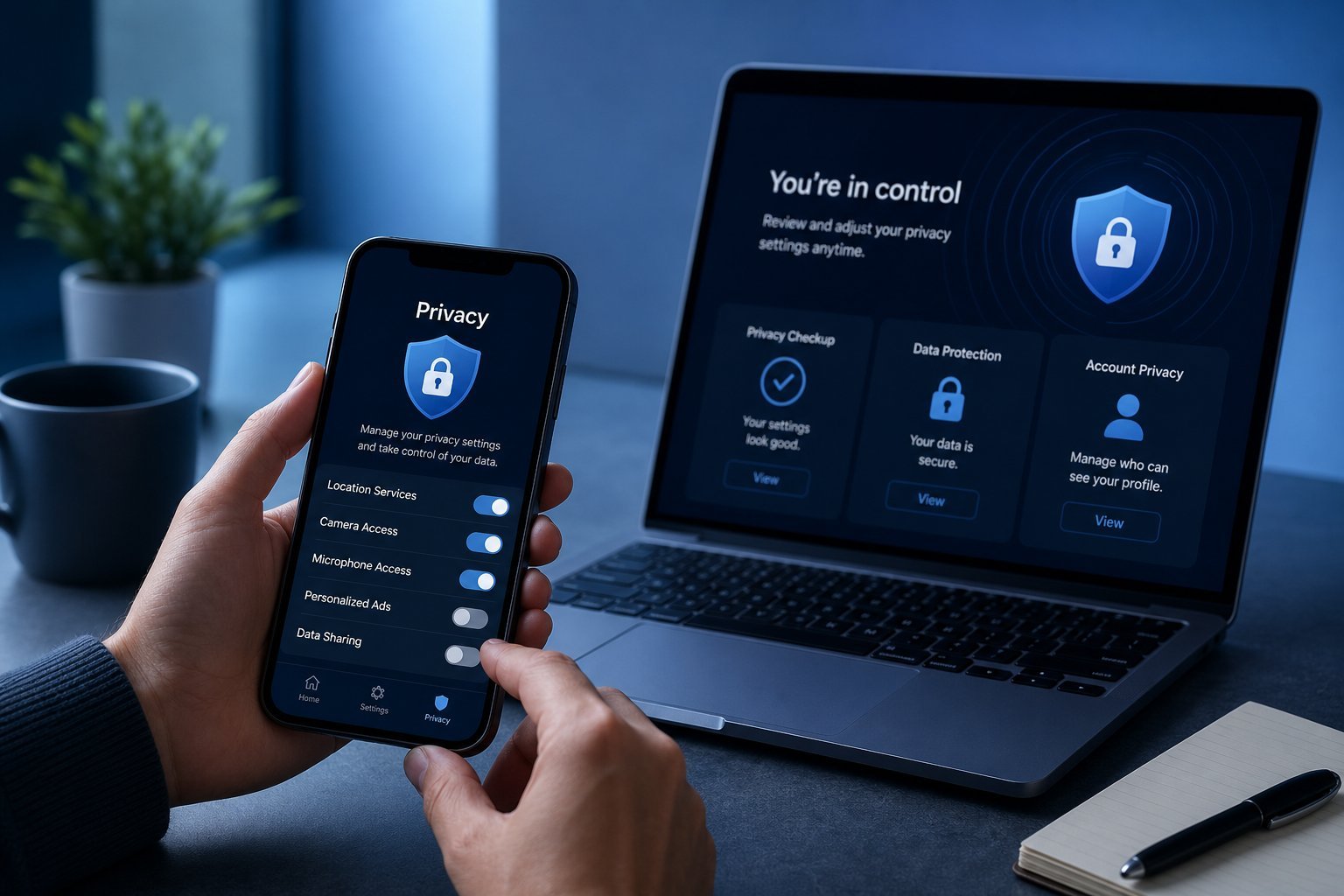
Reviewing privacy settings across your devices, browser and accounts gives you control over what's collected. Most platforms let you limit data collection — it just takes a few minutes to set.
Secure your accounts
Securing your accounts is a key part of privacy — a compromised account exposes your data:
Secure accounts protect your data from being exposed. Strong unique passwords and 2FA are the foundation (see our safety checklist).
Reduce data collection
Here are practical ways to reduce how much data is collected about you:
✨ Privacy is a spectrum, not perfection
You don't need to be anonymous everywhere. Privacy is about making informed, deliberate choices — blocking trackers, limiting app permissions, securing accounts, and being selective about what you share. Each step reduces your exposure. Perfect privacy isn't the goal; informed control is.
📌 Bottom line
Managing digital privacy is about deliberate choices, not disappearing. Be aware of what you share, review your device and app privacy settings, secure your accounts (unique passwords, 2FA), and reduce data collection by blocking trackers, limiting permissions and using a VPN. You don't need perfect privacy — just informed control. A few minutes of review across your devices and accounts gives you much more control over your data.