๐Ÿ HighTechBee โ€” practical tech help, in plain English.
โœ๏ธ Write for us ๐Ÿ“ฉ Contact โ˜€๏ธ โ— Updated daily

Keep Kids Safe on Social Media: Settings, Talks & Habits

PS
Priya SharmaSecurity researcher ยท HighTechBee Editorial
Keep Kids Safe on Social Media: Settings, Talks & Habits

Social media is a big part of many kids' and teens' lives โ€” it's how they connect with friends. But it also brings real risks: cyberbullying, strangers, inappropriate content, and the pressure of comparing themselves to others. We've covered kids' general online safety; this guide focuses specifically on social media.

Here's how to help your kids use social media safely and healthily.

Know the age limits

Start with the age requirements:

  • Most platforms require users to be 13+. Know the age limits for each platform.
  • Enforce age limits. Underage accounts are a risk โ€” kids may not understand the risks and platforms aren't designed for them.
  • If your teen is on social media, choose age-appropriate platforms and be aware of what they're using.
  • Enforcing age limits is the first line of defense. Under-13 accounts are risky, and most platforms require 13+ (see our kids' guide).

    Set up safety settings

    Configure safety settings on your kids' social media:

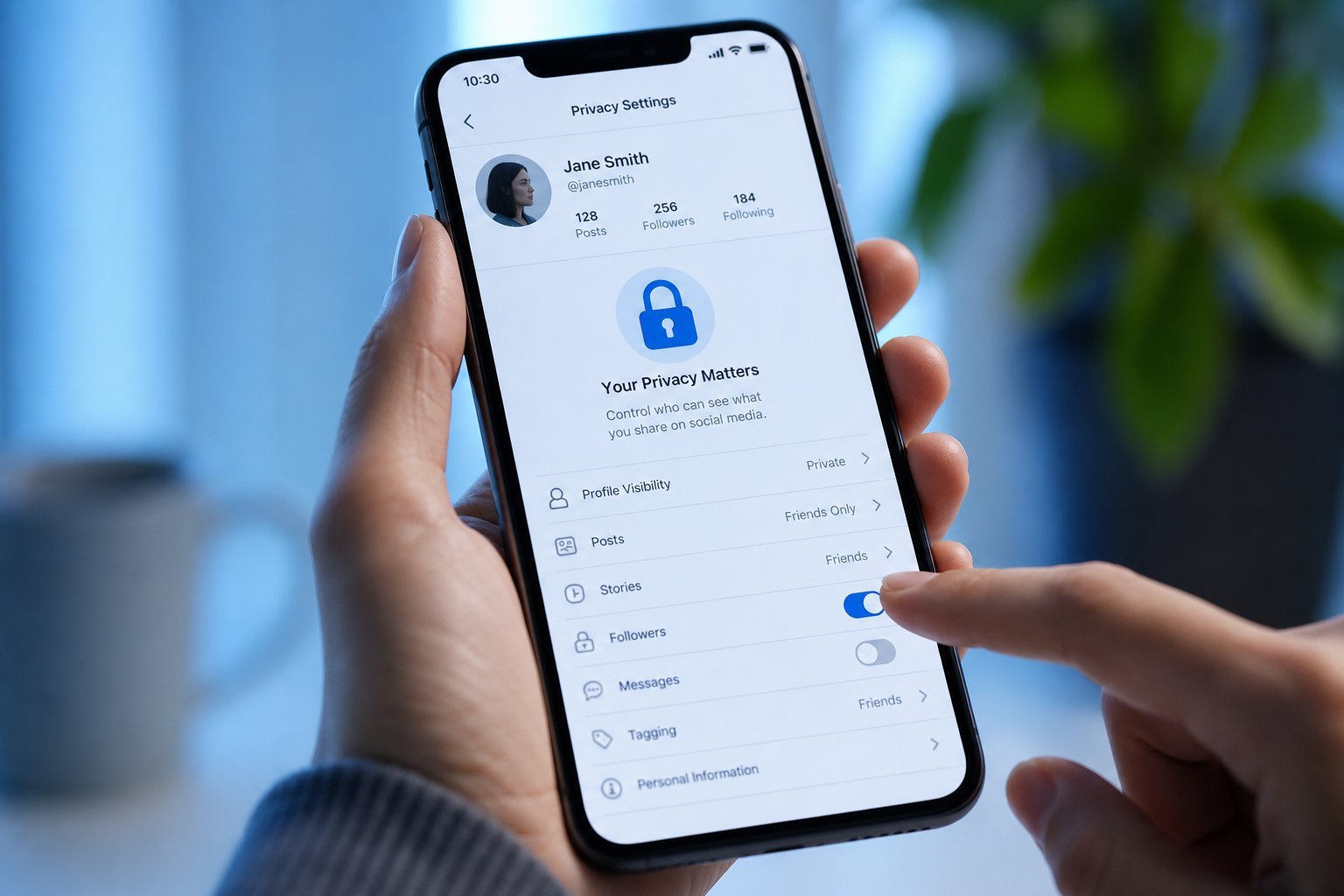
  • Set accounts to private. So only approved friends see their posts.
  • Turn off location sharing. Don't let posts reveal where they are.
  • Limit who can contact them. Restrict messages to friends only.
  • Disable or review tags. So they control what appears on their profile.
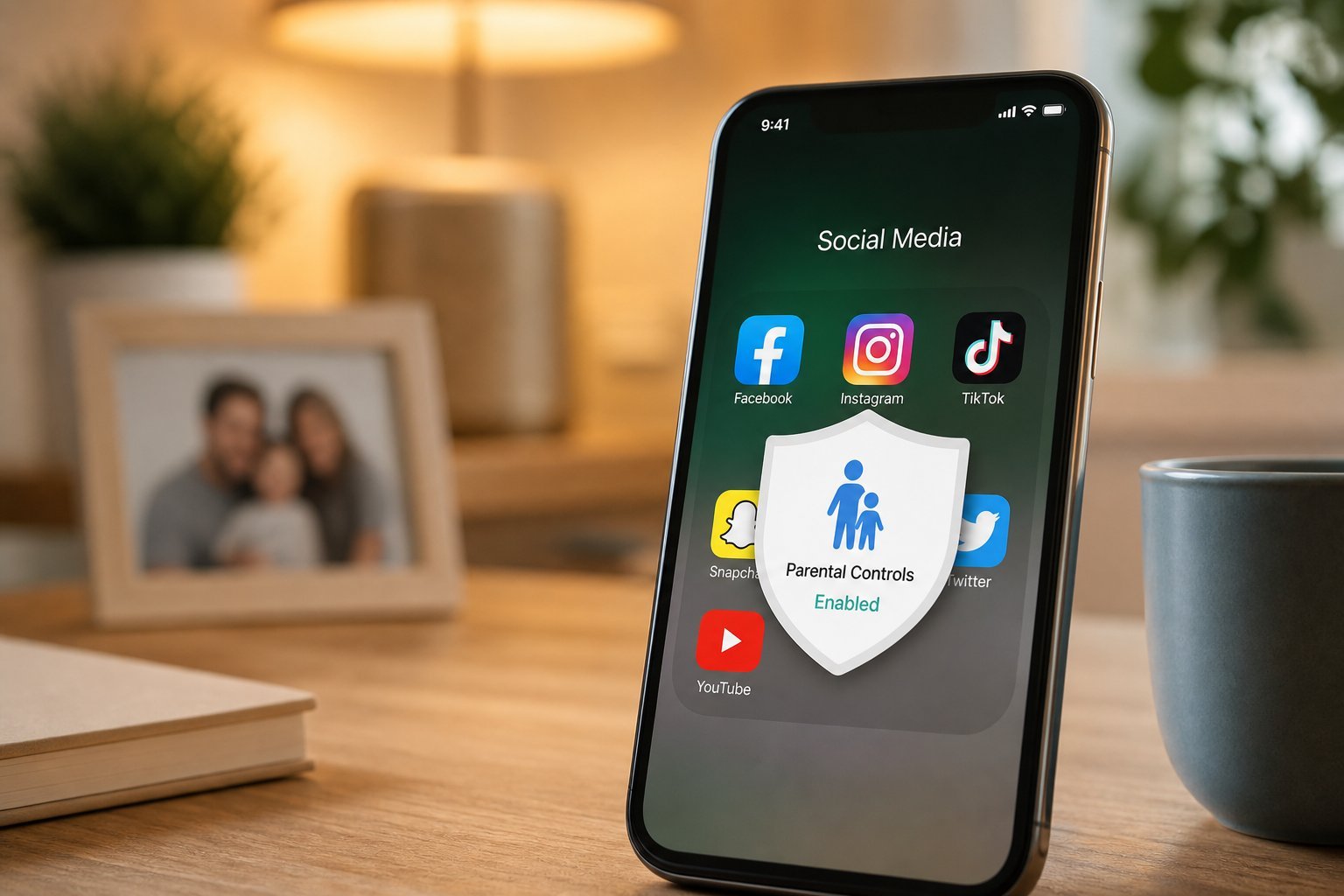
  • Use parental controls where available on the platform (see our kids' guide).
  • Private accounts, no location sharing, restricted contact and tag control make social media far safer. Set these up with your kids.

    Talk about the risks

    Settings help, but conversation matters more (see our kids' guide):

  • Talk about privacy. What's okay to share, and what isn't (addresses, school, photos).
  • Discuss strangers. Not everyone online is who they claim to be โ€” never share personal info or meet online friends alone.
  • Discuss cyberbullying. How to respond, not to engage, and to tell a trusted adult (see our guide).
  • Encourage coming to you. Let them know they can tell you if something's wrong, without fear.
  • Open conversations about privacy, strangers and cyberbullying keep kids safer than any setting. Make sure they feel comfortable coming to you.

    Healthy social media habits

    Beyond safety, encourage healthy social media use:

  • Set time limits. Too much social media isn't healthy (see our screen time guide).
  • Encourage a healthy relationship. Social media is for connection, not comparison โ€” help them understand it.
  • Model good behavior. Your own phone habits set the example.
  • Keep it in shared spaces. For younger kids, use devices where you can see them.
  • Review together. Periodically look at their feeds and privacy settings together.
  • โœจ The "review together" habit

    Periodically sit with your kid and review their social media โ€” their accounts, privacy settings, and what they're seeing. It's not about spying; it's about being involved and teaching them to manage their own digital life. It opens conversation and keeps you informed, without being overbearing.

    ๐Ÿ“Œ Bottom line

    Help kids use social media safely by enforcing age limits, setting up safety settings (private accounts, no location sharing, restricted contact), and talking about the risks (privacy, strangers, cyberbullying). Encourage healthy habits โ€” time limits, a healthy relationship with comparison, and keeping devices in shared spaces. Set up privacy settings together, keep conversations open, and model good behavior. Involved, informed parents keep kids safer on social media.

    #kids#social-media#safety#privacy#parents
    PS

    Priya Sharma

    Security researcher

    Part of the HighTechBee editorial team. Priya Sharma writes practical, beginner-friendly tech guides that solve real everyday problems.