๐Ÿ HighTechBee โ€” practical tech help, in plain English.
โœ๏ธ Write for us ๐Ÿ“ฉ Contact โ˜€๏ธ โ— Updated daily

Reduce Screen Time: Practical Ways to Use Your Phone Less

AJ
Amara JohnsonSmartphone expert ยท HighTechBee Editorial
Reduce Screen Time: Practical Ways to Use Your Phone Less

We all feel it: the pull to check our phone one more time, the hours that disappear into social media, the screens that follow us from waking to sleeping. Screen time isn't inherently bad โ€” but when it starts controlling you, it becomes a problem.

The good news: you don't need to throw away your devices. A few practical changes help you regain control and use screens intentionally instead of automatically.
Become aware first

You can't change what you don't notice. The first step is awareness:

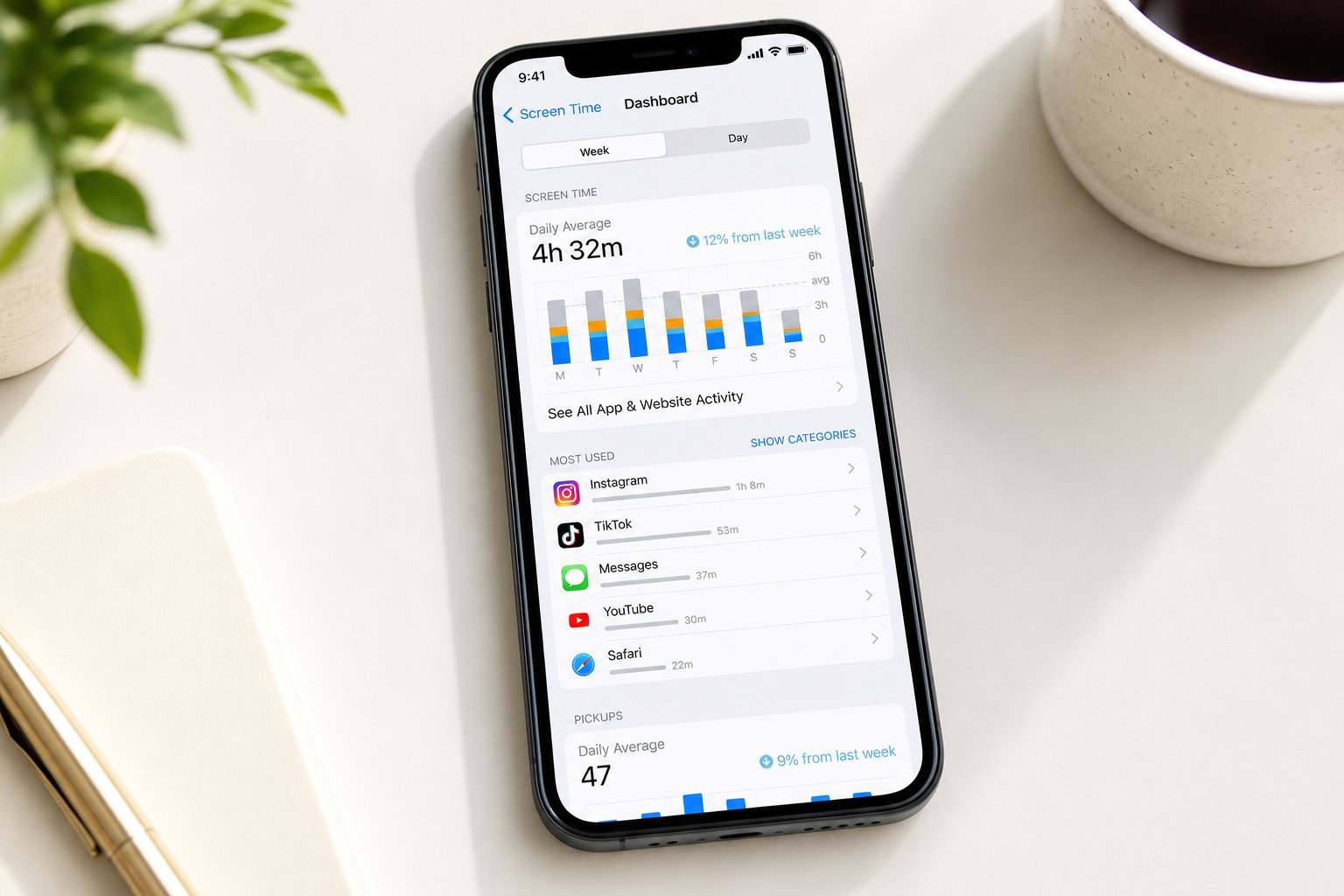
  • Check your screen time. Both iPhone (Screen Time) and Android (Digital Wellbeing) show how much you use your phone and which apps.
  • See the numbers. You'll likely be surprised by the total โ€” most people underestimate.
  • Identify the biggest apps. Which apps consume the most time? Those are your main targets.
  • Notice your triggers. When do you reach for your phone โ€” boredom, stress, habit?
  • Seeing the actual numbers is the eye-opener that motivates change. It turns a vague "I use my phone too much" into a specific, addressable problem.

    Design your phone to help

    Your phone is designed to be engaging. You can redesign it to help you use it less:

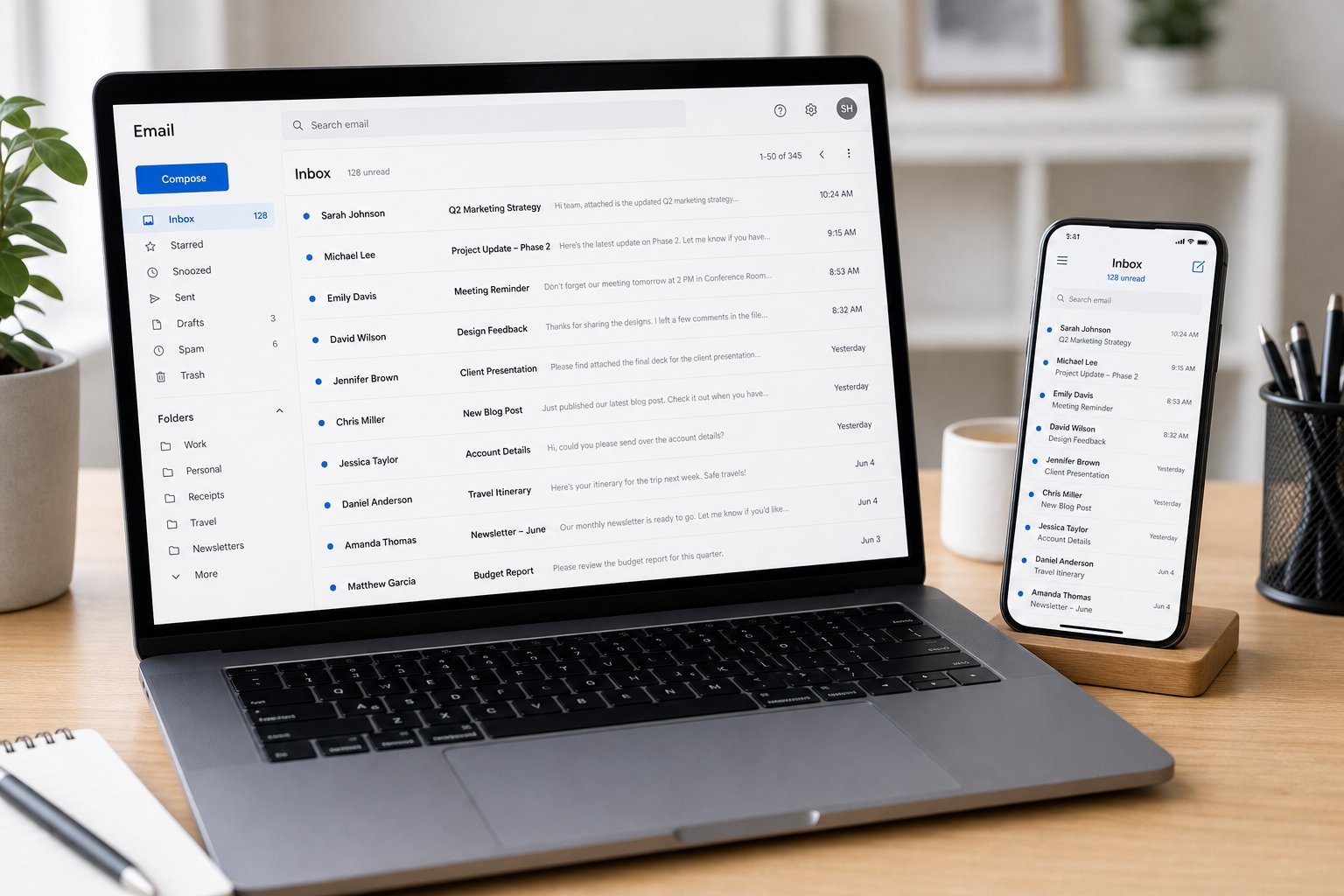
  • Turn off non-essential notifications. Every ping is an interruption. Silence all but what matters (see our email guide).
  • Use grayscale. Turning your screen to grayscale removes the colorful allure that keeps you engaged.
  • Move distracting apps off the home screen. Out of sight, out of mind โ€” tuck them away.
  • Set app timers. Use Screen Time/Digital Wellbeing limits for your biggest time-wasters.
  • Use "Do Not Disturb" or Focus modes during work and sleep.
  • ๐Ÿ’ก The grayscale trick

    Turning your phone screen to grayscale removes the bright colors that make apps engaging. Many people find they instinctively pick up their phone less when it's not colorful. It's a free, effective way to reduce compulsive checking.

    Build better habits

    Habits replace willpower. Here are habits that reduce screen time sustainably:

  • Leave your phone in another room during work, meals and sleep.
  • Replace screen time with an alternative. When you feel the urge, do something else โ€” walk, read, talk to someone.
  • Make your phone less accessible. Keep it in a bag or a drawer, not in your hand or pocket.
  • Use "one screen at a time." Don't watch TV while scrolling your phone โ€” it doubles your screen time.
  • Be present. When with people or eating, put the phone down deliberately.
  • These habits don't require willpower in the moment โ€” they change your environment and defaults so less screen time happens naturally.

    Set boundaries

    Clear boundaries protect your time and attention:

  • No screens at meals. Make mealtimes phone-free.
  • No screens in bed. The hour before sleep should be screen-free for better rest.
  • Schedule phone-free time. Dedicate time each day away from screens.
  • Set a "phone bedtime." A time when you put it away for the night.
  • Be intentional with kids. Model and set screen boundaries for the whole family (see our kids' guide).
  • โœจ The overnight charge rule

    Charge your phone outside your bedroom (or at least out of reach) overnight. It removes the temptation to scroll before sleep and in the morning โ€” improving both your sleep and your screen time.

    ๐Ÿ“Œ Bottom line

    Reducing screen time starts with awareness โ€” check your actual usage and identify the biggest apps. Then design your phone to help: turn off notifications, try grayscale, move distracting apps away and set timers. Build habits that replace screens with alternatives, and set clear boundaries like phone-free meals and bedtime. You don't need to quit your phone โ€” just use it intentionally instead of automatically.
    #screen-time#phone#habits#focus#wellbeing
    AJ

    Amara Johnson

    Smartphone expert

    Part of the HighTechBee editorial team. Amara Johnson writes practical, beginner-friendly tech guides that solve real everyday problems.