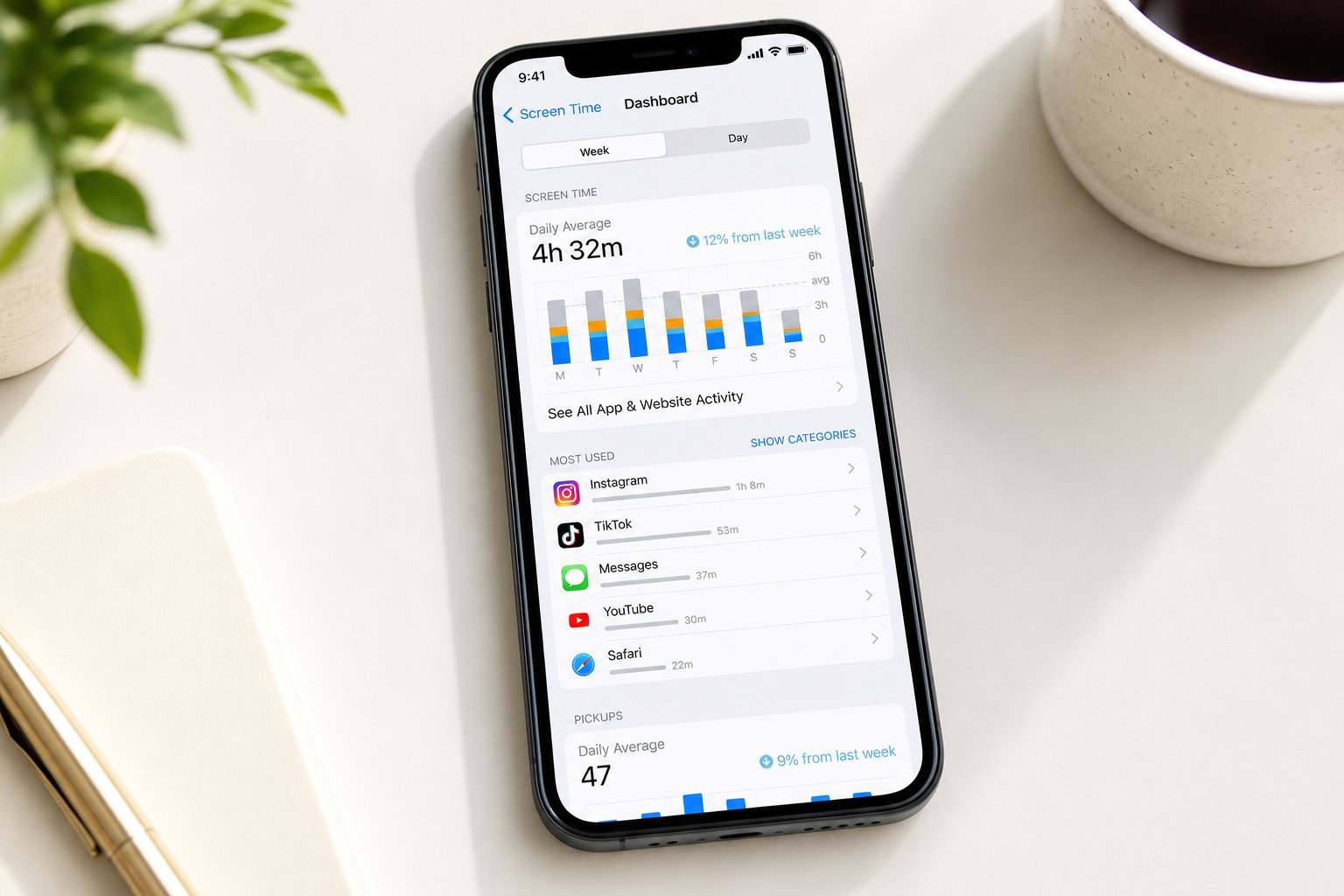
In a family home, technology isn't just personal — it's shared. One laptop, a family tablet, a shared smart TV, kids' devices, a couple of phones. Managing all of it — who uses what, keeping kids safe, sharing accounts, stopping fights over screen time — can feel like a juggling act.
The good news: a little setup and a few ground rules make family tech run smoothly. This guide covers how to manage shared family devices and accounts.
Manage shared devices
Shared family devices (laptops, tablets, TVs) work best with a little structure:
Separate user accounts and profiles on shared devices keep everyone organized and prevent "who changed my settings?" arguments.
Share accounts wisely
Account sharing needs care — both for convenience and security:
💡 The account rule
Use family plans for subscriptions (they allow multiple members legitimately) and keep personal accounts separate for important things like email and banking. A family password manager lets you share what needs sharing securely. Shared logins are convenient but should be deliberate, not accidental.
Set up kids' devices
Setting up kids' devices properly makes family tech run better:
Setting up kids' devices with controls and agreed rules prevents a lot of conflict and keeps them safe.
Family tech rules
Shared tech runs best with clear, agreed ground rules:
✨ The family charging station
Set up a central charging station where all family devices charge overnight — phones, tablets, smartwatches. It keeps screens out of bedrooms (better for sleep and screen time), prevents "who's using the charger?" fights, and gives everyone a consistent place for their devices. It's a simple habit that transforms family tech.
📌 Bottom line
Family tech runs smoothly with structure and rules. Use separate user accounts and profiles on shared devices, and set up kids' devices with parental controls. Share accounts wisely — use family plans, keep personal accounts separate, and use a family password manager. Agree on family tech rules like screen-time limits, no screens at meals/bedtime, and a central charging station. A little setup and clear ground rules make shared family tech enjoyable instead of stressful.