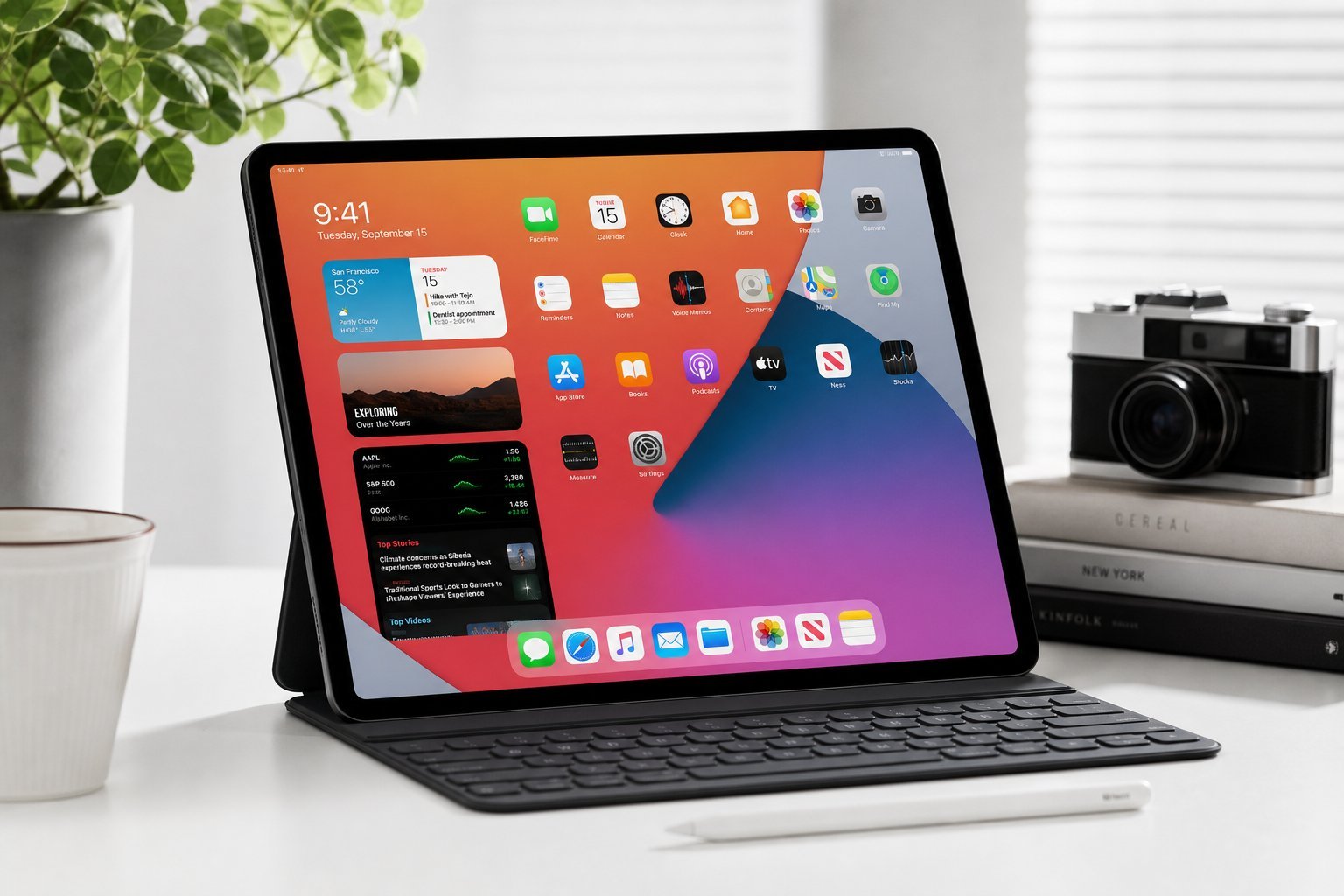
Is a tablet worth it? For many people, yes — a tablet is a convenient middle ground between a phone and a laptop, great for watching, reading, browsing and light work. But with iPad, Android tablets and budget options all competing, choosing one can be confusing.
This guide helps you decide whether a tablet is right for you, and how to choose one that fits your needs and budget.
Do you need a tablet?
Let's be honest about what a tablet is good for. It's not a full laptop replacement, and it overlaps with your phone. Here's where tablets genuinely shine:
- Media consumption. Watching video, reading, browsing — the best size for these.
- Light productivity. Notes, email, documents, video calls.
- Drawing and note-taking. With a stylus, great for artists and students.
- Kids and family. A shared device for games, education and entertainment.
- Portability. Bigger than a phone, lighter than a laptop.
If these match how you'll use it, a tablet is worth it. If you just need a phone and a full computer, you may not need one.
iPad vs Android tablets
The two main platforms, and their differences:
| iPad | Android tablet | |
|---|---|---|
| Best for | Polished experience, ecosystem | Budget options, flexibility |
| Apps | Excellent, high-quality tablet apps | Good, but some apps are phone-stretched |
| Price range | Budget to premium | Very budget-friendly to premium |
| Ecosystem | Apple devices | Android/Google |
💡 The platform rule
Match the tablet to your ecosystem, like phones. If you're all-Apple, an iPad integrates best. If you're in the Android/Google world, an Android tablet fits. The iPad tends to have better tablet-optimized apps, while Android offers more budget choices.
What to look for
When comparing tablets, focus on these:
Prioritize screen quality and enough performance and storage for your needs. You don't need the most powerful tablet unless you'll use it heavily.
How to choose
Here's a practical way to pick a tablet:
✨ Don't overbuy
Most tablet uses — watching, reading, browsing, light work — don't need the most expensive model. A good mid-range tablet handles these excellently. Spend more only if you'll draw, do heavy work, or specifically need the best screen or performance.
📌 Bottom line
A tablet is great for media, reading, light work, drawing and family use — but it's not a full laptop replacement. Choose between iPad (best with Apple, polished apps) and Android (more budget choices). Prioritize screen quality, enough performance and storage, and stylus support if you'll use it. Match your ecosystem, set a budget and don't overbuy. A well-chosen tablet is a versatile, enjoyable device.