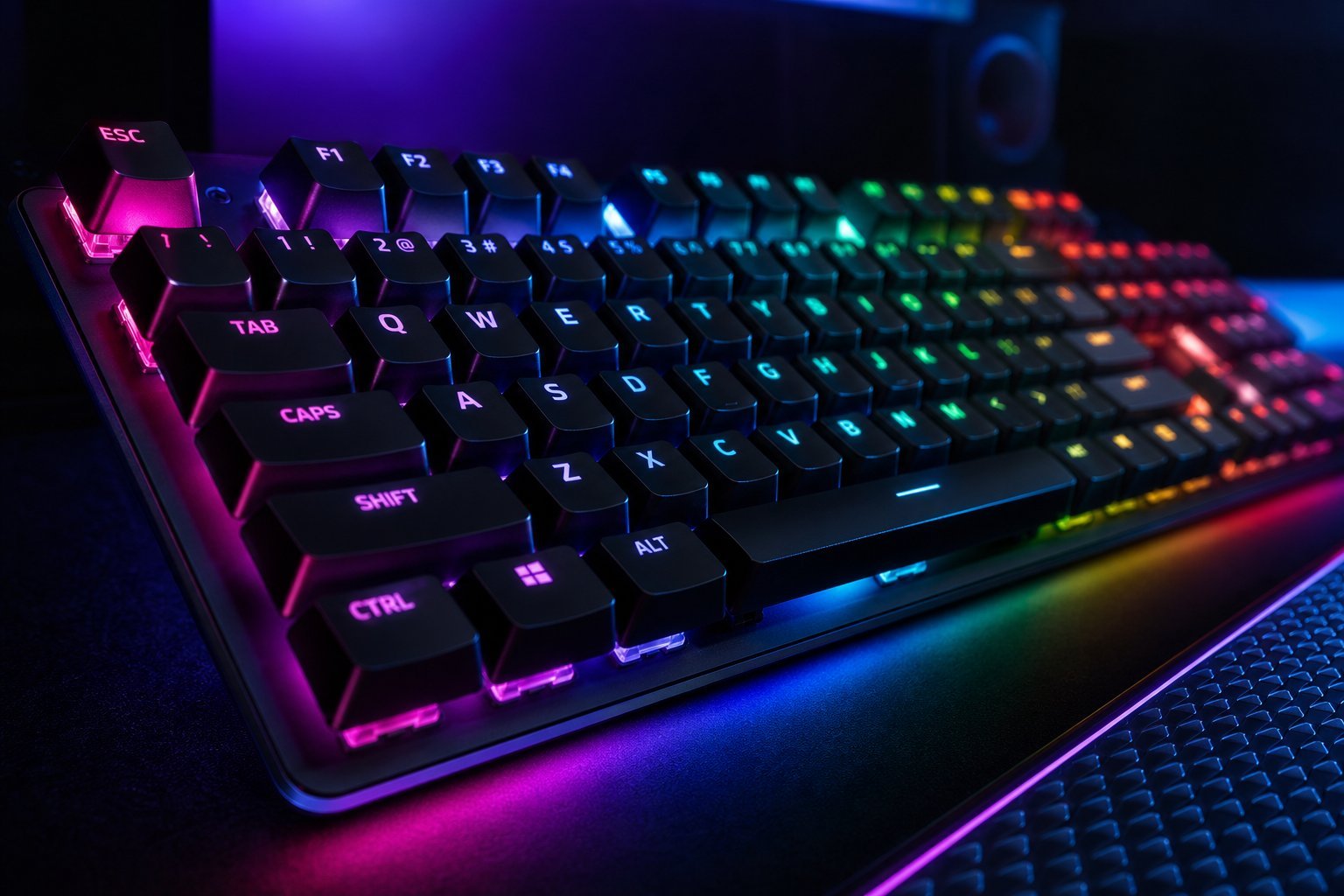
We've covered mechanical keyboards broadly, but choosing a keyboard specifically for gaming has its own considerations — switch types, response, and features that support gaming. The right gaming keyboard feels responsive and comfortable for long sessions.
This guide helps you choose a gaming keyboard, focusing on what actually matters for gaming.
Switches for gaming
The switch type affects how the keyboard feels for gaming (see our switch guide):
Linear switches are often favored for gaming (fast, smooth), but tactile is a good all-round choice. Try switches to find what you like (see our keyboard guide).
Gaming features
Here are the gaming features worth knowing:
Anti-ghosting is the most important gaming feature — it ensures your keypresses register. Programmable keys and RGB are nice-to-haves.
How to choose
Here's how to pick a gaming keyboard:
💡 The gaming keyboard formula
For gaming, prioritize linear or tactile switches you like (try a tester), anti-ghosting so keypresses register, and a comfortable size (full or TKL). Wired for zero latency, or a quality wireless. Read reviews for durability. You don't need the most expensive — a good switch and anti-ghosting are the essentials.
✨ Try a switch tester first
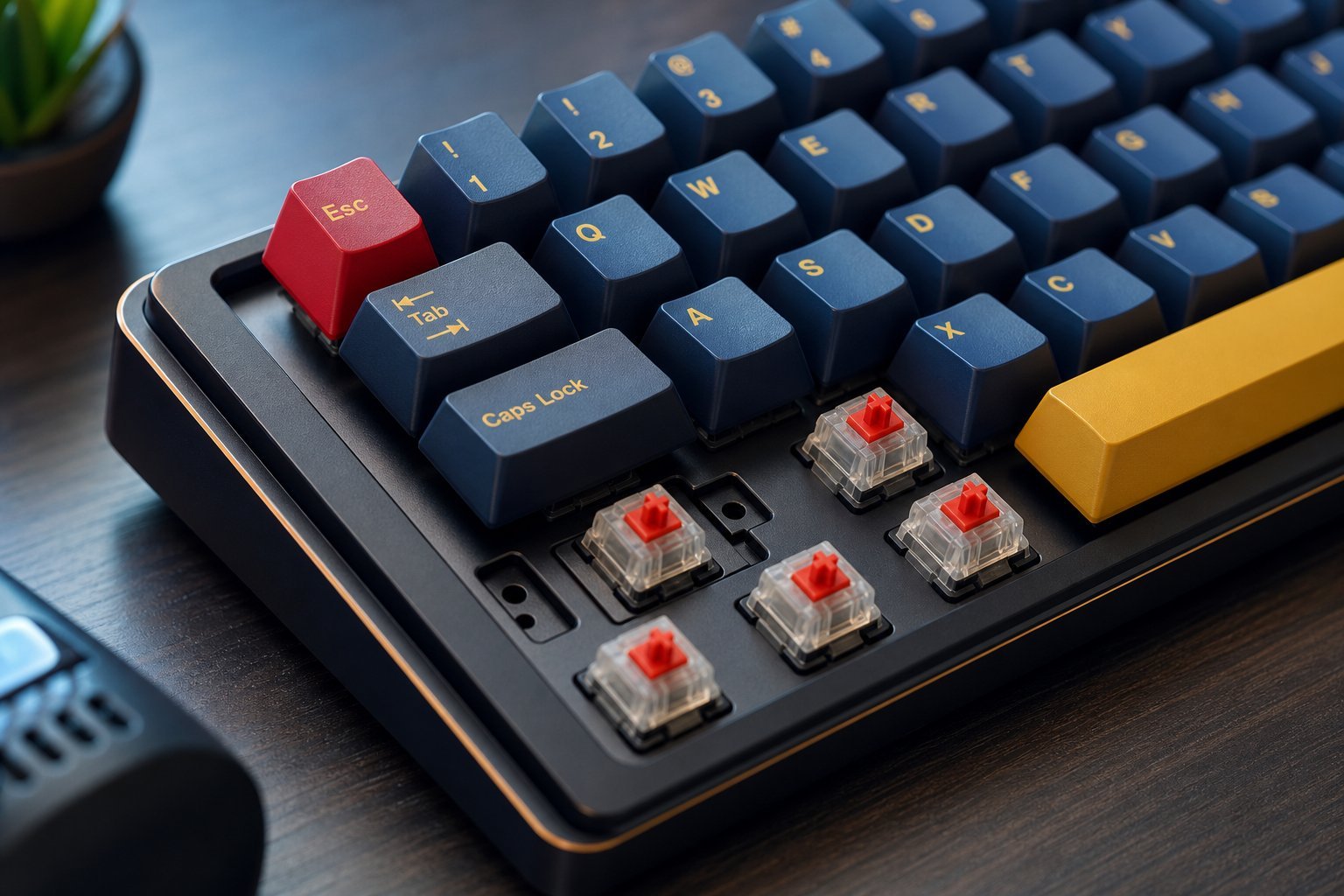
If you're unsure which switch you like, buy a switch tester — a small keypad with several switch types. It's cheap and lets you feel linear, tactile and clicky before committing to a full keyboard (see our guide). It saves you buying a keyboard with switches you don't like.
📌 Bottom line
Choose a gaming keyboard by picking switches you like (linear for gaming, tactile for all-round — try a tester), ensuring anti-ghosting so keypresses register, and choosing a comfortable size (full or TKL). Consider wired vs wireless and read reviews for durability. Set a sensible budget — a good switch and anti-ghosting are the essentials. Get those right, and your keyboard will feel responsive for years.