Writing is something almost all of us do every day — emails, reports, messages, social posts, maybe even a blog or a resume. And a lot of us struggle with it: getting started, finding the right words, or making something clear and polished. That's where AI writing tools come in.
AI writing assistants can help you draft, edit and improve your writing in seconds. But they work best when you know how to use them well — and what they can't do. This guide covers the best AI writing tools, how to use them effectively, and the smart way to make them part of your workflow.
What we'll cover
What AI writing tools do The best options How to get great results Practical ways to use them Know their limitsWhat AI writing tools do
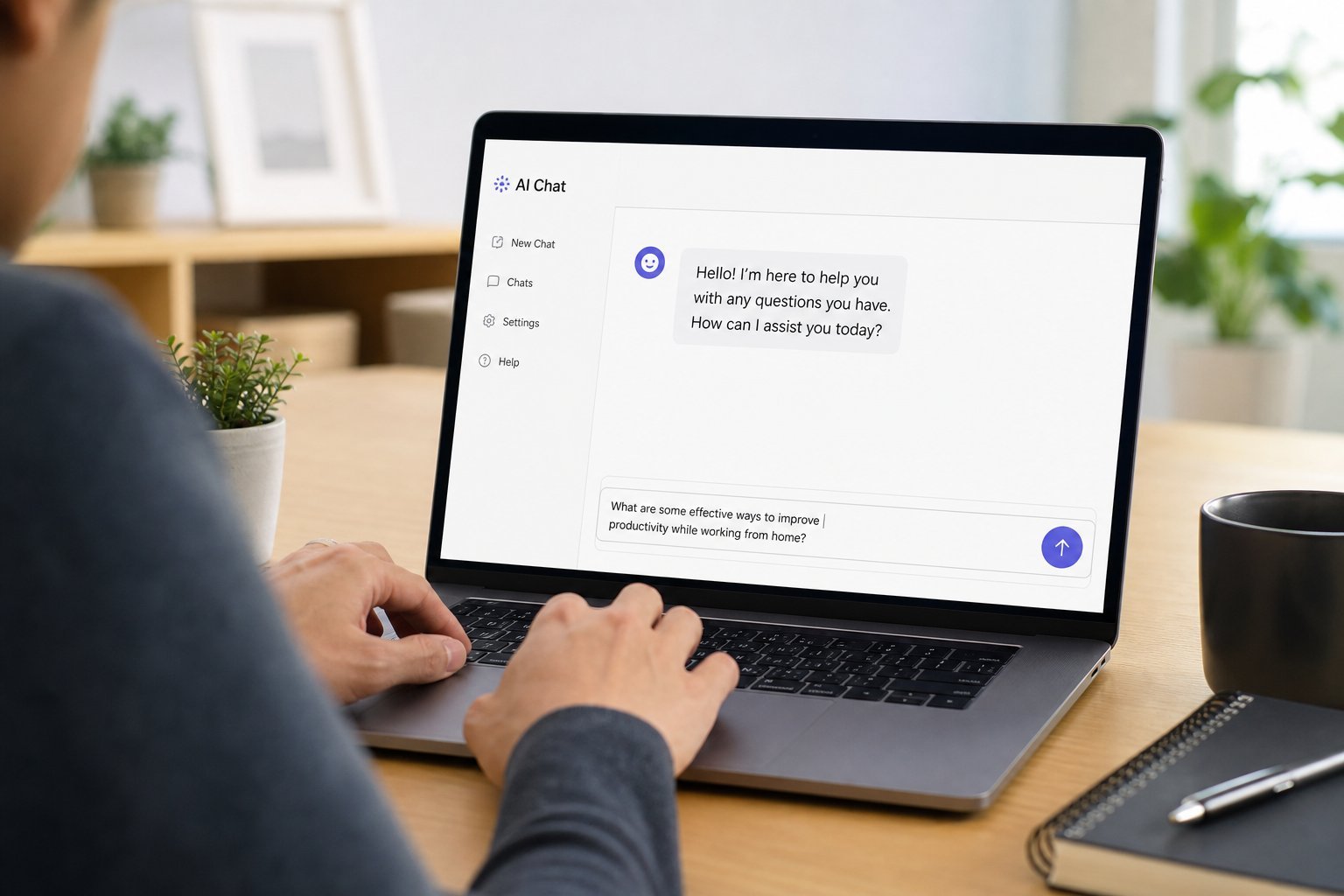
AI writing tools use the same language-model technology behind chatbots (see our ChatGPT guide) to help you write. They can:
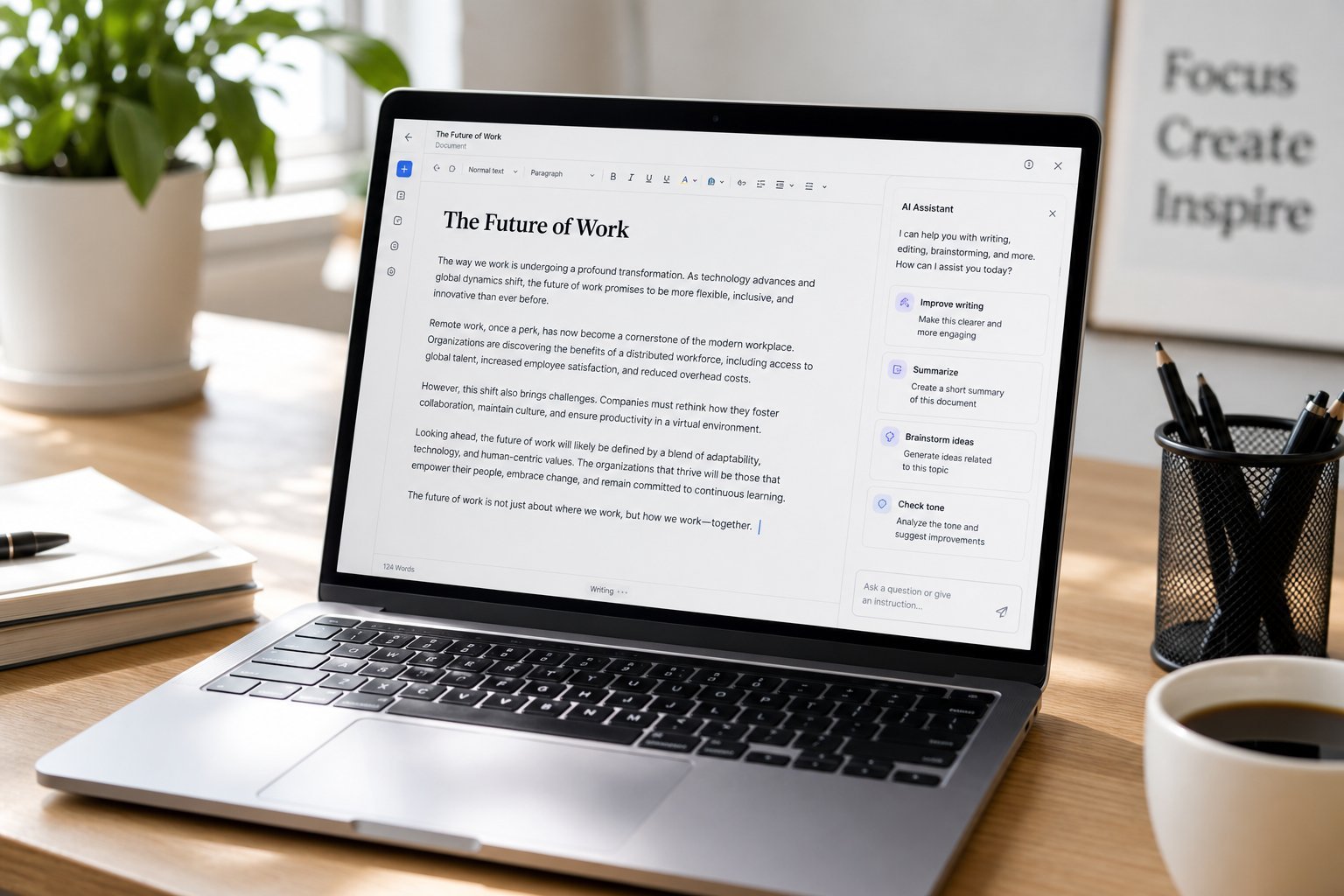
- Generate text from a prompt or outline.
- Rewrite your writing to be clearer, more formal, or more friendly.
- Edit and proofread — fixing grammar, spelling and flow.
- Summarize long documents.
- Brainstorm ideas, titles, and angles.
- Overcome writer's block — give you a starting point when you're stuck.
The key insight: AI writing tools are assistants, not replacements. They're best at giving you a strong first draft or improving what you've written — not at producing final, polished work you can submit without review.
The best options
You have several good options, ranging from free chatbots to dedicated writing tools:
| Tool | Best for | Notes |
|---|---|---|
| ChatGPT | Versatile writing help | Free tier, great for drafts & editing |
| Google Gemini | Writing + research | Free, integrates with Google |
| Grammarly | Editing & proofreading | Checks grammar, tone, clarity |
| Claude | Long-form & nuanced writing | Strong at natural, detailed text |
| Hemingway / Quillbot | Clarity & paraphrasing | Make writing clearer, rephrase |
For most people, starting with a free chatbot (ChatGPT or Gemini) plus a proofreading tool (Grammarly's free tier) covers most writing needs without spending money.
How to get great results
The quality of AI writing depends heavily on your instructions. Here's how to get the best output:
✨ Steal these prompt starters
"Rewrite this to be clearer and more [formal/friendly]: [paste]" · "Draft a [type] about [topic] for [audience]" · "Summarize this in 3 bullets: [paste]" · "Give me 5 [catchy/formal] titles for [topic]" · "Expand this outline into a full [paragraphs]."
Practical ways to use them
Here are realistic, genuinely useful ways to use AI writing tools today:
- Emails. Draft polite replies, especially to awkward or difficult messages.
- Editing your own writing. Paste a draft and ask it to fix grammar and improve clarity.
- Overcoming writer's block. Ask for a rough first paragraph or an outline to get started.
- Summarizing. Condense long articles, meeting notes or documents.
- Brainstorming. Generate ideas, names, titles or angles.
- Consistent tone. Ask it to rewrite text to match a specific style or audience.
The sweet spot: use AI for drafts, edits and ideas, then add your own knowledge and voice. That's where it saves the most time without compromising quality.
Know their limits
AI writing tools are powerful but have real limitations. Keep these in mind:
- They can be wrong. They may state facts confidently that are incorrect. Verify important information.
- They lack your experience. They don't know your company, your relationship with a client, or your personal context unless you provide it.
- They can sound generic. AI text can be bland or formulaic. Add your own voice.
- Privacy. Don't paste sensitive personal or business data into free AI tools.
- Always review. Never publish or send AI-generated text without reading and checking it.
⚠️ Your voice matters
AI-generated text can read as generic or impersonal. The best use is as a starting point you then personalize. Review everything, correct errors, and add your own knowledge and tone — otherwise your writing loses the human touch that builds trust.
📌 Bottom line
AI writing tools help you draft, edit and improve writing — from emails to reports to creative pieces. Start with a free chatbot plus a proofreading tool, give clear instructions about audience, format and tone, and use AI for drafts and edits rather than finished work. Verify important facts, protect your privacy, and always review and personalize the output. Used well, they save time and overcome writer's block without replacing your judgment.