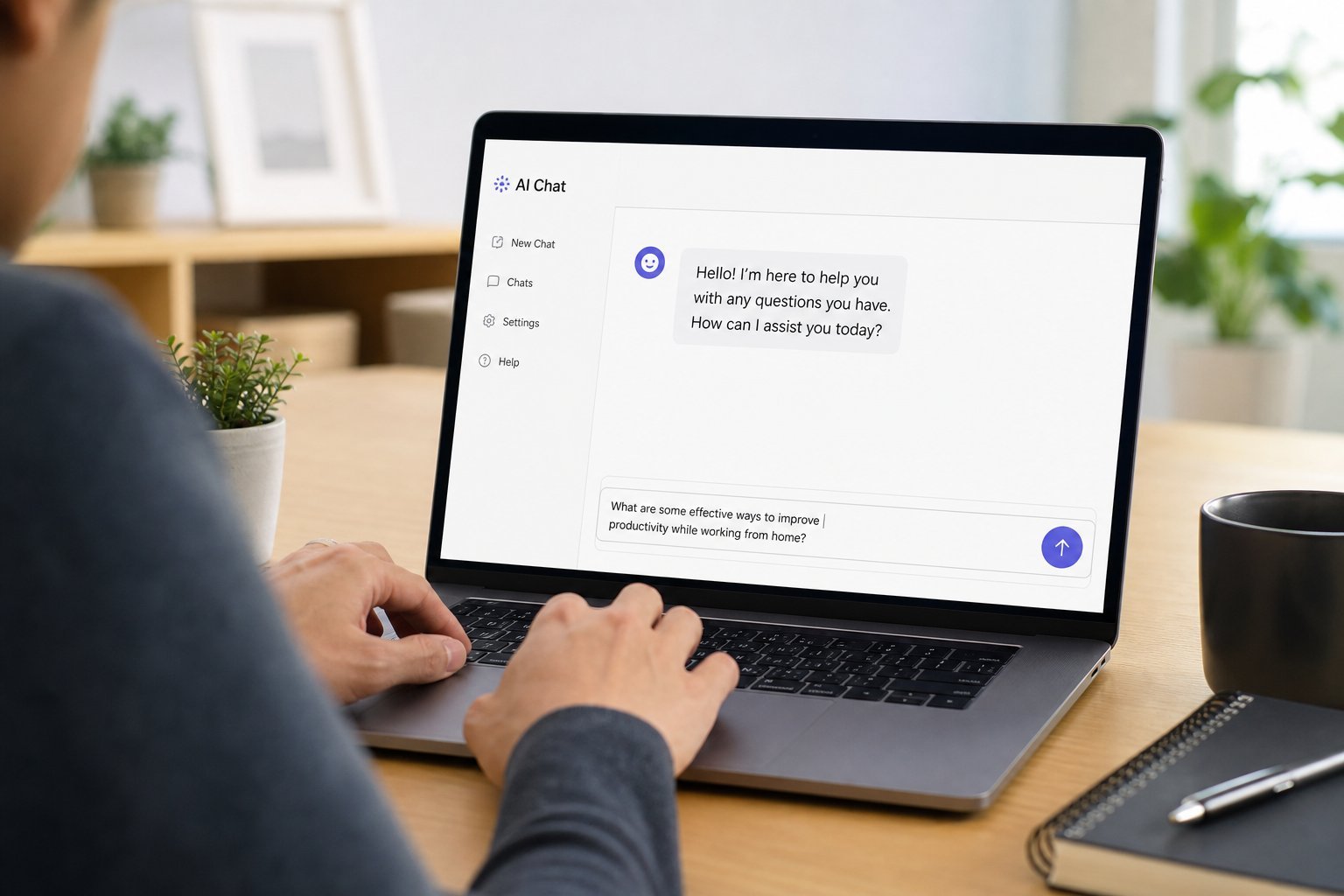
Maybe you've seen friends use it to write emails or plan vacations. Maybe you've heard it can "do your homework" or "write code." Or maybe you're just curious what all the fuss is about. Either way, if you've never used a chatbot before, you're in the right place.
This is a friendly, zero-pressure walkthrough for complete beginners. We'll cover what ChatGPT actually is, how to get started in minutes, how to talk to it effectively, and the genuinely useful things you can do with it — plus the important limits to keep in mind.
What we'll cover
What ChatGPT is (in plain terms) How to start using it in 5 minutes How to talk to it: prompts that work Real everyday uses for ChatGPT What it can't do well A few beginner tipsWhat ChatGPT is (in plain terms)
ChatGPT is a chatbot — a computer program you talk to by typing, and it replies in natural, human-like text. Under the hood, it's an artificial intelligence model trained on a massive amount of text from the internet. It learned how words, sentences and ideas typically fit together.
Here's the key thing to understand: ChatGPT is not a search engine, and it's not a person. It doesn't "look up" answers. Instead, when you type something, it predicts what a good response would sound like, one word at a time, based on patterns it learned.
That's why it can sound so natural and confident — and why it can sometimes be confidently wrong. It's exceptionally good at producing plausible, useful text, but it doesn't truly "know" facts the way a human researcher does. Keep that in mind and you'll use it well.
💡 Mental model
Think of ChatGPT as a fast, enthusiastic, very well-read assistant who's a bit overconfident. Great for drafting, explaining, brainstorming and editing — but you should double-check anything important.
How to start using it in 5 minutes
Getting started is genuinely easy, and you don't need to install anything:
That's literally it. There's no setup, no learning curve to start. The skill is in how you phrase things — which we'll cover next.
How to talk to it: prompts that work
The word for what you type is a prompt, and the quality of ChatGPT's answer depends a lot on the prompt. Good prompts are specific and give context. Here's the difference:
A weak prompt: "Write about healthy food."
A strong prompt: "Write a short, friendly paragraph for a beginner about three easy healthy snacks for work. Keep it simple, around 60 words, and use a casual tone."
See the difference? The strong prompt specifies the topic, the length, the audience, the tone and the format. That's the recipe. To get great results, include:
- Context: who is this for, and why?
- Format: a paragraph, a list, bullet points, an email, a table?
- Tone: casual, professional, friendly, funny?
- Length: short, medium, or "in 3 sentences"?
✨ Templates to steal
"Explain [topic] to a [beginner/10-year-old]." · "Rewrite this to sound more [formal/friendly]: [paste text]." · "Give me 5 ideas for [goal], in bullet points." · "Summarize this in 3 sentences: [paste text]." · "Act as a [role] and [task]."
Real everyday uses for ChatGPT
Let's move from theory to practical, genuinely useful things you can do right now:
- Explain things simply. Ask it to explain a confusing topic as if you're a 10-year-old. It's remarkably good at simplifying.
- Draft emails and messages. Give it the gist and let it write a polite, professional version. Especially handy for awkward or difficult messages.
- Plan and organize. "Make a packing list for a 4-day beach trip," or "create a weekly meal plan for a family of four on a budget."
- Brainstorm ideas. Names, gift ideas, content ideas, business ideas — it's a tireless brainstorming partner.
- Write and improve writing. Ask it to edit your text, fix grammar, or make it clearer. Great for reports, resumes and posts.
- Learn new things. "Teach me the basics of [topic]" works well for getting started on almost anything.
- Act as a role. "Act as my interview coach and ask me questions," or "act as a friendly tutor and explain algebra step by step."
The common thread: ChatGPT is best at producing and polishing text, organizing information, and explaining concepts — not at finding the latest facts or doing exact calculations.
What it can't do well
Using ChatGPT well means knowing its limits. Here's where it struggles:
- Recent and current events. It may not know the very latest news or changes.
- Exact facts and numbers. It can hallucinate — state false things confidently. Verify important facts.
- Math and calculations. It's a language model, not a calculator. Don't trust it for precise arithmetic; use a calculator for that.
- Real-time information. It doesn't browse the live web (in its default mode), so it can't check stock prices or live scores.
- Anything needing judgment. Medical, legal, financial or safety advice should come from qualified professionals, not a chatbot.
⚠️ Double-check what matters
For anything important — facts, numbers, dates, medical/legal/financial info — treat ChatGPT's answer as a draft to verify, not as the final word. And never enter sensitive personal data (passwords, full credit card numbers, private documents) into it.
A few beginner tips
To wrap up, here are the tips that turn a first-time user into a power user:
📌 Bottom line
ChatGPT is a free, easy-to-use AI assistant that's great at explaining, writing, planning and brainstorming. Start with a clear, specific prompt, use follow-ups to refine the answer, and verify anything important. It won't replace your judgment — but it can save you a surprising amount of time.