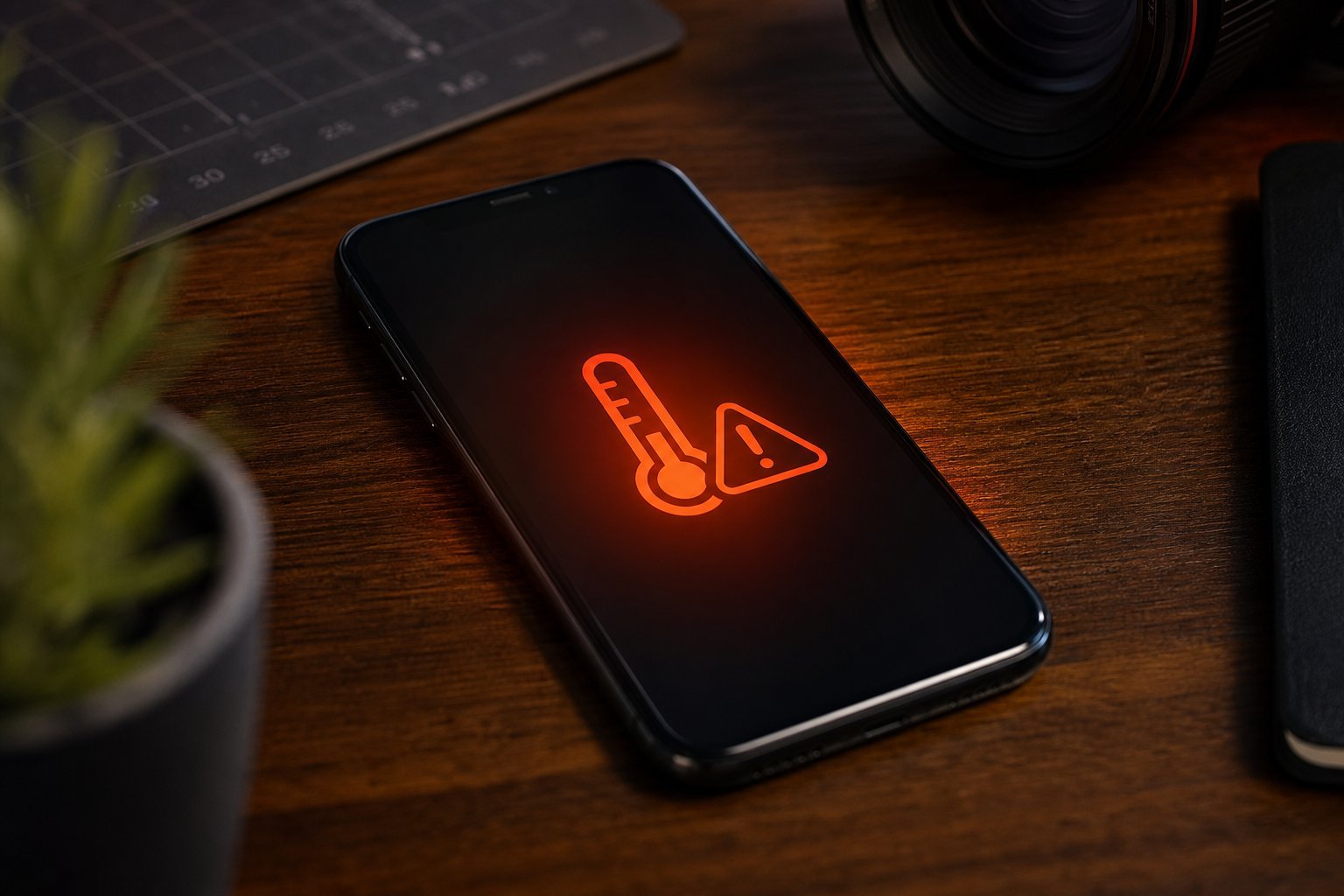
Your phone feels hot — really hot. Maybe it warmed up while charging, or during a long video call, or it just seems to run warm all the time. Is it normal? Is it dangerous? Should you be worried?
Here's the honest answer: phones getting warm is normal. They generate heat whenever they work hard. But excessive or persistent heat is a sign that something's worth addressing — and leaving it unchecked can harm your battery and your phone. This guide explains why phones overheat, what's normal, and how to cool one down safely.
What we'll cover
Is it normal? Know the difference Why phones overheat What to do right now How to prevent overheating When to be concernedIs it normal? Know the difference
First, let's set expectations. A phone warming up is not a malfunction. Here's what's normal vs. what's a warning sign:
- Normal: Warm while charging, streaming video, playing games, using GPS navigation, or during software updates. These are intense activities that naturally generate heat.
- Normal: Slightly warm when doing heavy work on a hot day.
- Worth attention: Hot to the point of discomfort when held, heat with no obvious cause, or heat accompanied by rapid battery drain.
- Concerning: A swollen/bulging battery, a screen lifting away from the body, or burning smells. These require immediate action.
Most heat is a normal reaction to hard work. The key is to notice the difference between normal warmth and a sign of trouble.
Why phones overheat
Several common causes explain most overheating:
- Direct sunlight. Leaving a phone in the sun (dashboard, windowsill) heats it up fast. This is a leading cause of overheating warnings.
- Demanding apps. Games, video streaming and GPS all work the processor hard, producing heat.
- Charging. Charging generates heat, especially fast charging. Using the phone while fast-charging adds more.
- Poor ventilation. Using the phone under pillows, blankets or in tight cases traps heat.
- A worn or failing battery. An aging battery can run warm and drain quickly.
- Too many background processes. Many apps running at once work the phone harder.
Once you know the causes, prevention becomes straightforward — most overheating is avoidable.
What to do right now
If your phone is hot right now, here's how to cool it down safely and quickly:
⚠️ Don't try to rush it
Never put a hot phone in the fridge or freezer, and never run it under cold water. Rapid cooling can cause condensation and damage the phone. Just remove it from heat, let it ventilate, and give it a few minutes in a normal room.
How to prevent overheating
Prevention is better than cure. These habits keep your phone cool in the first place:
- Avoid direct sun and hot car interiors. Keep the phone out of the sun and dashboard.
- Unplug the case during charging or heavy use if it runs warm.
- Don't use the phone under blankets or pillows — block the ventilation.
- Pause fast charging during intense use, or charge without heavy gaming/streaming simultaneously.
- Manage background apps — close apps you're not using.
- Keep the phone updated — updates often include efficiency fixes.
- Use airplane mode briefly if signal is poor (a phone hunting for signal works harder and heats up).
These are small habits that prevent the most common causes of overheating.
When to be concerned
Most overheating is manageable, but there are signs you should take seriously:
- A swollen or bulging battery. If the phone's back is lifting or the screen is pushing out, the battery may be swelling. This is a fire hazard. Stop using the phone immediately and get professional help.
- Burning or chemical smells — stop using the phone and unplug it right away.
- Overheating warnings that won't go away even after normal use and cooling — the phone may need service.
- Rapid, unexplained heat accompanied by fast battery drain — could indicate a failing battery.
⚠️ A swollen battery is serious
If you suspect a swollen battery (back or screen bulging), stop using the phone immediately. Do not try to charge, puncture or remove it yourself. Take it to a professional repair service — a swollen lithium battery is a real fire risk.
For the vast majority of heat situations, a few minutes of rest fixes everything. But if you see swelling or smell burning, don't take chances — get professional help.
📌 Bottom line
Phones getting warm is normal — it happens when they work hard. The fix is simple: remove it from sun and heat, take off the case, stop charging and close heavy apps, then let it rest in a cool place. Prevent overheating by avoiding direct sun, not blocking airflow, and managing demanding apps. Be alert for serious signs — swelling or burning smells require immediate professional help. Handle heat sensibly, and your phone will stay healthy.